> For the complete documentation index, see [llms.txt](https://palo-alto.presidiocreative.com/llms.txt). Markdown versions of documentation pages are available by appending `.md` to page URLs; this page is available as [Markdown](https://palo-alto.presidiocreative.com/siblings/product-siblings/about-product-siblings.md).
# About product siblings
Display product images as swatches
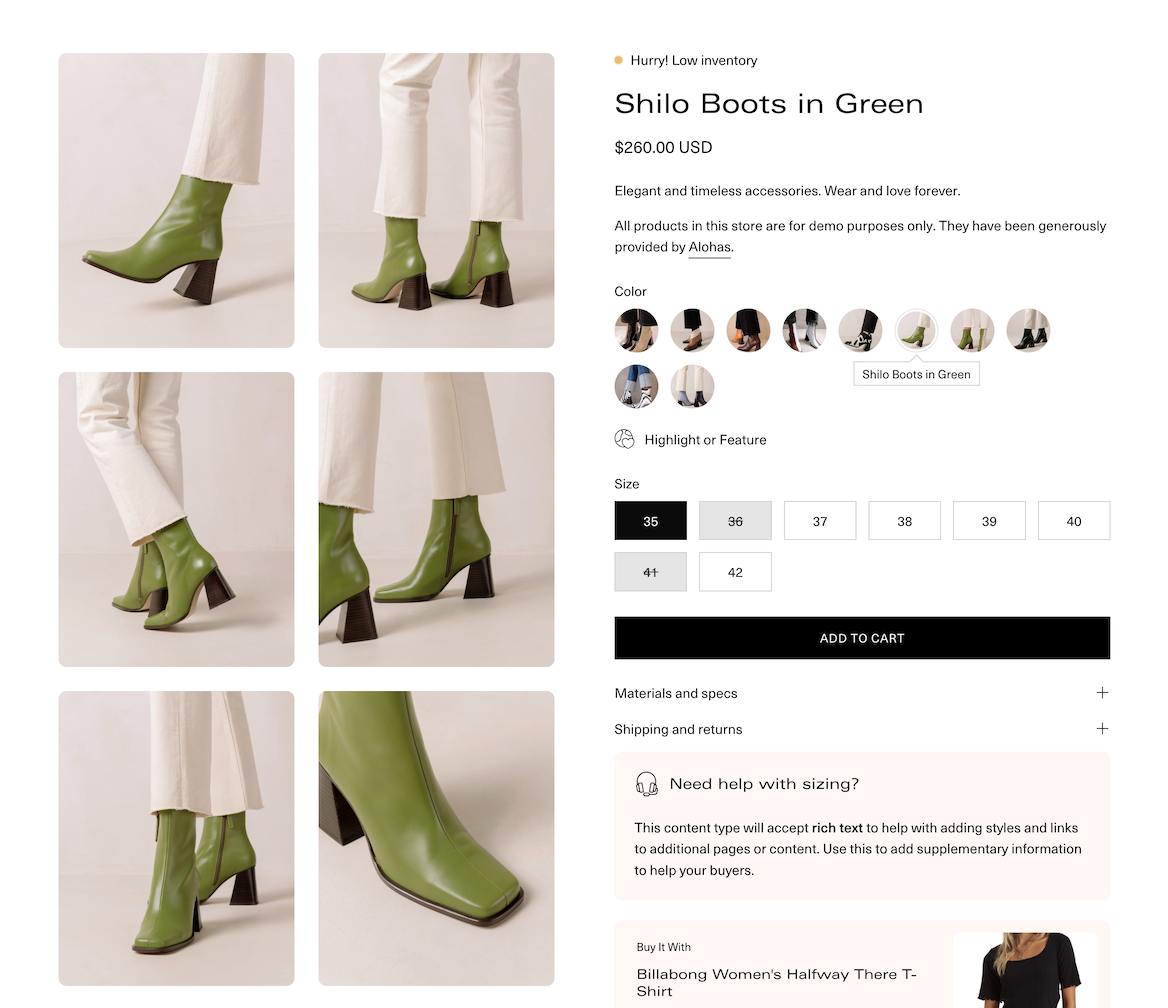
Palo Alto includes the ability to link directly to other products as product swatches. The result is rich product detail pages that include swatches with images that represent each variant option.
This feature is called siblings. When you view a siblings product, only the images associated with that variant option, plus product details, and prices for the variant are shown:
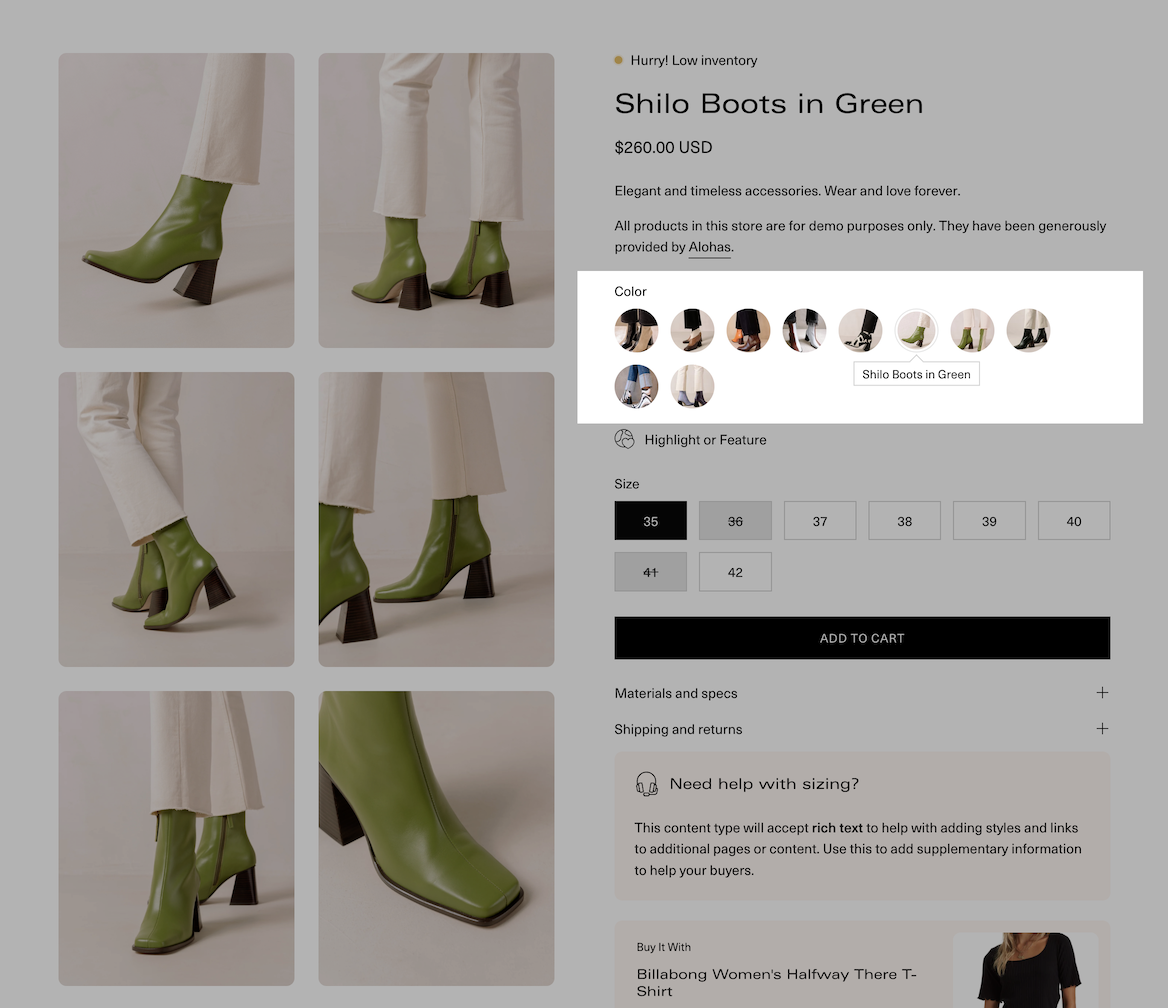
### Swatch images
Each product sibling appears automatically as a swatch:
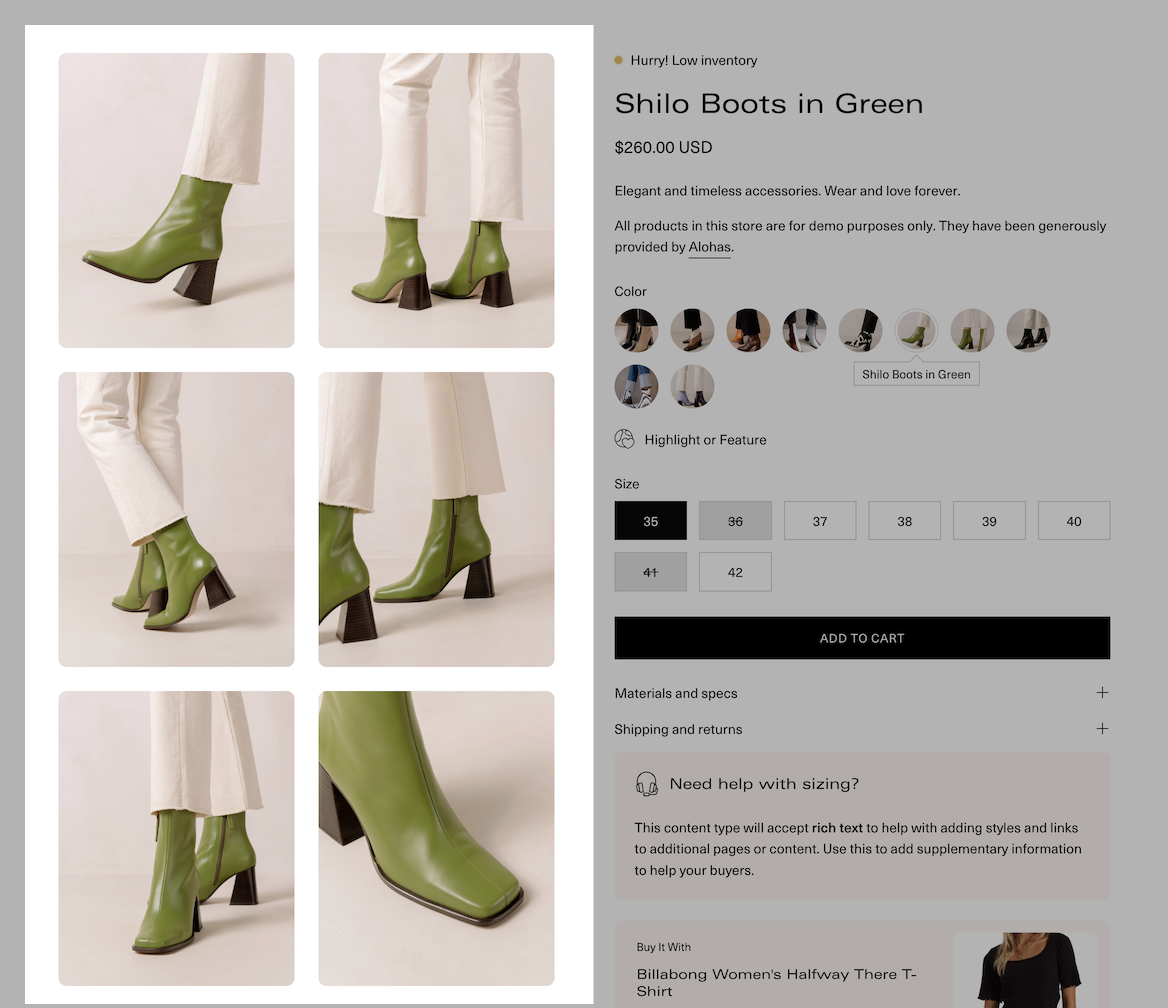
### Unique product images
Only product images for that color style are shown:
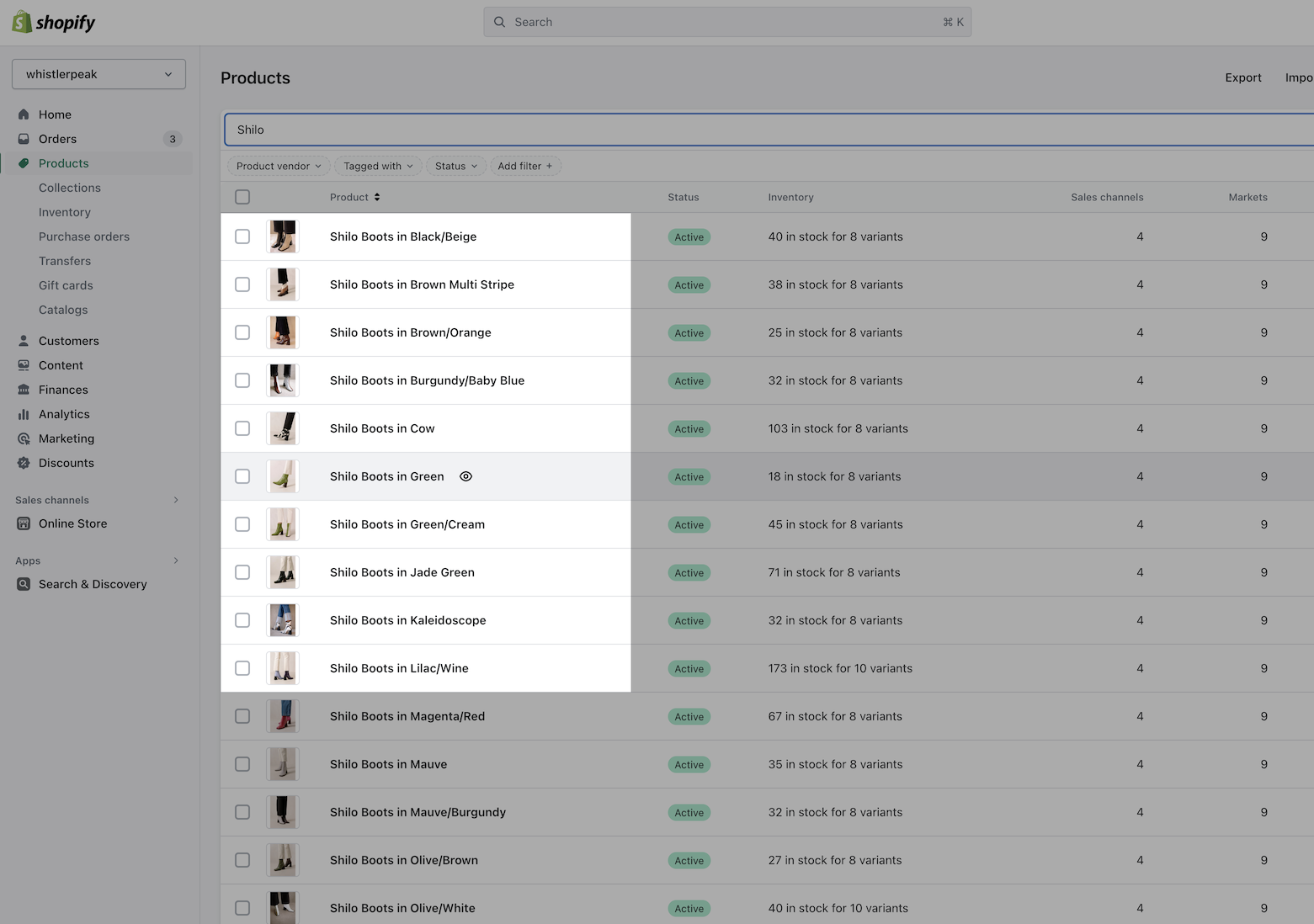
### Individual products
Each sibling is an individual product. Using Shopify's metaobjects, Palo Alto will connect these products together and auto-generate the swatch images.
Example of individual products in product admin: