> For the complete documentation index, see [llms.txt](https://palo-alto.presidiocreative.com/llms.txt). Markdown versions of documentation pages are available by appending `.md` to page URLs; this page is available as [Markdown](https://palo-alto.presidiocreative.com/theme-settings/settings/animation.md).
# Animation
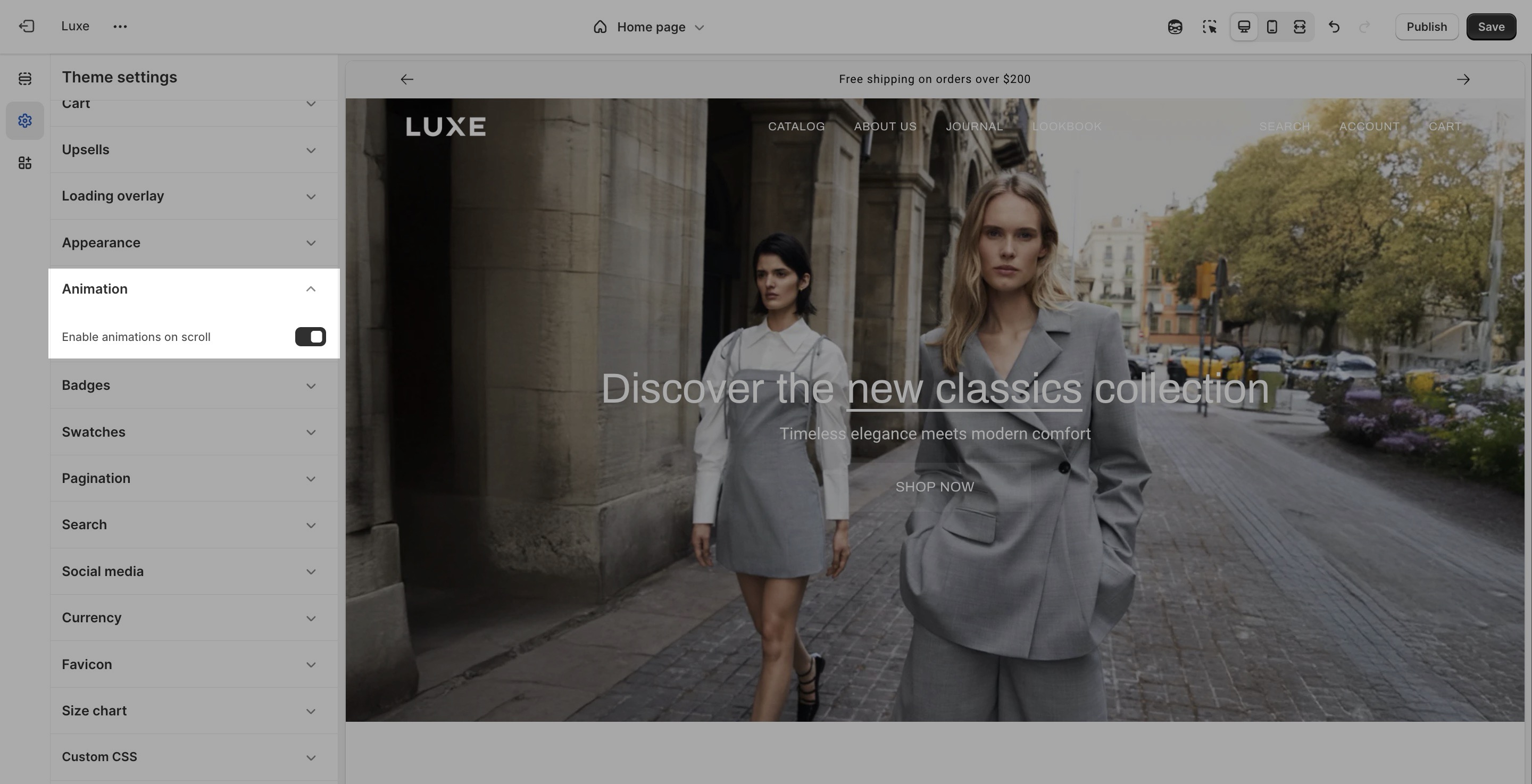
Allow you to control whether visual animations are applied to elements as they appear in the viewport while scrolling.
Settings
Type
Description
Enable animations on scroll
checkbox
When enabled, certain page elements will animate into view as the user scrolls down the page.
### Note
* Scroll-triggered animations enhance user engagement and add a polished, dynamic feel to your storefront.
* For performance-sensitive users or minimal design preferences, you can disable this option.