> For the complete documentation index, see [llms.txt](https://palo-alto.presidiocreative.com/llms.txt). Markdown versions of documentation pages are available by appending `.md` to page URLs; this page is available as [Markdown](https://palo-alto.presidiocreative.com/theme-settings/settings/favicon.md).
# Favicon
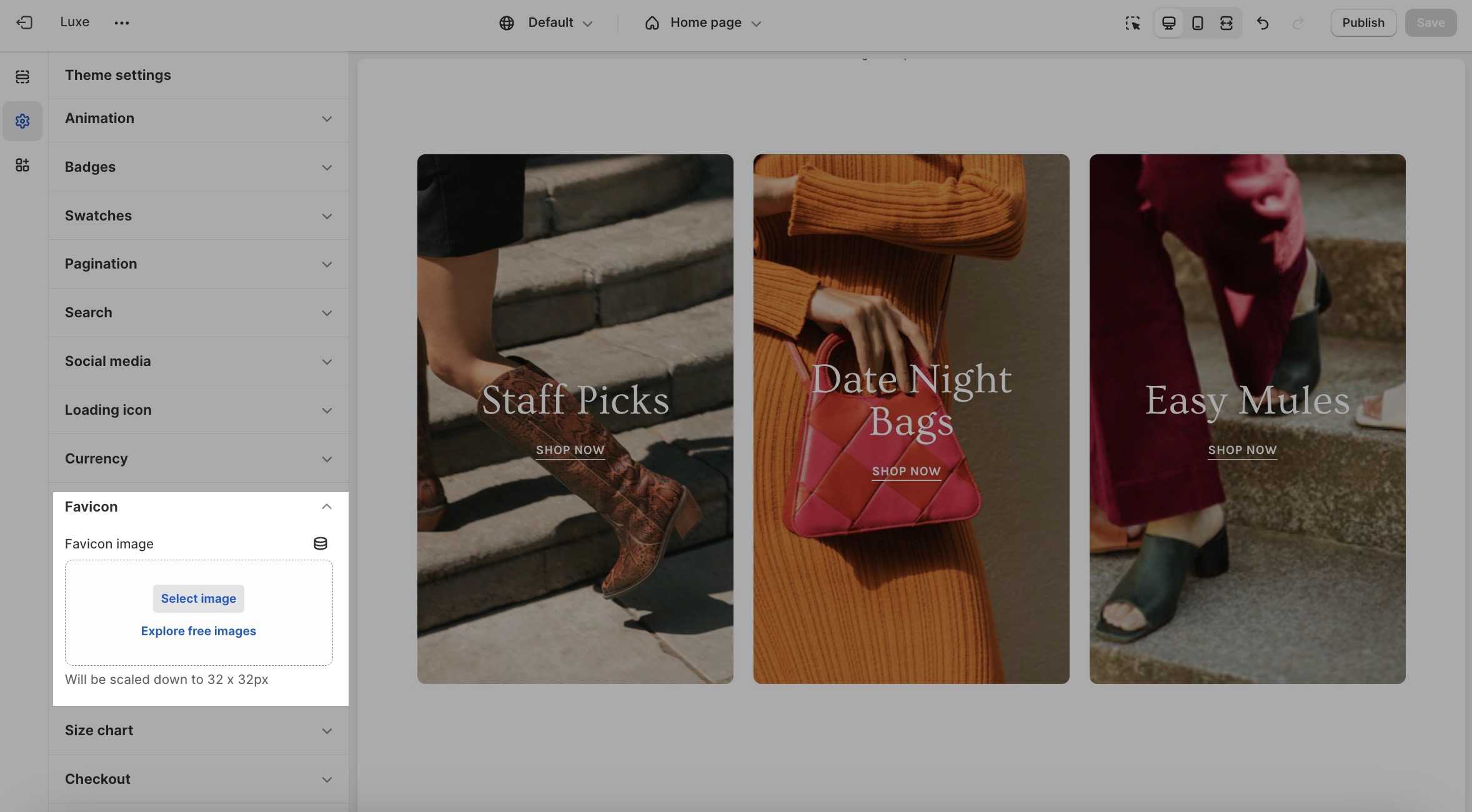
Favicon is the small icon that is shown in the web browser tab. You can add one for your store from this theme setting block:
Settings
Type
Description
Favicon image
image_picker
Upload an image. Recommended size: 32 × 32px. Larger images will be automatically scaled down.