> For the complete documentation index, see [llms.txt](https://palo-alto.presidiocreative.com/llms.txt). Markdown versions of documentation pages are available by appending `.md` to page URLs; this page is available as [Markdown](https://palo-alto.presidiocreative.com/updates/whats-new-in-palo-alto/about-5.8-release.md).
# About 5.8 Release
Additional information on recent Palo Alto updates
### Sticky Image Cards
A new modern design in Palo Alto. Now, you can showcase cards with vertical scrolling on desktop and mobile.
This new section is easy to set up. Add up to four blocks that make up the cards. Add a photo, supporting text content, and a call-to-action button to each card. Mobile options include a custom image for mobile devices and a stacked or sticky layout.
### Testimonials with images
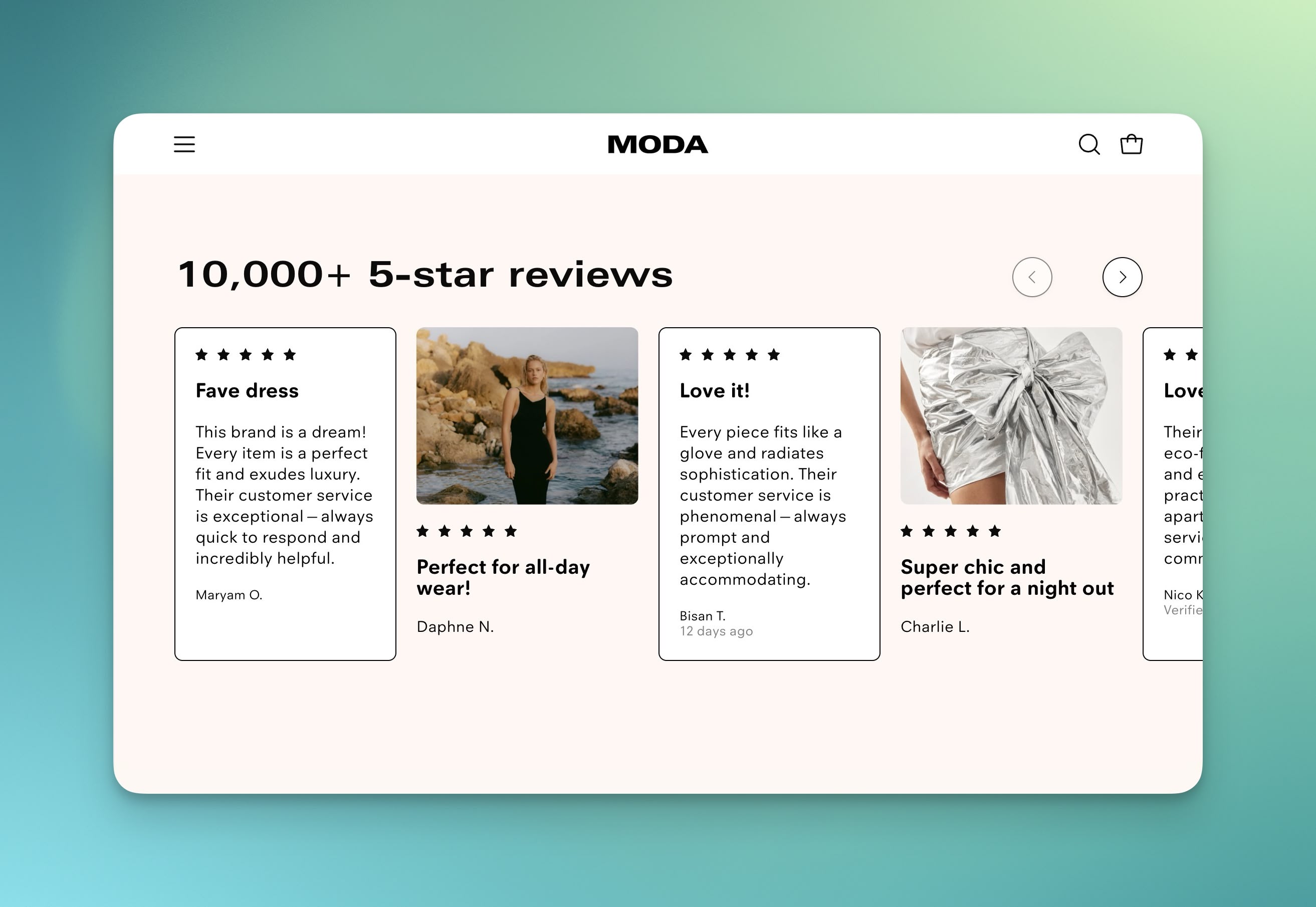
We have a new, improved testimonials section called Testimonials with images. This section will supercharge your reviews with photos, ratings, and new design elements.
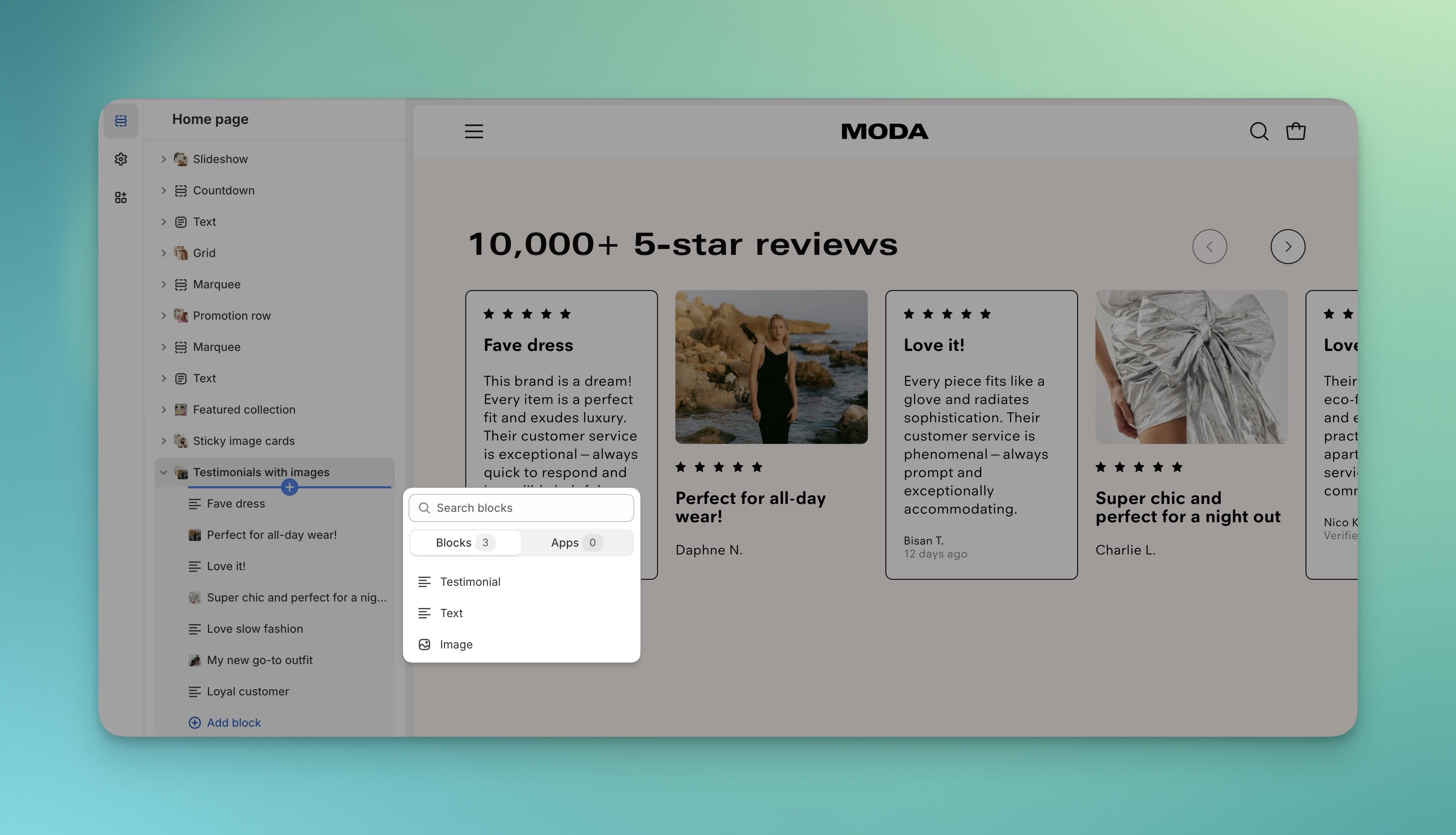
Choose from three block types: Testimonial, Text, and Image:
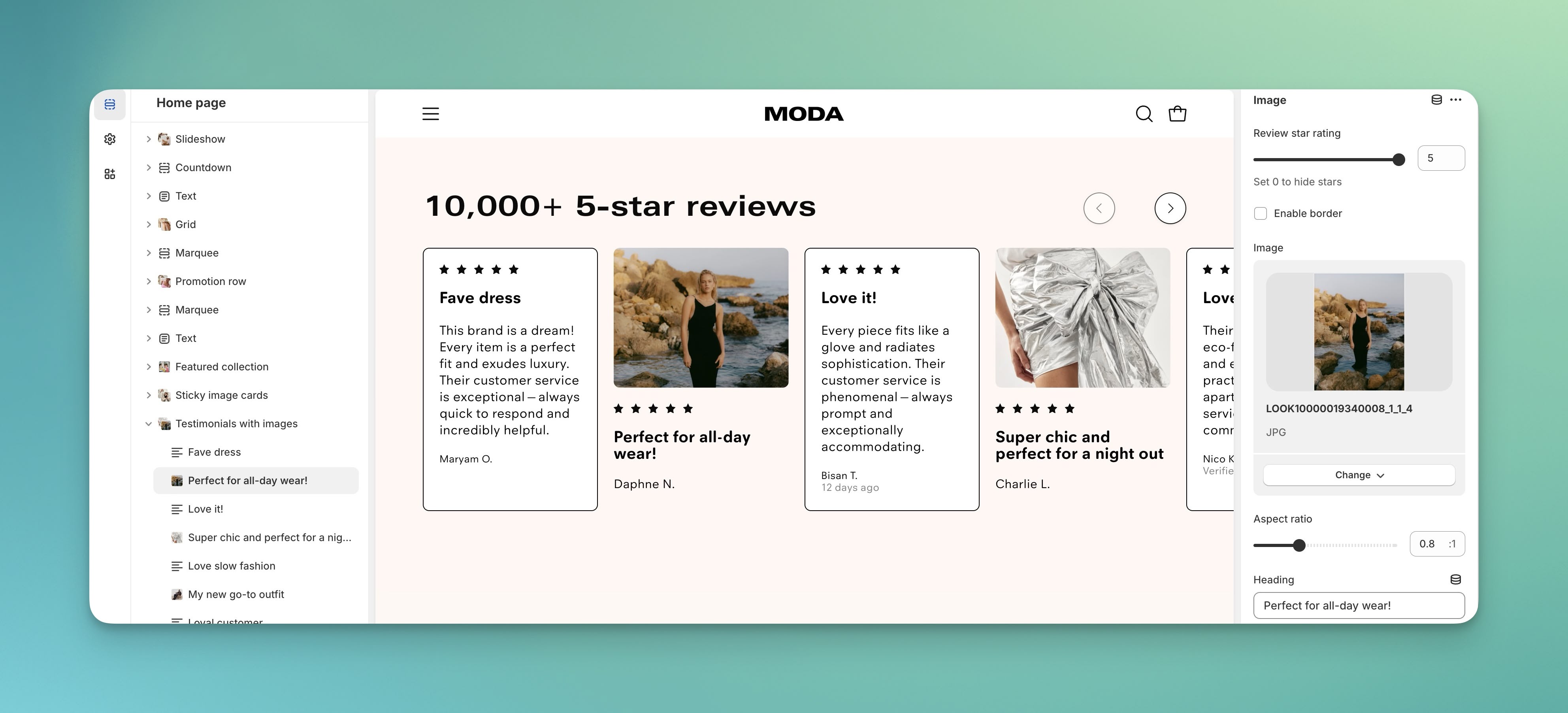
Each block has new design options:
### Card Scroll Animation
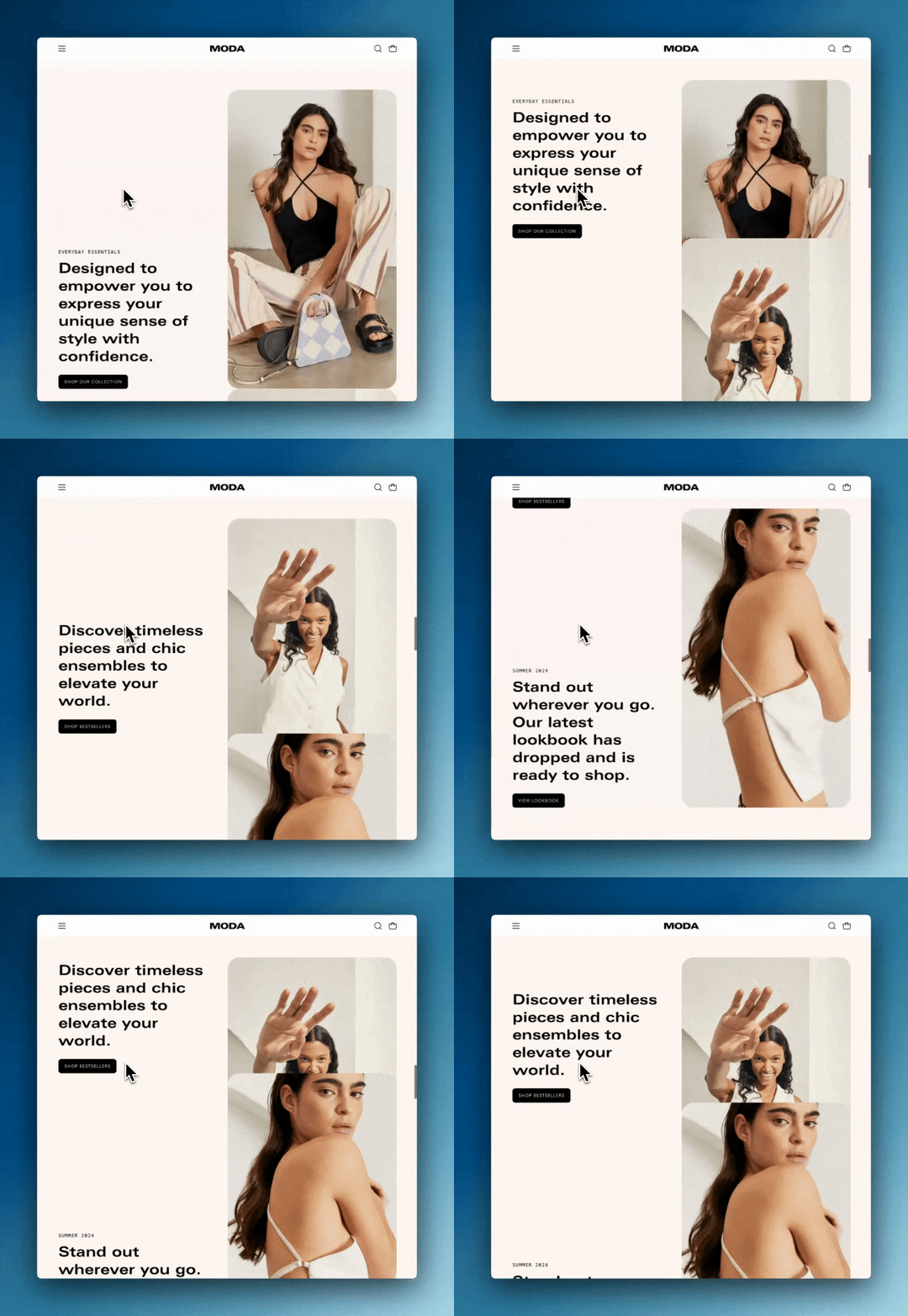
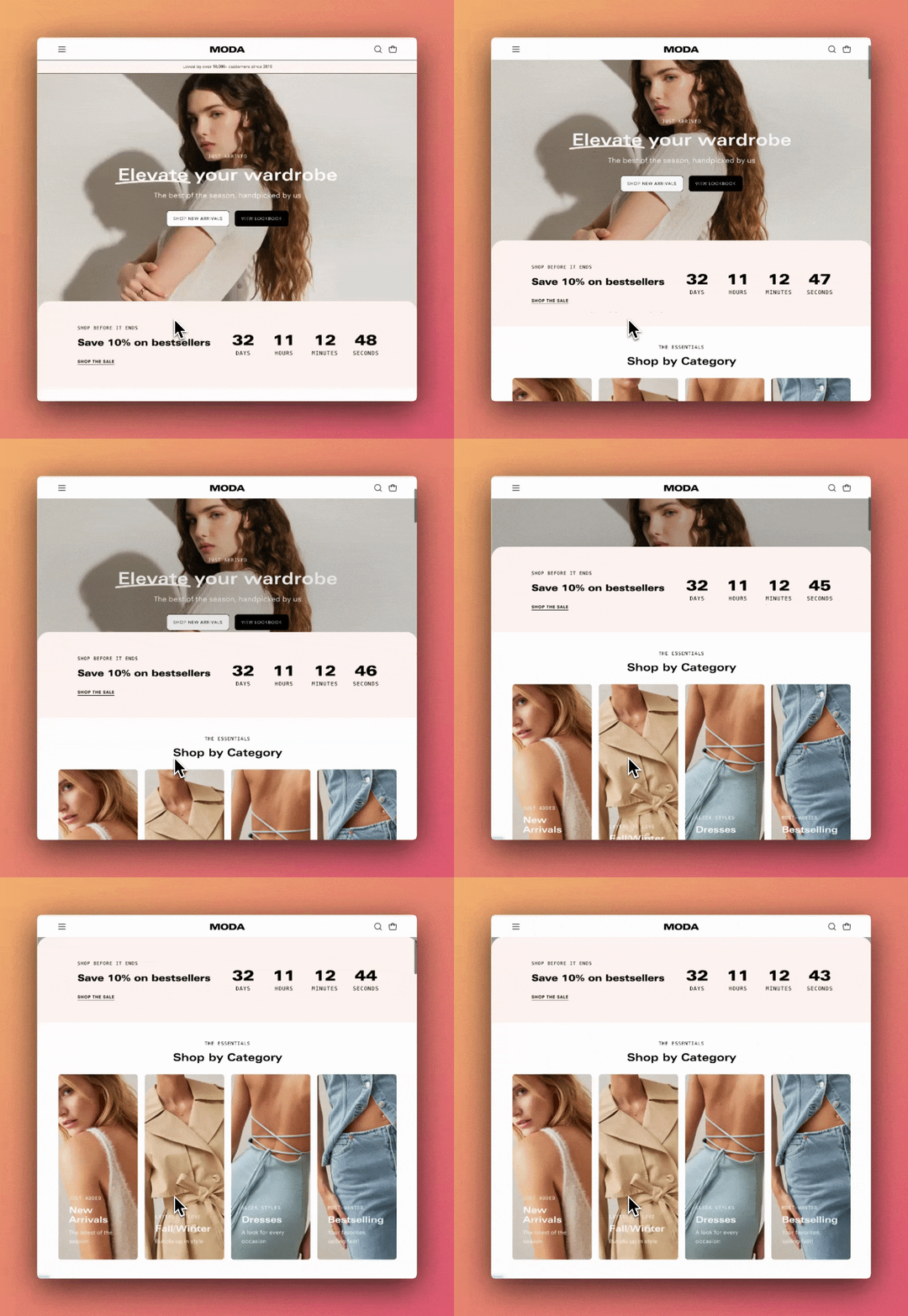
Palo Alto now includes a new card scrolling animation effect for the Banner Image and Slideshow sections. The section below will overlap and continue on the scroll:
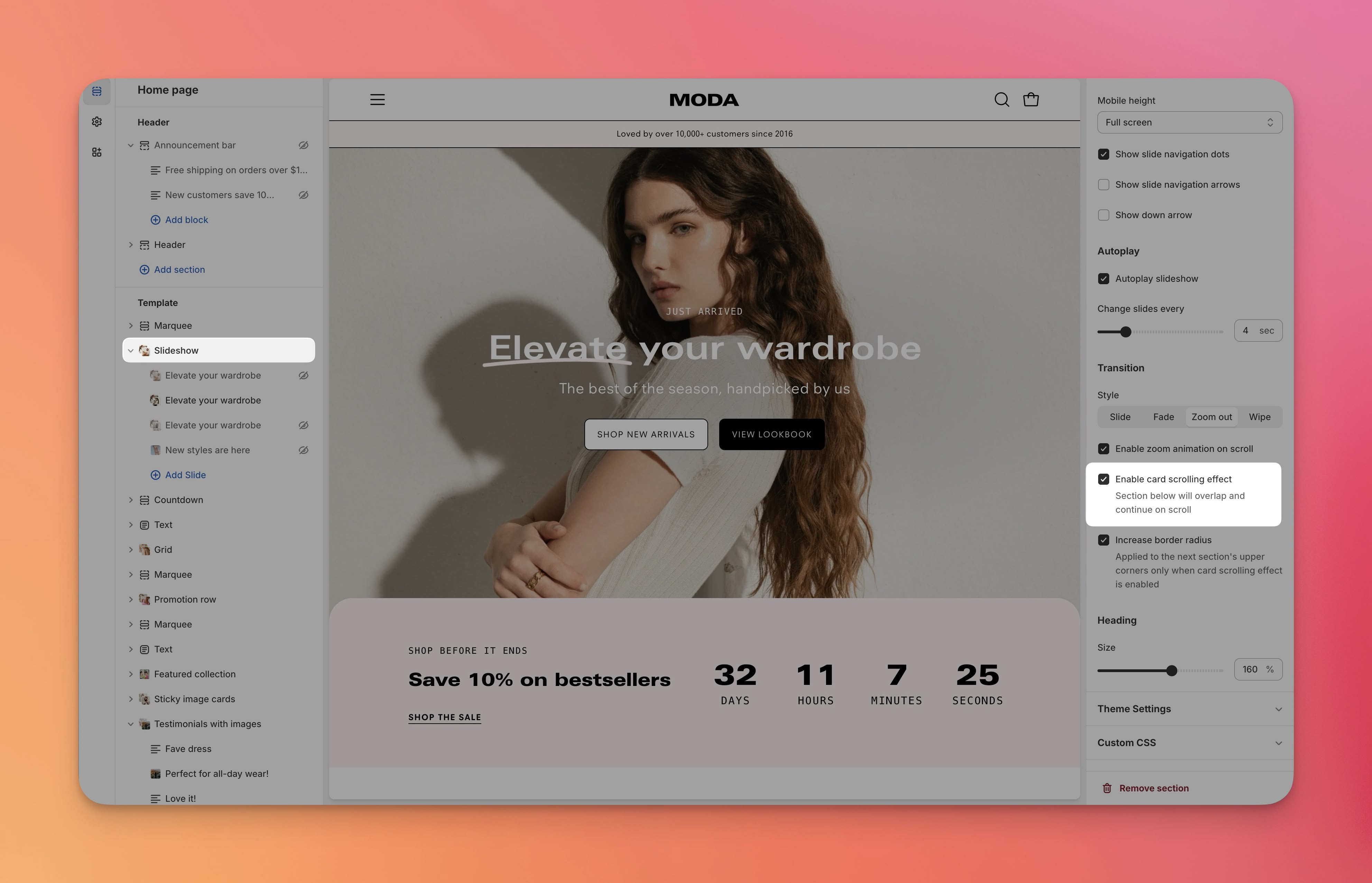
To use, toggle on the option in the Banner Image section under Animation or under Transition for the Slideshow section:
### Text Highlights
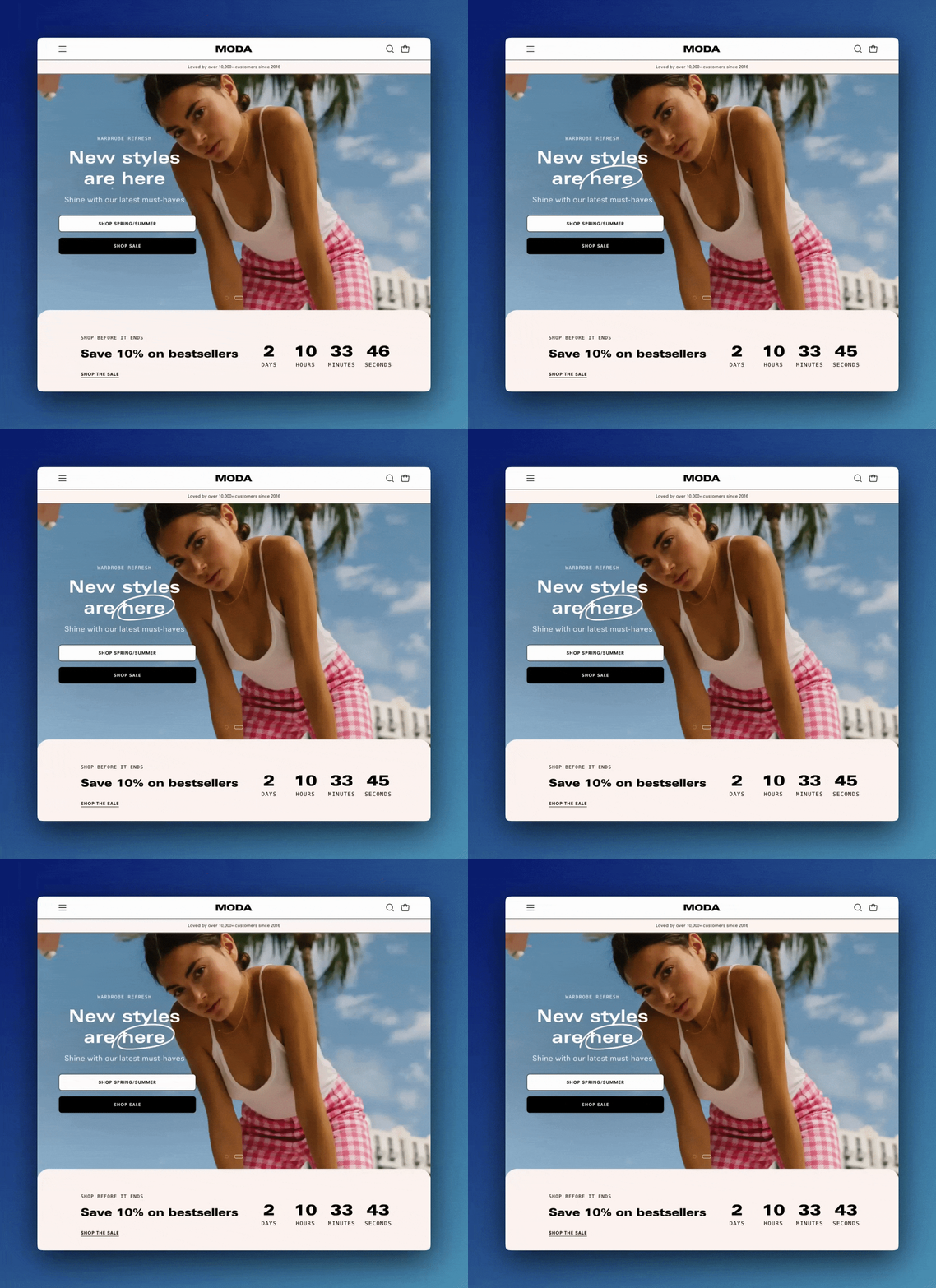
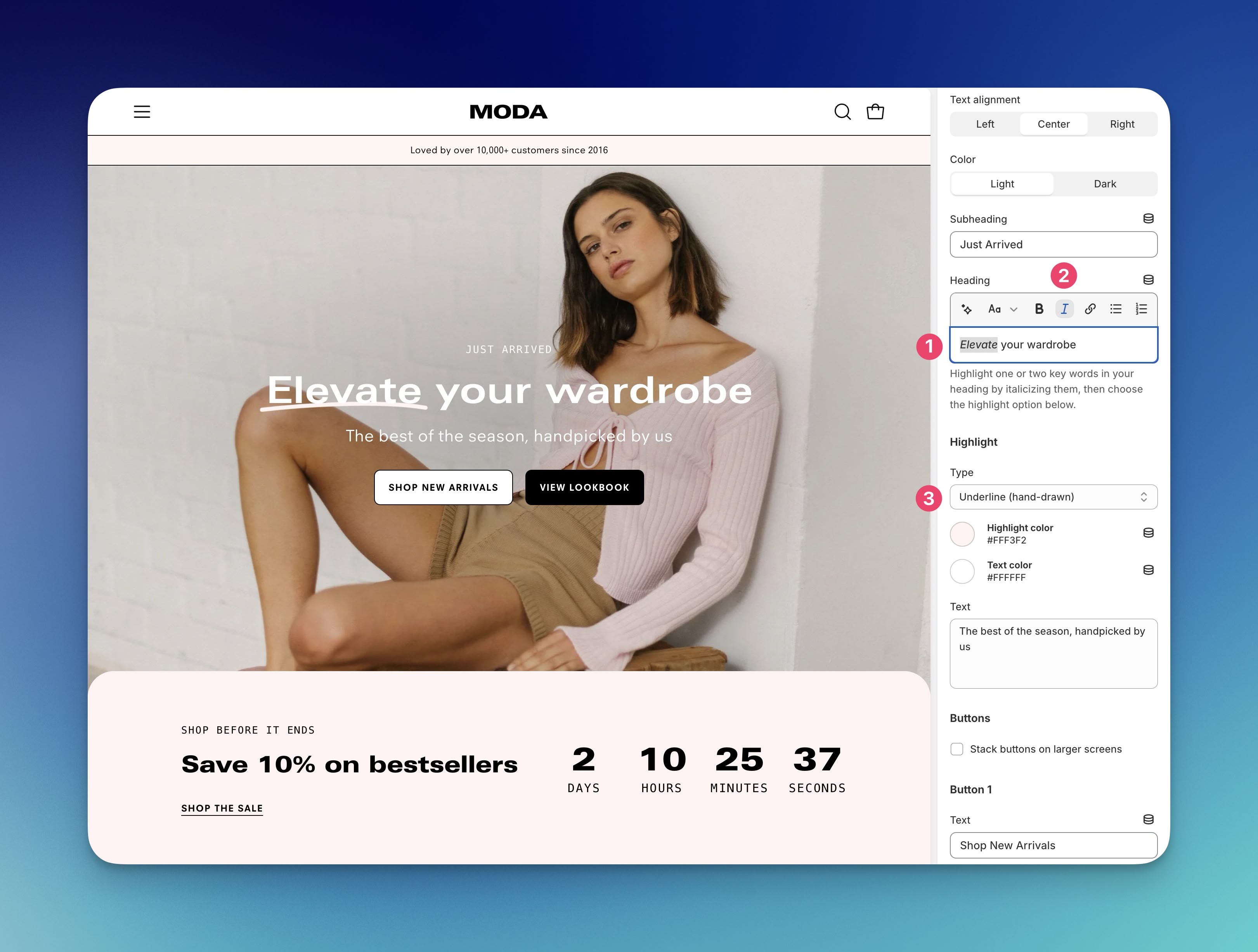
We've added two new text highlight animations: A hand-drawn circle and an underline.
#### To use,
1. Highlight the text to apply the effect.
2. Use the Italics format tool to italicize the text.
3. Under Highlight Type, choose the effect type and colors.
### Promotion row section
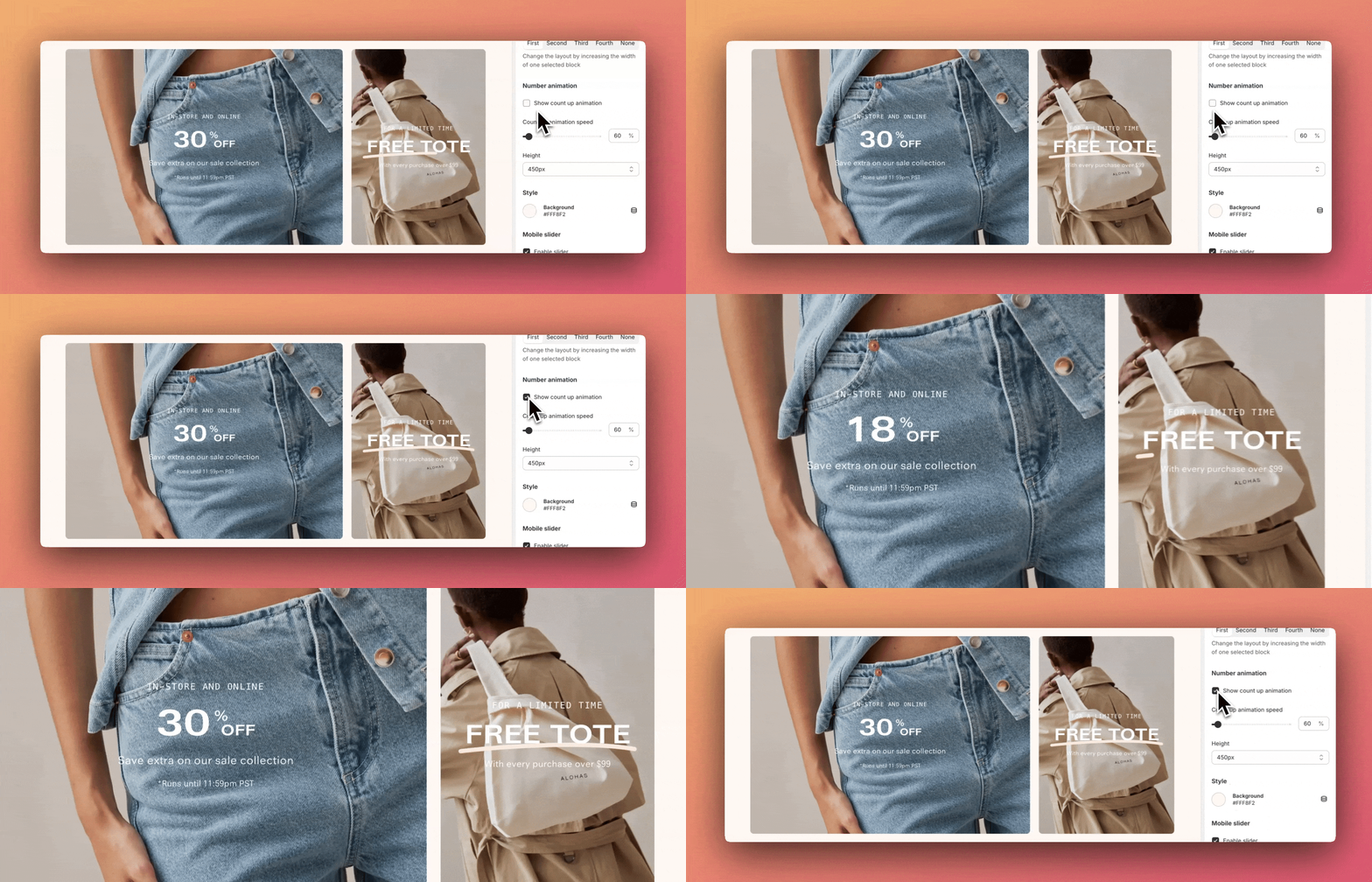
The "Promotion row" section now includes a count-up animation effect:
### Grid section
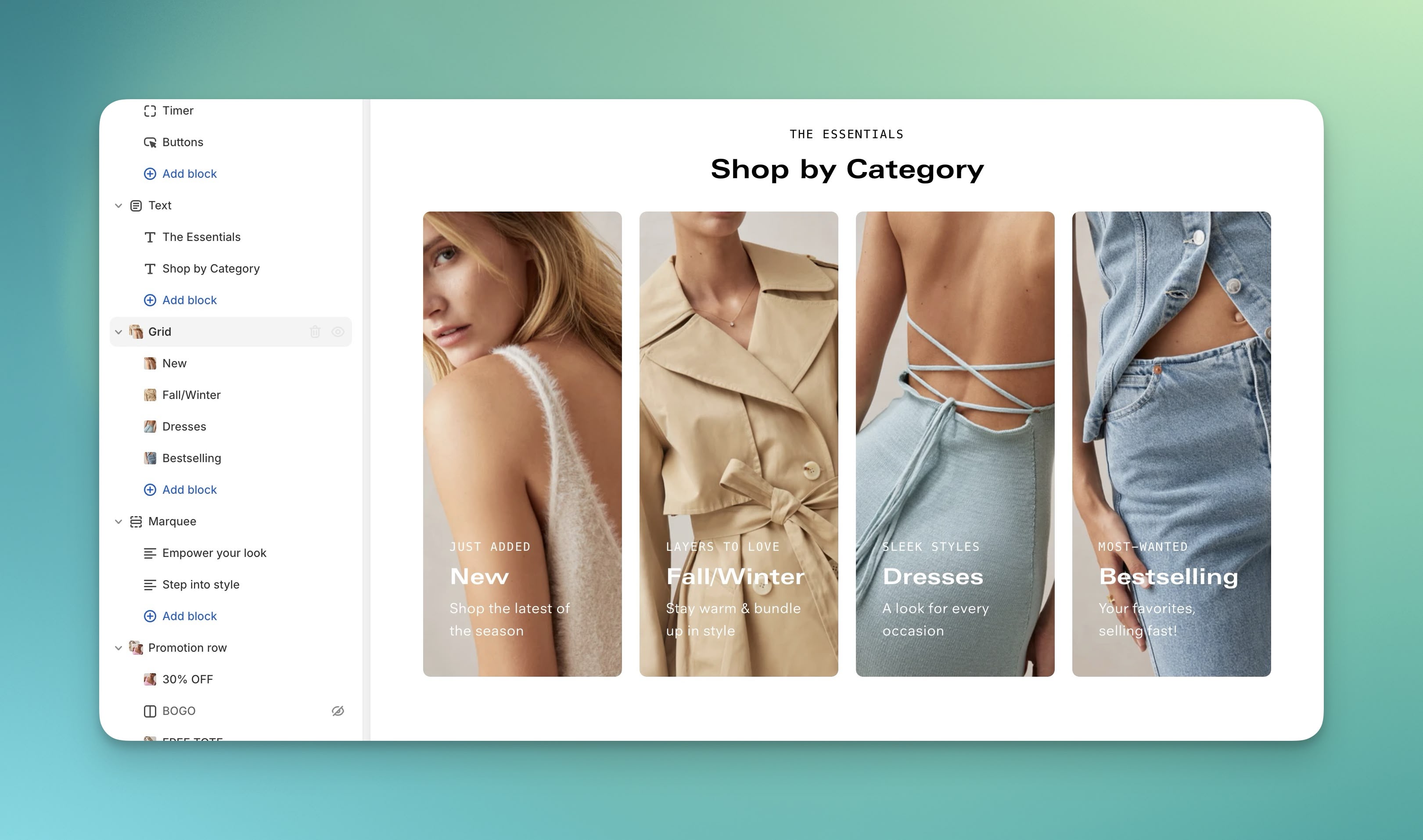
We've added animation improvements for the "Grid" section. The zoom animation of the product grid images appears once the section is mostly in view and on hover.