> For the complete documentation index, see [llms.txt](https://palo-alto.presidiocreative.com/llms.txt). Markdown versions of documentation pages are available by appending `.md` to page URLs; this page is available as [Markdown](https://palo-alto.presidiocreative.com/palo-alto-4.6/collections/subcollections.md).
# Sub-collections
Promote related collections on any collection page
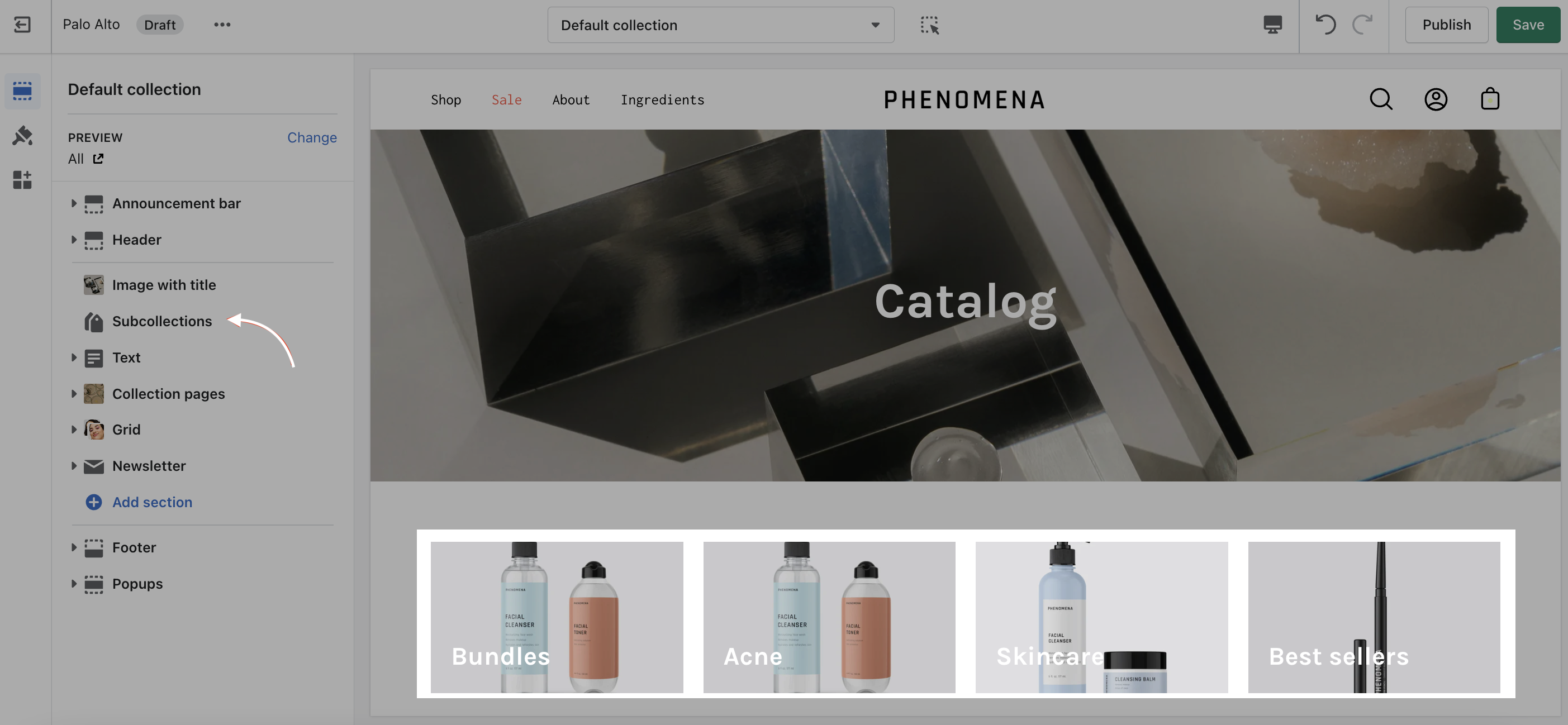
Cross-promote other collections with sub-collections. Display a carousel or grid of links to related or similar collections on any collection page.
### How it works
Palo Alto uses Shopify's Navigation menu system to bring custom menu items into any collection page and displays them as sub-collections with a graphical image, collection name, description, and link.
### How to setup
Sub-collections are already included with the default collection template, listed as a section called subcollection.
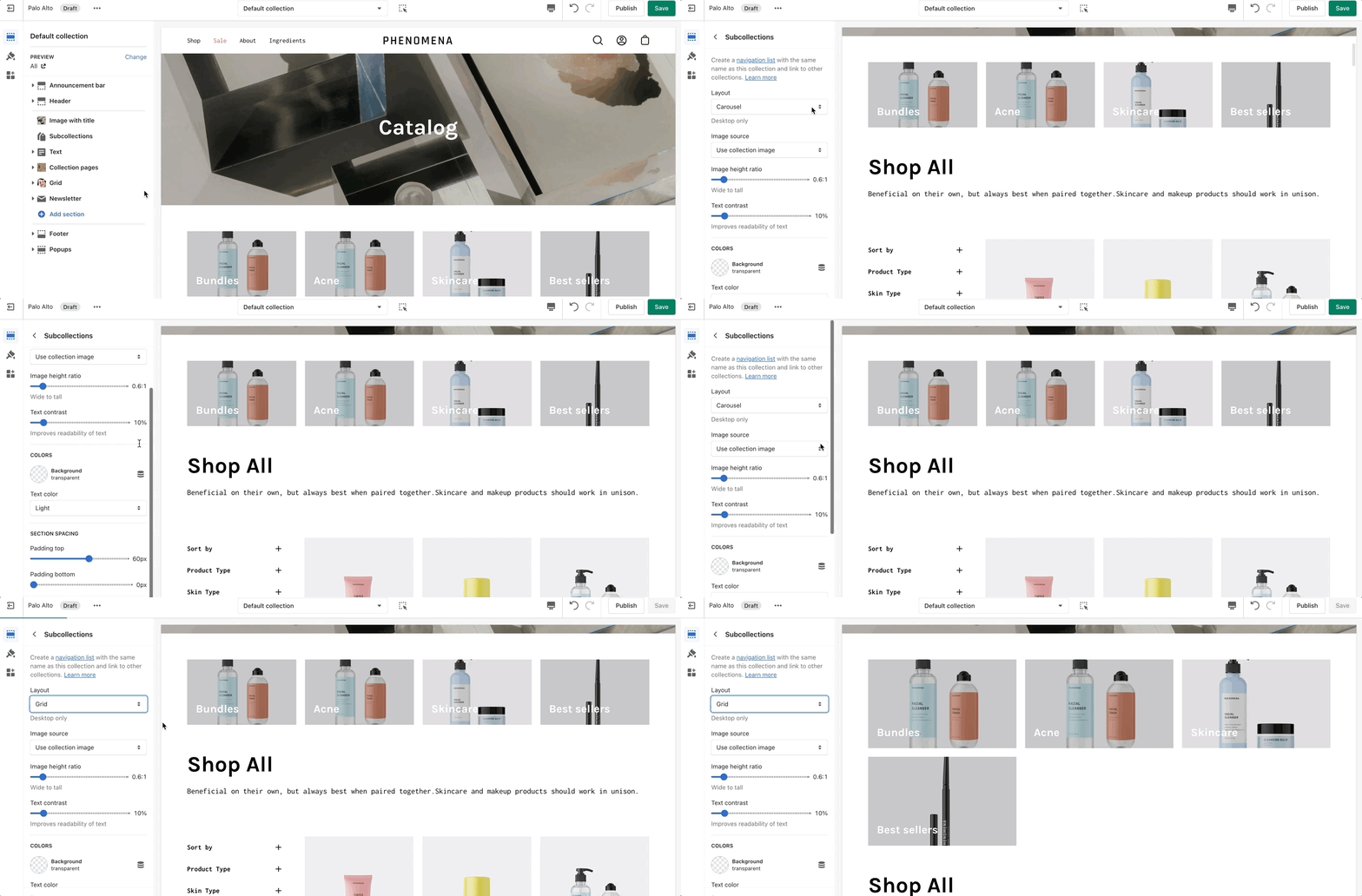
### Section Settings
### Adding collections
Use the link in the settings to create a navigation list, the rest is done right in your Shopify Admin under Navigation. Choose Add menu to create a new menu:

Create a new menu with the same name as your collection:

For our example, we will be adding sub-collections to our 'Espradrille' collection, our menu will be called **Espradrille** ,and the handle in lowercase: `espradrille`
Next, we'll add menu items, these will be the sub-collection links that are displayed in the sub-collection carousel or grid:

{% hint style="success" %}
Create a new menu item for each collection that be listed as a sub-collection.
{% endhint %}
Save your menu and your sub-collections are ready to use.