> For the complete documentation index, see [llms.txt](https://palo-alto.presidiocreative.com/llms.txt). Markdown versions of documentation pages are available by appending `.md` to page URLs; this page is available as [Markdown](https://palo-alto.presidiocreative.com/palo-alto-4.6/theme-settings/introduction/loading-icon.md).
# Loading icon
A custom loading icon helps you to keep brand consistency and display an animation as a loading indicator for your visitors.
### How to set it up
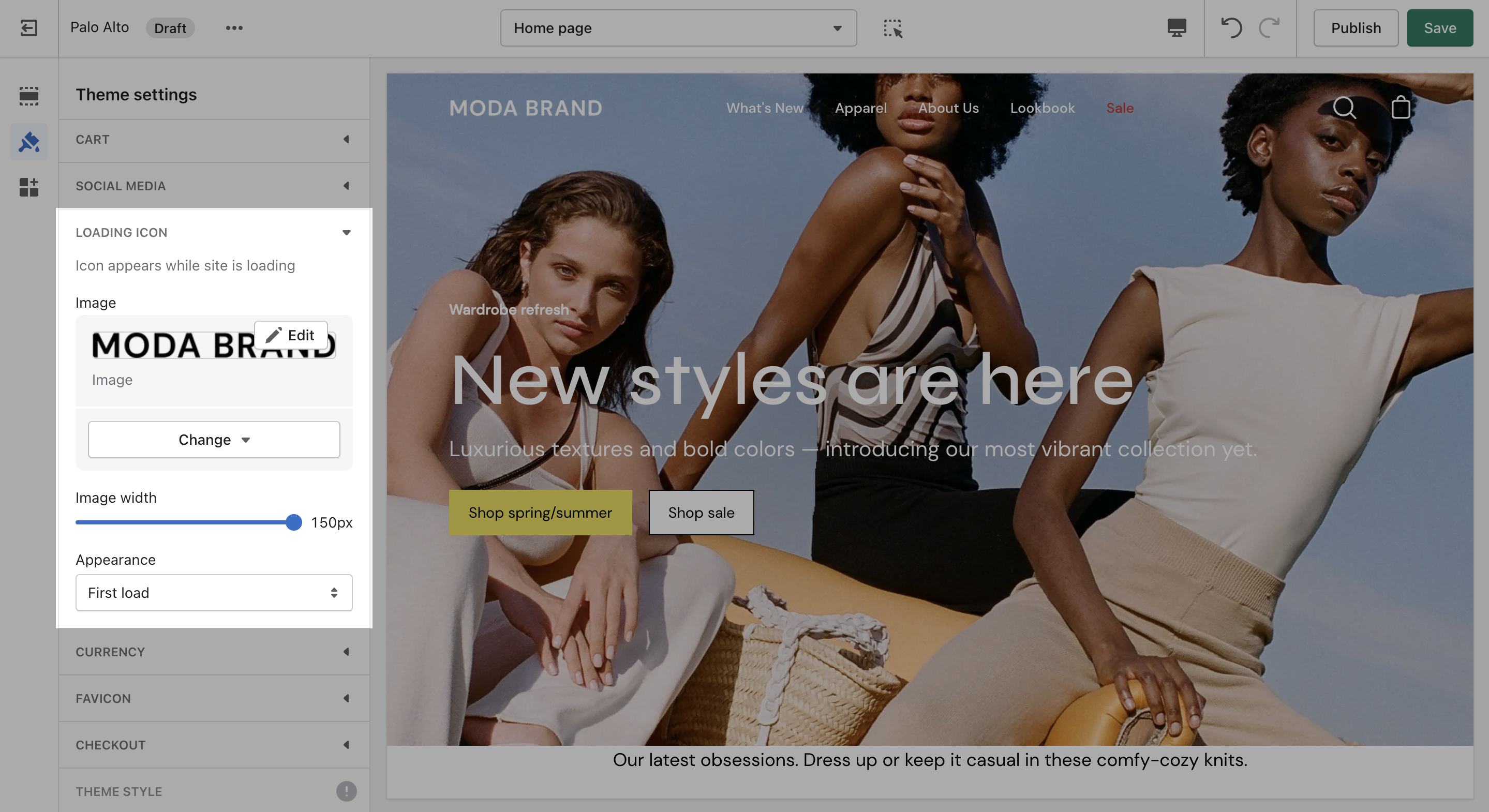
The settings for the custom loading icon can be found inside the Theme Editor under Theme Settings > Loading Icon:
From the available settings, you can make the image bigger. You can also set it to appear on the very first load only or to also appear between page loads.