> For the complete documentation index, see [llms.txt](https://palo-alto.presidiocreative.com/llms.txt). Markdown versions of documentation pages are available by appending `.md` to page URLs; this page is available as [Markdown](https://palo-alto.presidiocreative.com/palo-alto-4.6/theme-settings/introduction/product-grid.md).
# Product Grid
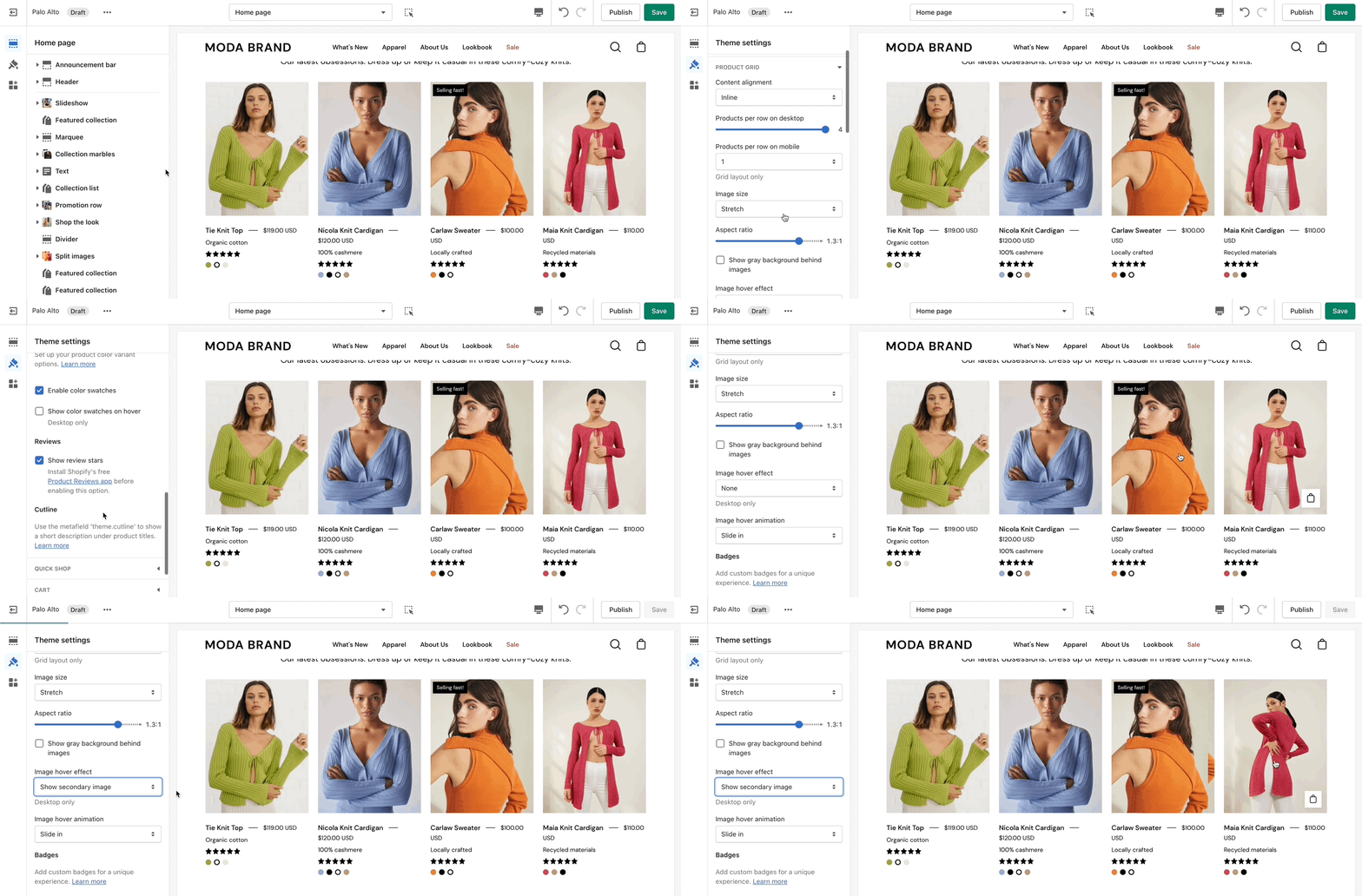
The main **Product grid** settings can be used to make the best fit for your images.
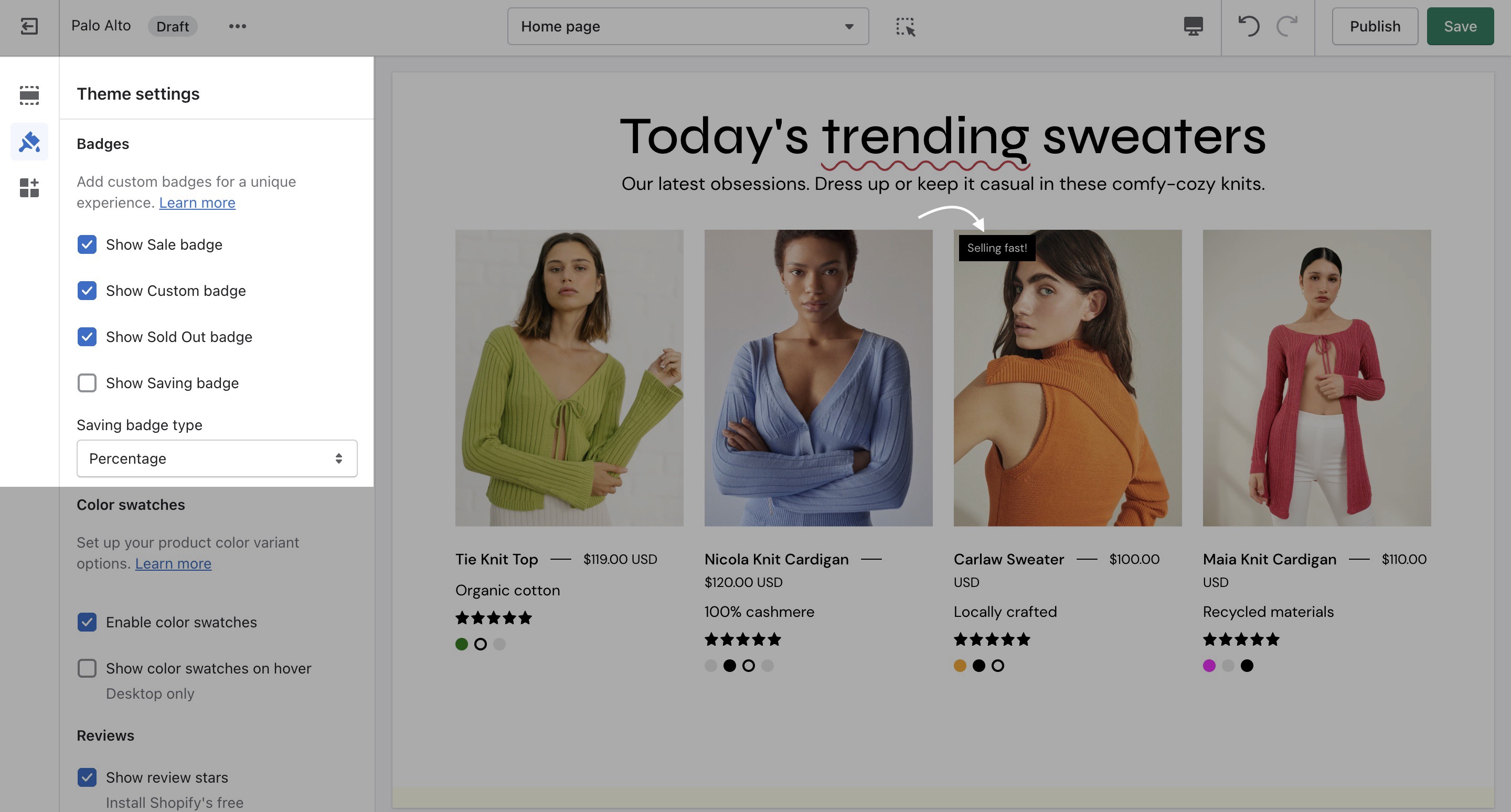
## Badges
Under **Badges**, you can toggle the Sale, Custom, Sold out, and Savings badges. There is also the option to show savings in cash or as a percentage.
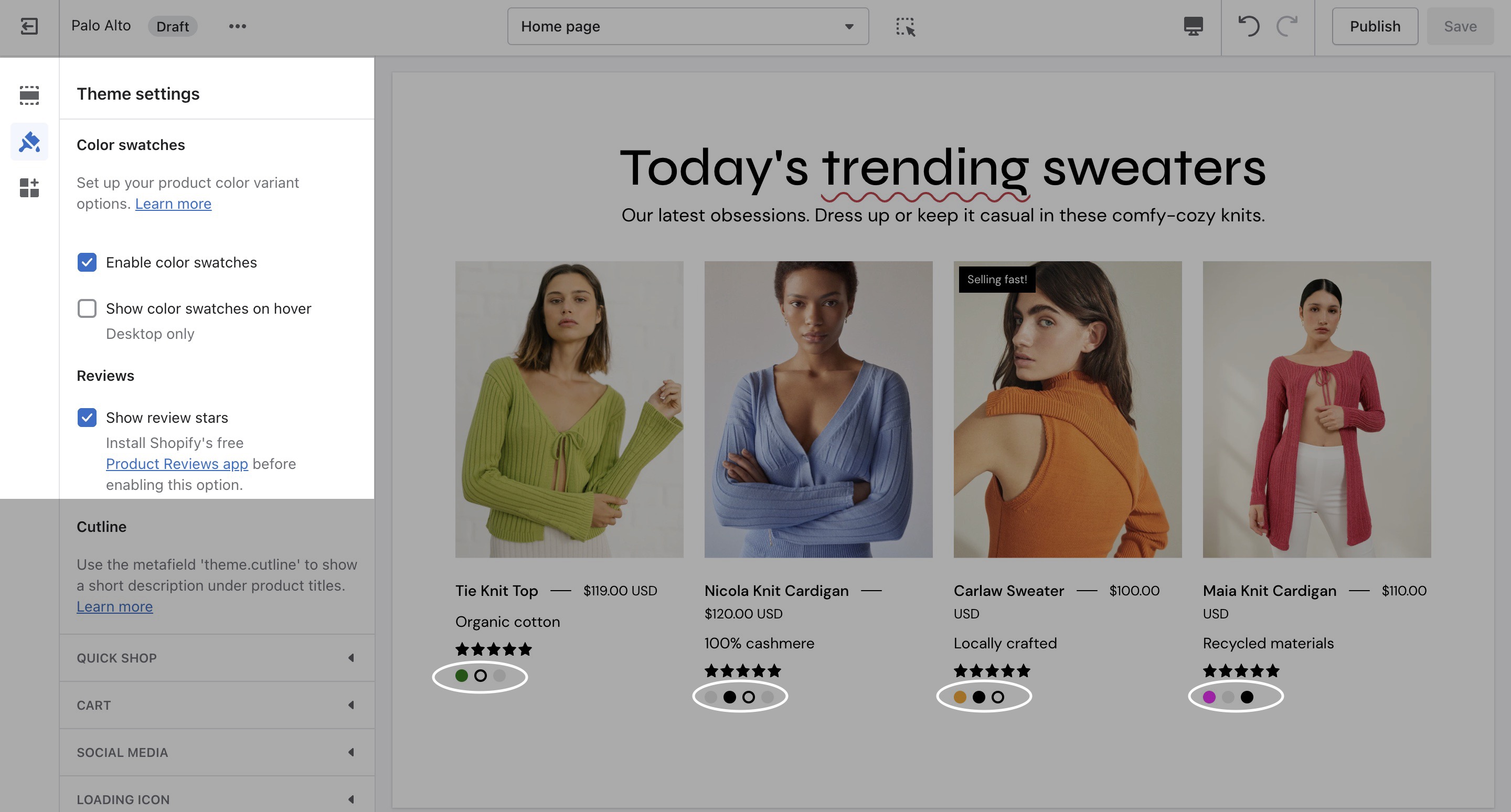
## Swatches
Under **Swatches**, you can toggle color swatches and enable them to be shown on hover (on Desktop only).
Learn more about using Custom Color Swatches in Palo Alto here:
{% content-ref url="/pages/-MlG-veTqmxZsbrYn2jy" %}
[Swatches](/palo-alto-4.6/products/custom-color-swatches.md)
{% endcontent-ref %}