> For the complete documentation index, see [llms.txt](https://palo-alto.presidiocreative.com/llms.txt). Markdown versions of documentation pages are available by appending `.md` to page URLs; this page is available as [Markdown](https://palo-alto.presidiocreative.com/palo-alto-4.6/popups/palo-alto-popup.md).
# Popups
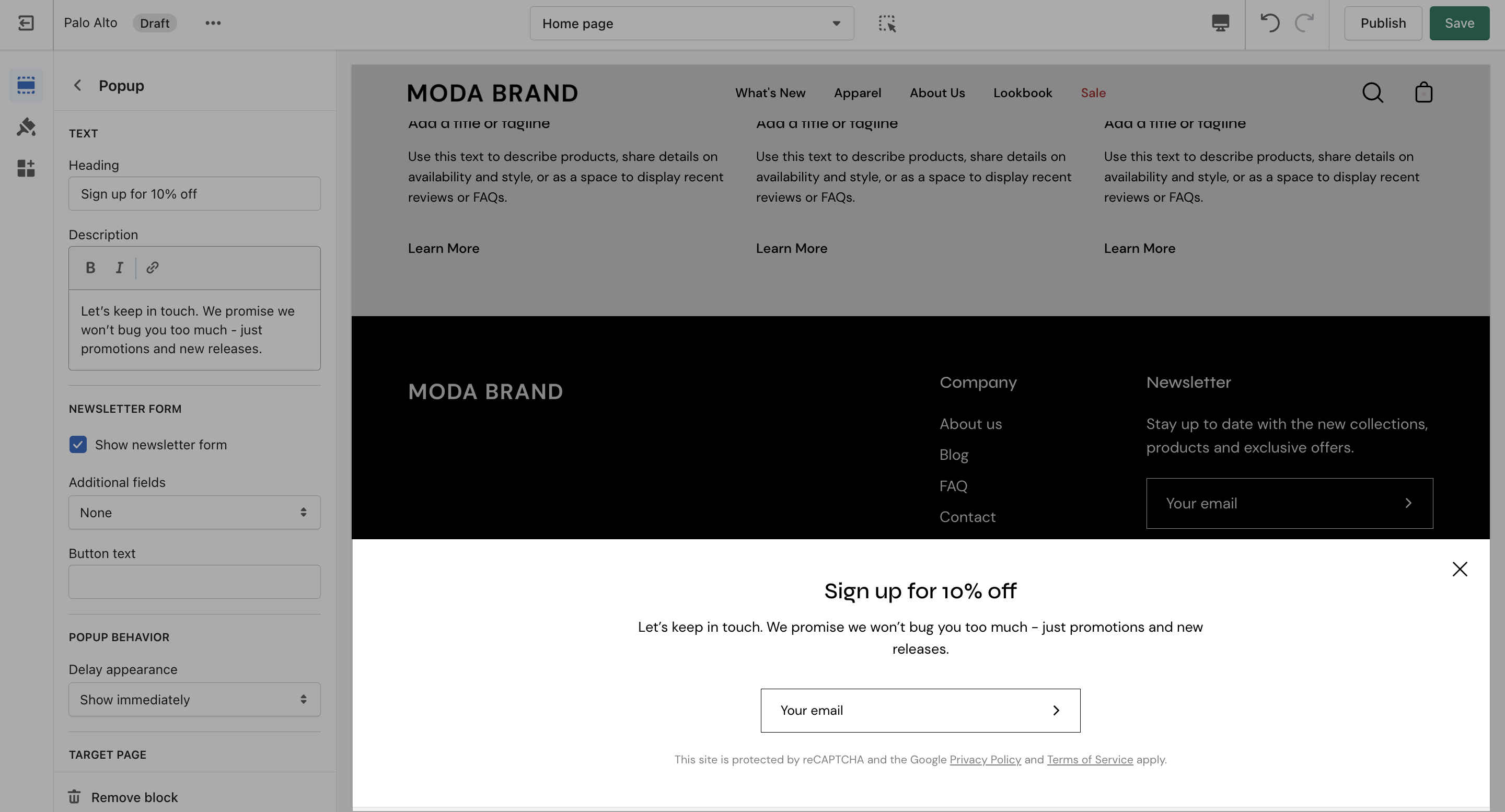
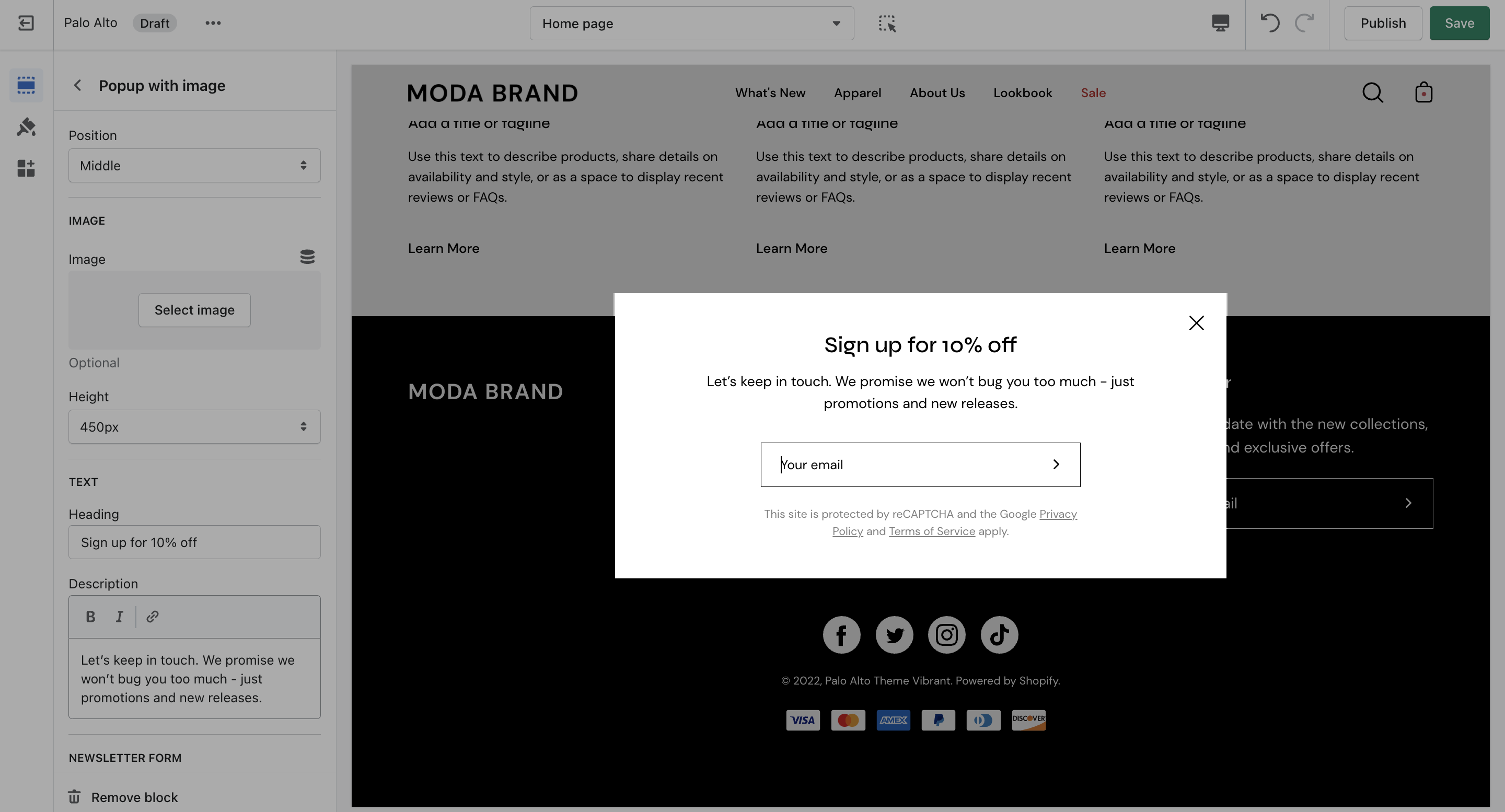
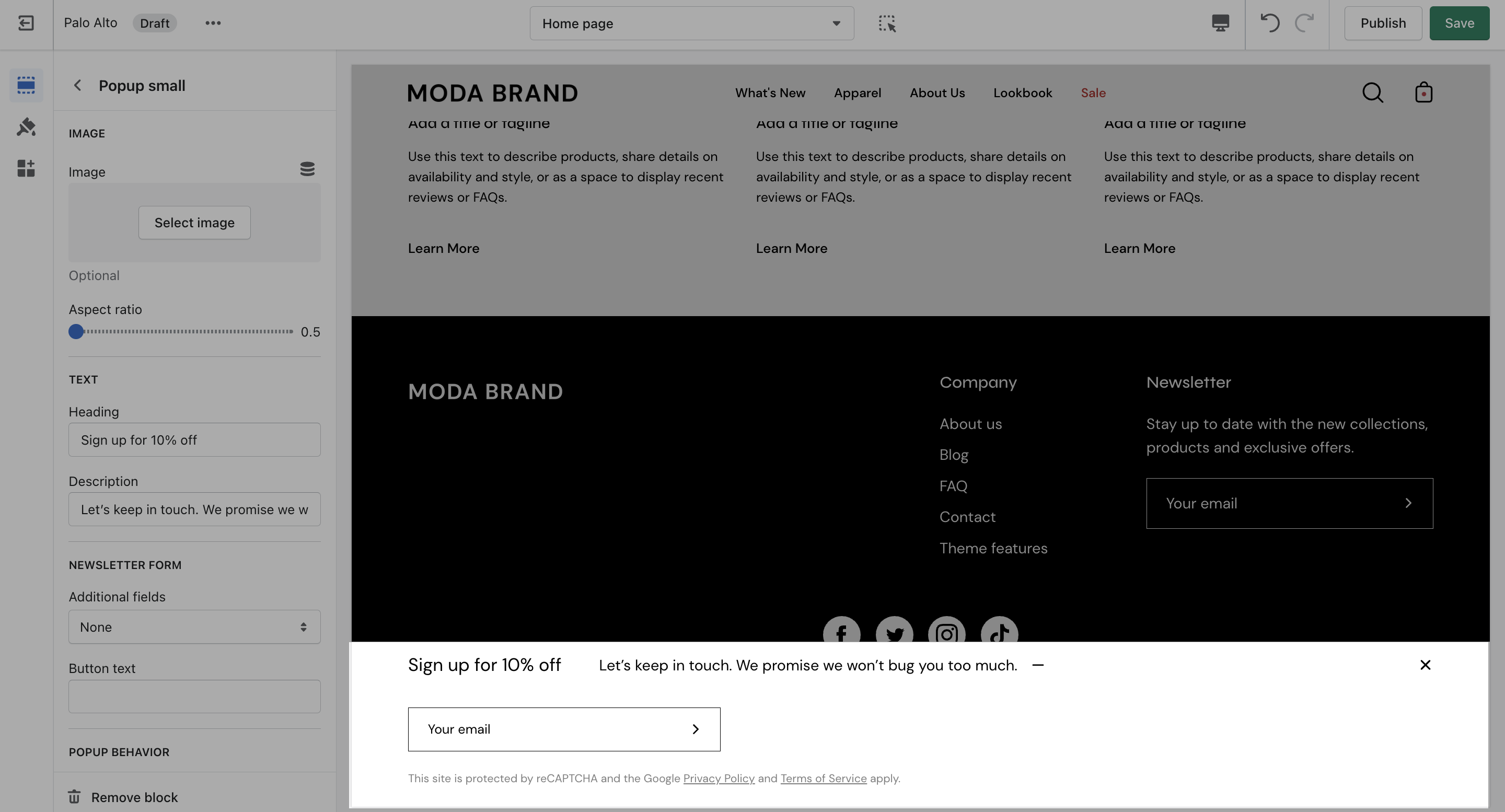
The popup section in Palo Alto can be used as a newsletter popup or as a sales promotion tool to display custom messages and promo codes based on where the customer arrives from, is viewing, and how they are interacting with your site.
There are four different section blocks:
### Popup
### Popup with image
### Popup small
A lightweight text and link popup with powerful behavior and targeting options:
{% content-ref url="/pages/7lxIBhrNgjvPrTS68VHp" %}
[Popup Behavior](/palo-alto-4.6/popups/popup-behavior.md)
{% endcontent-ref %}
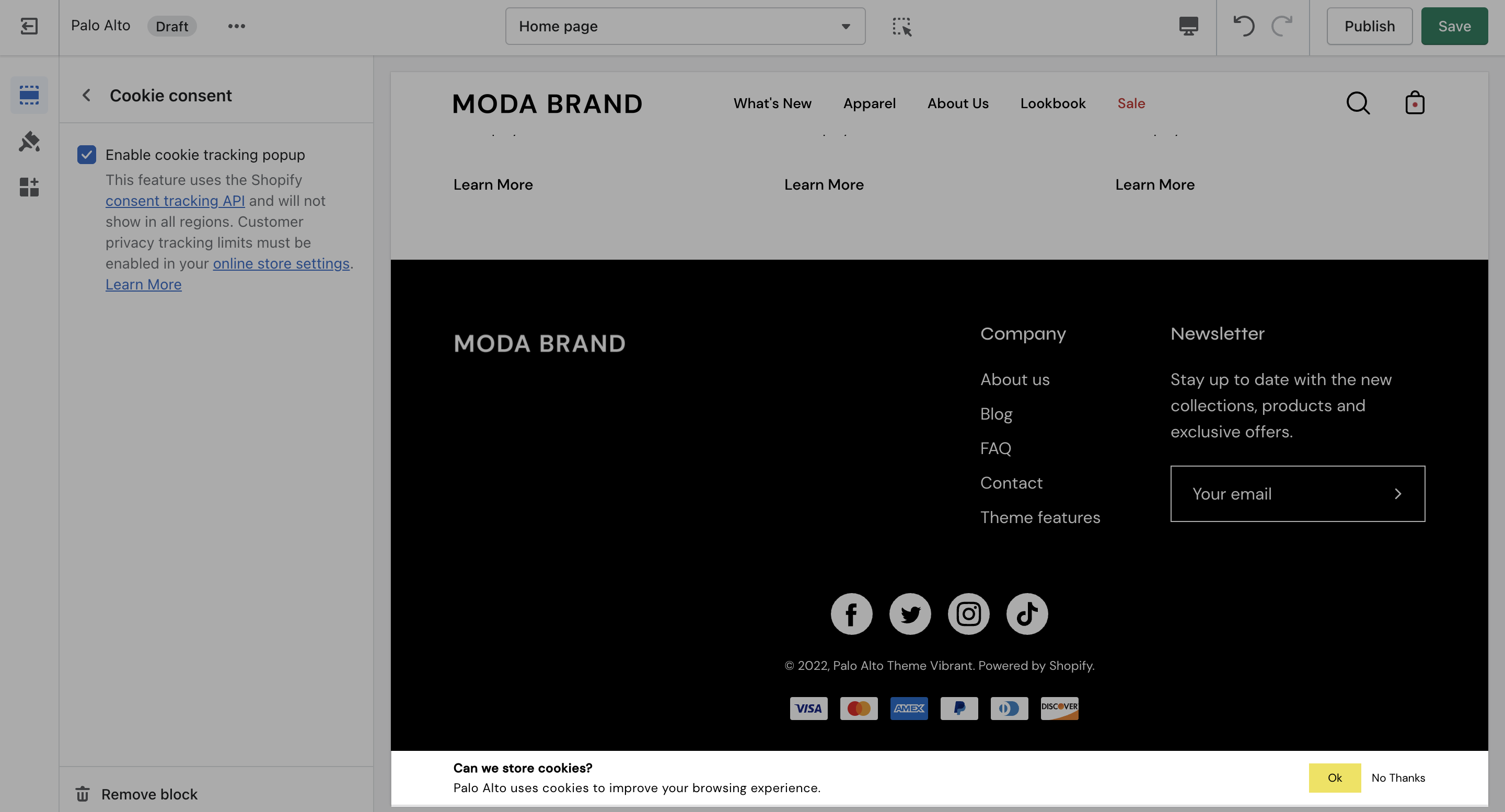
### Cookie consent
The "Cookie consent" popup is the perfect way to add a cookies popup notification to your storefront. It contains the options to include a header, message, link to your privacy page and an accept button.
**Please note:** Presidio Creative cannot guarantee compliance with GDPR, or compliance with any other regulations related to cookies.