> For the complete documentation index, see [llms.txt](https://palo-alto.presidiocreative.com/llms.txt). Markdown versions of documentation pages are available by appending `.md` to page URLs; this page is available as [Markdown](https://palo-alto.presidiocreative.com/palo-alto-4.3/sections/custom-sections.md).
# Custom sections
## Contact form
### How It works
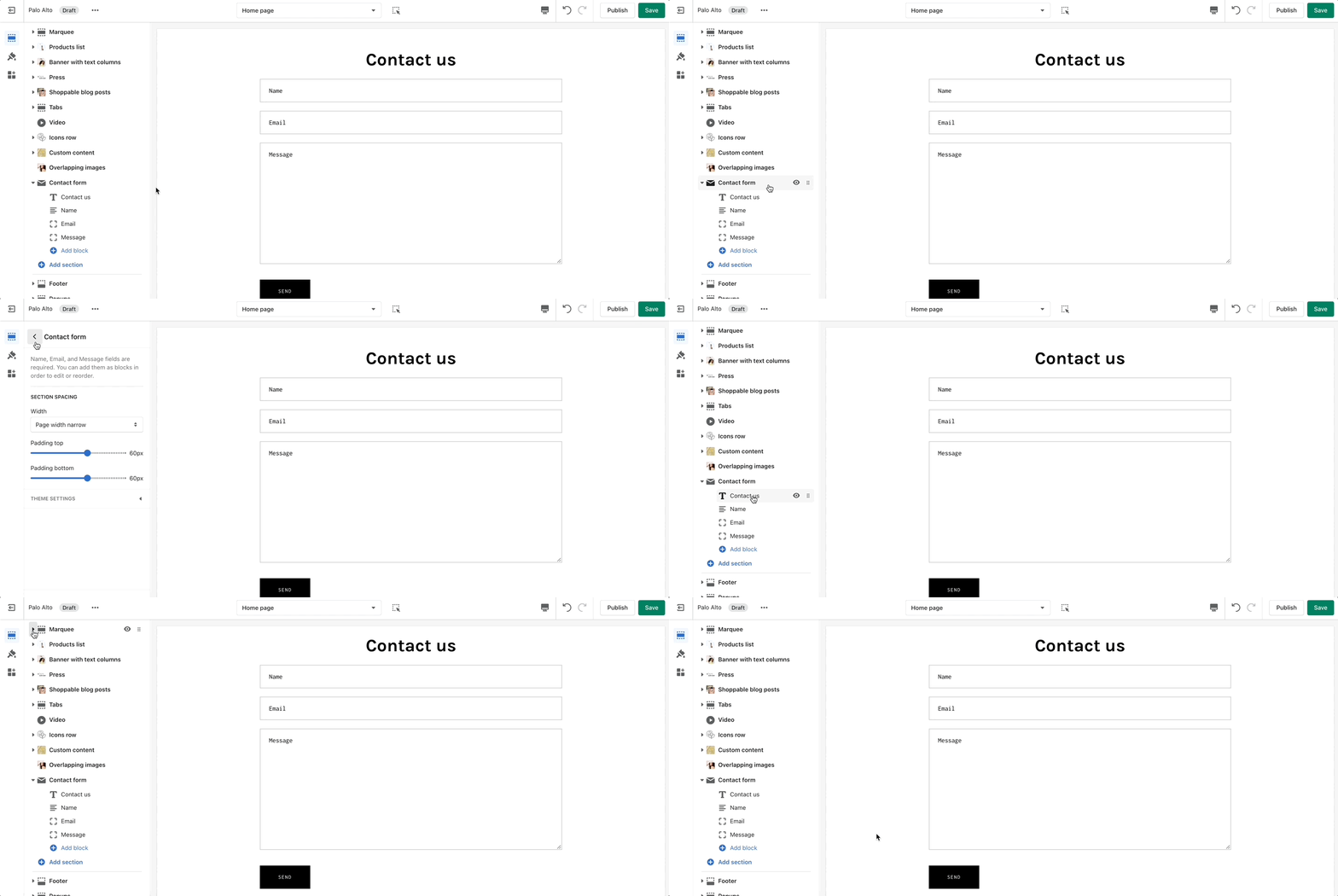
Add a contact form to any store page to make it quick and easy for your customers to reach you.
### Settings
Customize the form by adding and removing blocks.
## Custom HTML
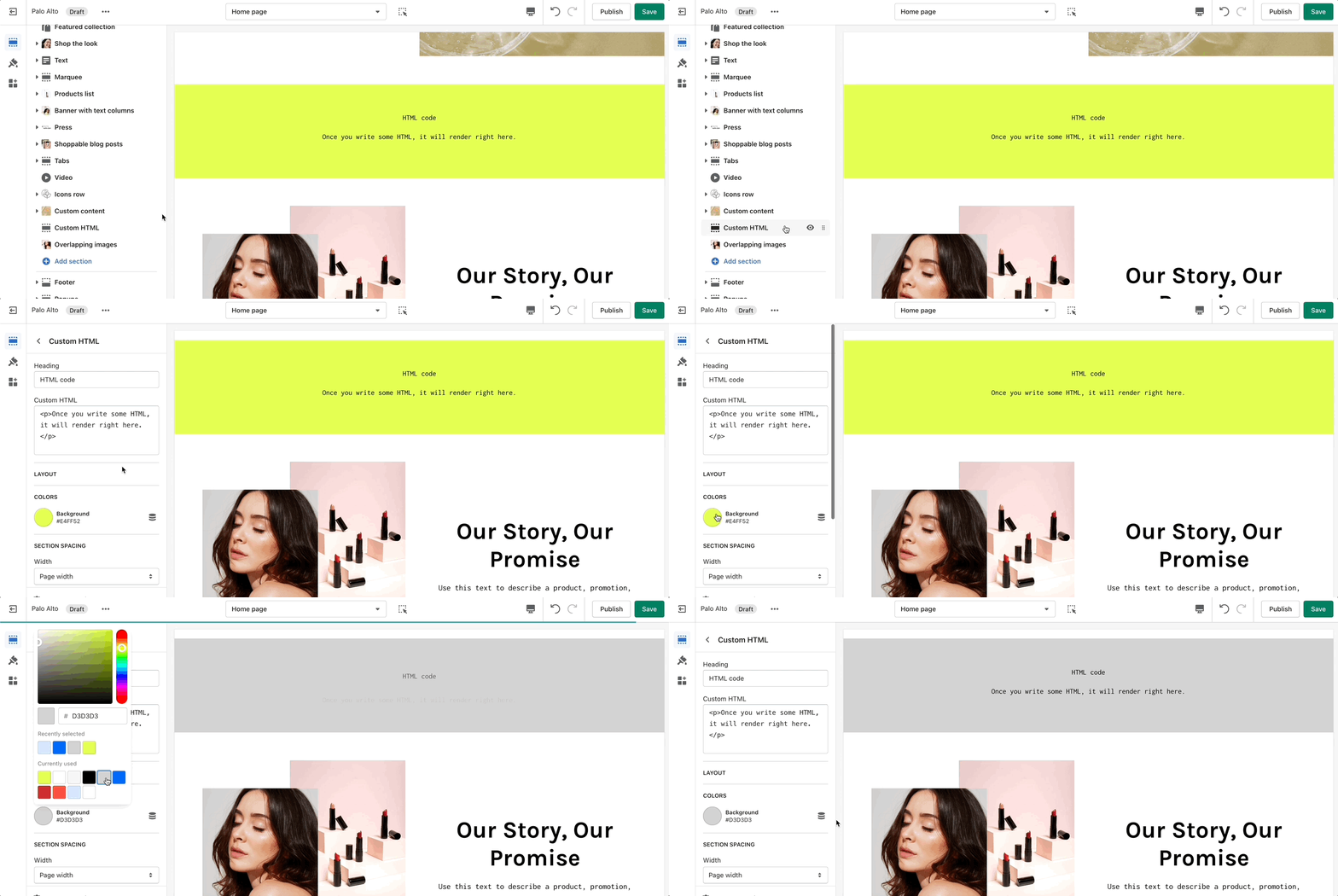
Include custom HTML snippets to create a unique look. Add partner badges via HTML snippets easily to any of your store pages.
## Custom Liquid
Write liquid directly into your store pages without accessing the theme code. This is best used for short liquid snippets.
## Custom content
### How It works
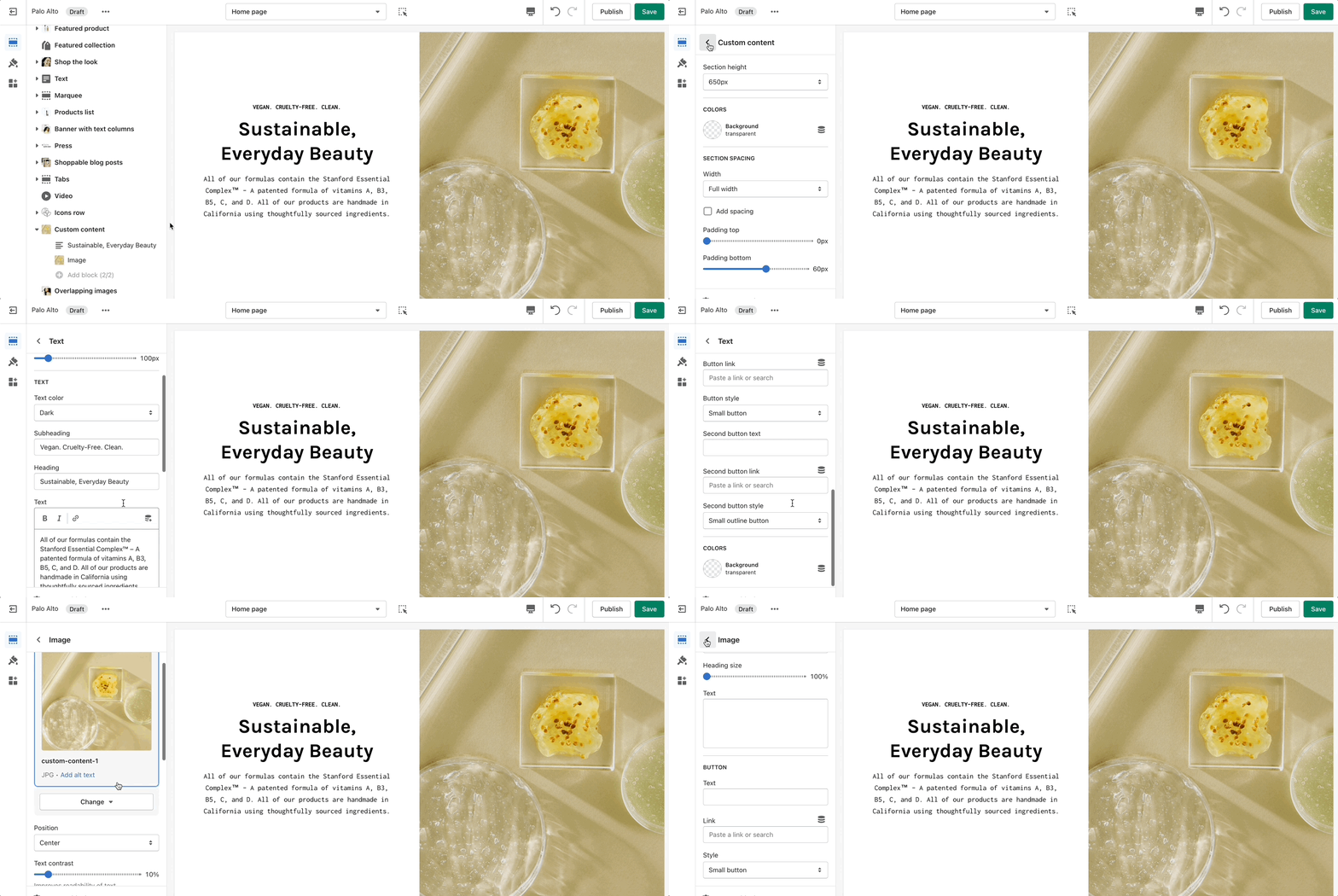
A powerful section that allows for a split view of two unique blocks.
### Settings
Set the height and color for this section. Select two different block types to create a unique layout. The block types are Image, Text, Newsletter, Testimonial, Product, Video, and Collection.
{% hint style="success" %}
This section allows the use of up to two blocks. Add more sections to use more blocks.
{% endhint %}
## Grid
### How It works
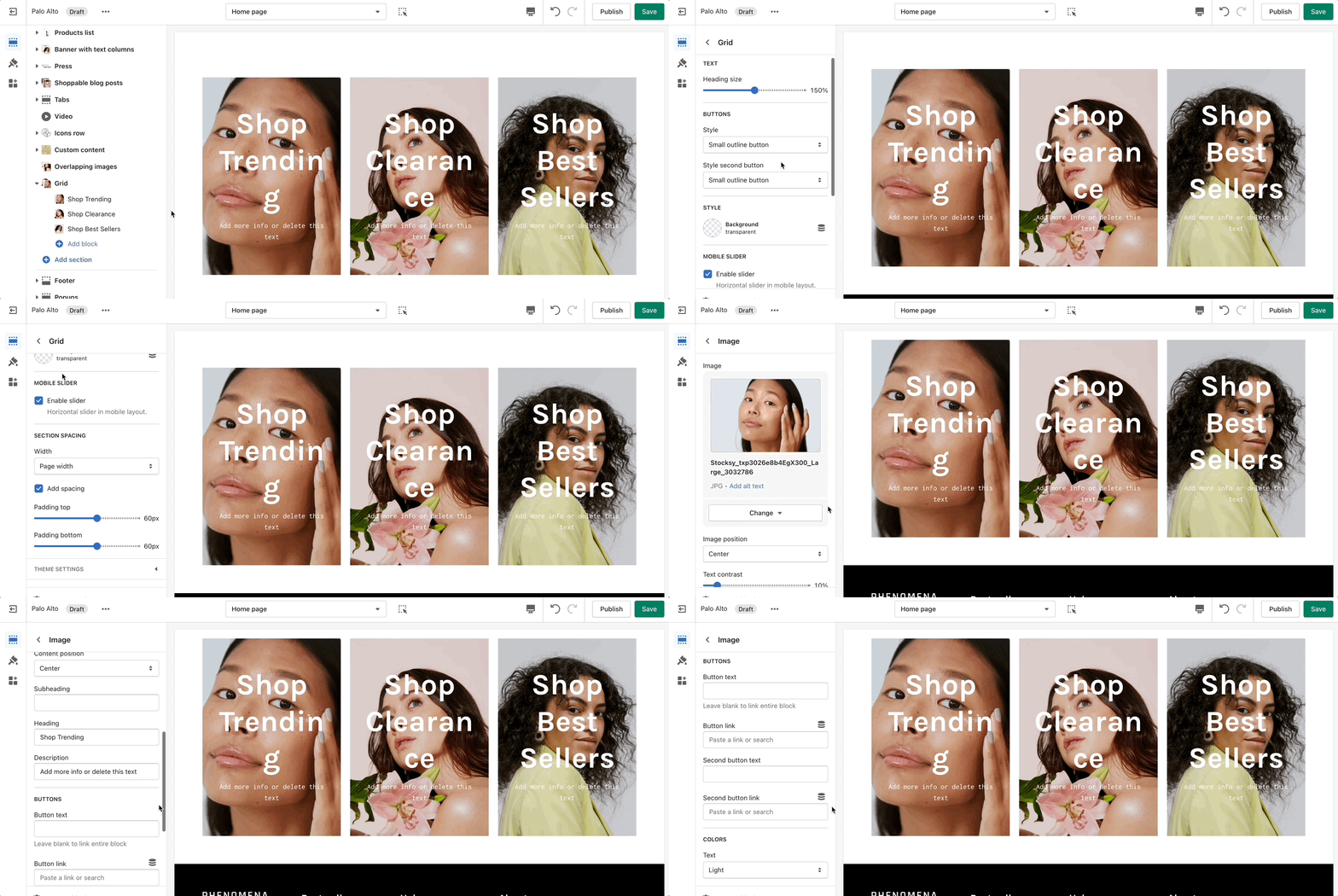
The 'Grid' section allows you to bundle different blocks together to create your own layout. You can add a mix of collections, products, images, and text to make this section your own.
### Settings
{% hint style="success" %}
Add blocks by clicking on the small arrow next to the section then clicking 'Add block'.
{% endhint %}
{% embed url="" %}
Learn all about Shopify Liquid from it's creators
{% endembed %}