> For the complete documentation index, see [llms.txt](https://palo-alto.presidiocreative.com/llms.txt). Markdown versions of documentation pages are available by appending `.md` to page URLs; this page is available as [Markdown](https://palo-alto.presidiocreative.com/palo-alto-4.3/sections/highlight-words.md).
# Highlight words
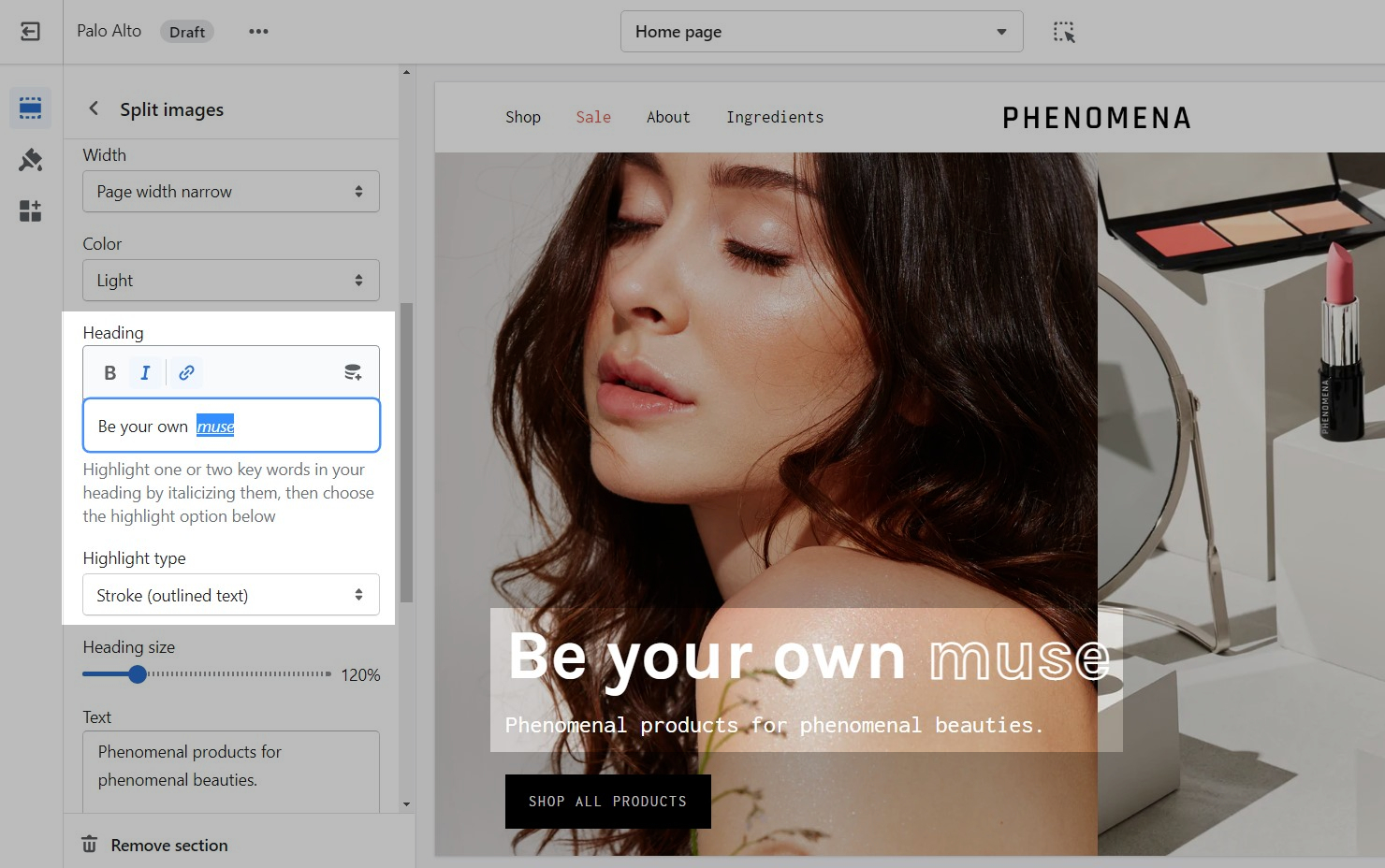
A new feature in version 4.3 is the ability to Highlight words. This option can be found in a few sections and it works in a simple and easy-to-set-up way.
First, you have to set the style for the words you want to highlight to 'Italic':
Lastly, select a style from the 'Highlight type' drop-down menu and you're ready to go!