> For the complete documentation index, see [llms.txt](https://palo-alto.presidiocreative.com/llms.txt). Markdown versions of documentation pages are available by appending `.md` to page URLs; this page is available as [Markdown](https://palo-alto.presidiocreative.com/palo-alto-4.3/theme-settings/appearance.md).
# Appearance
This tab holds miscellaneous settings that can affect small details in your store.
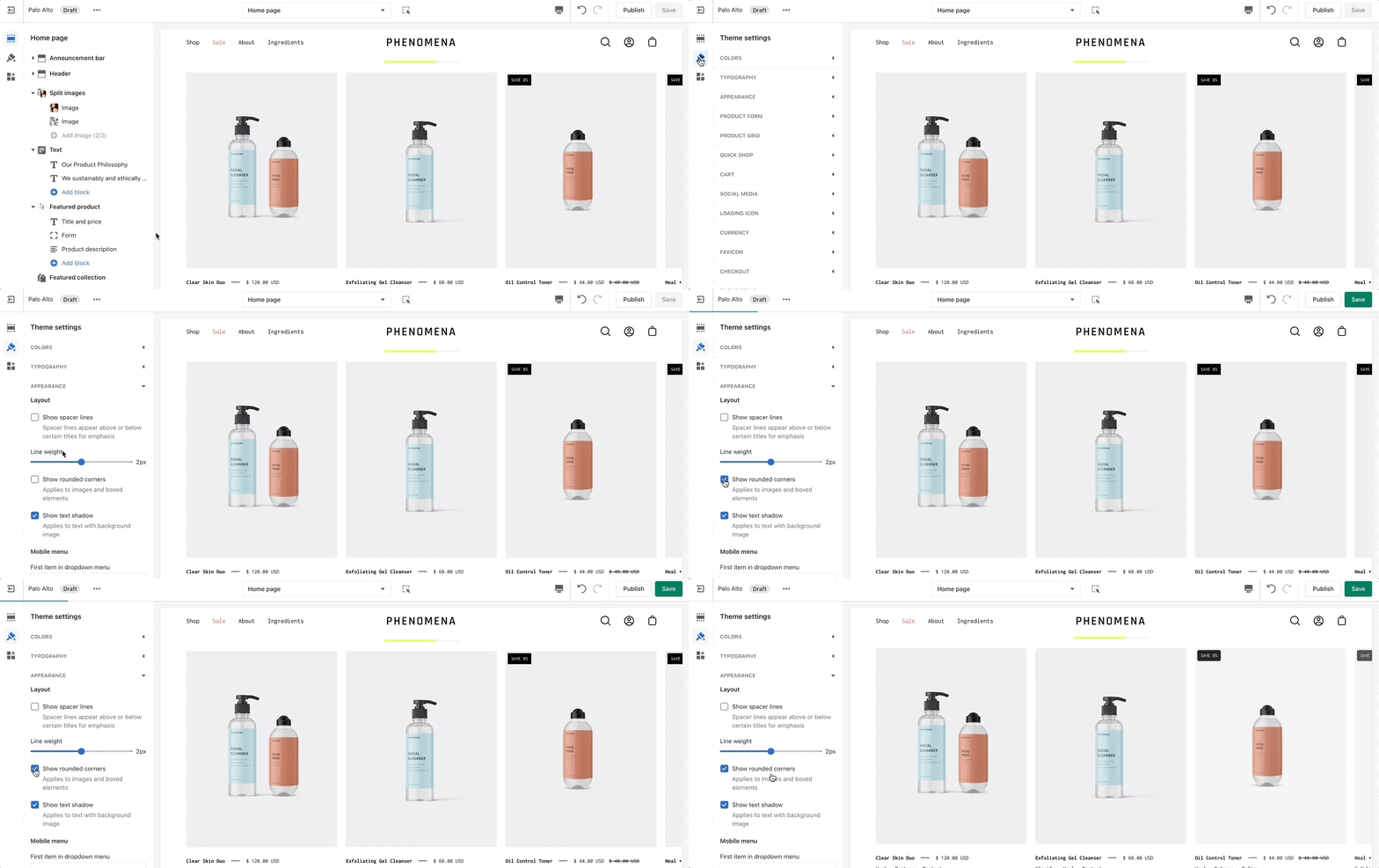
Under **Layout**, you can enable spacer lines, rounded corners, and text shadow.
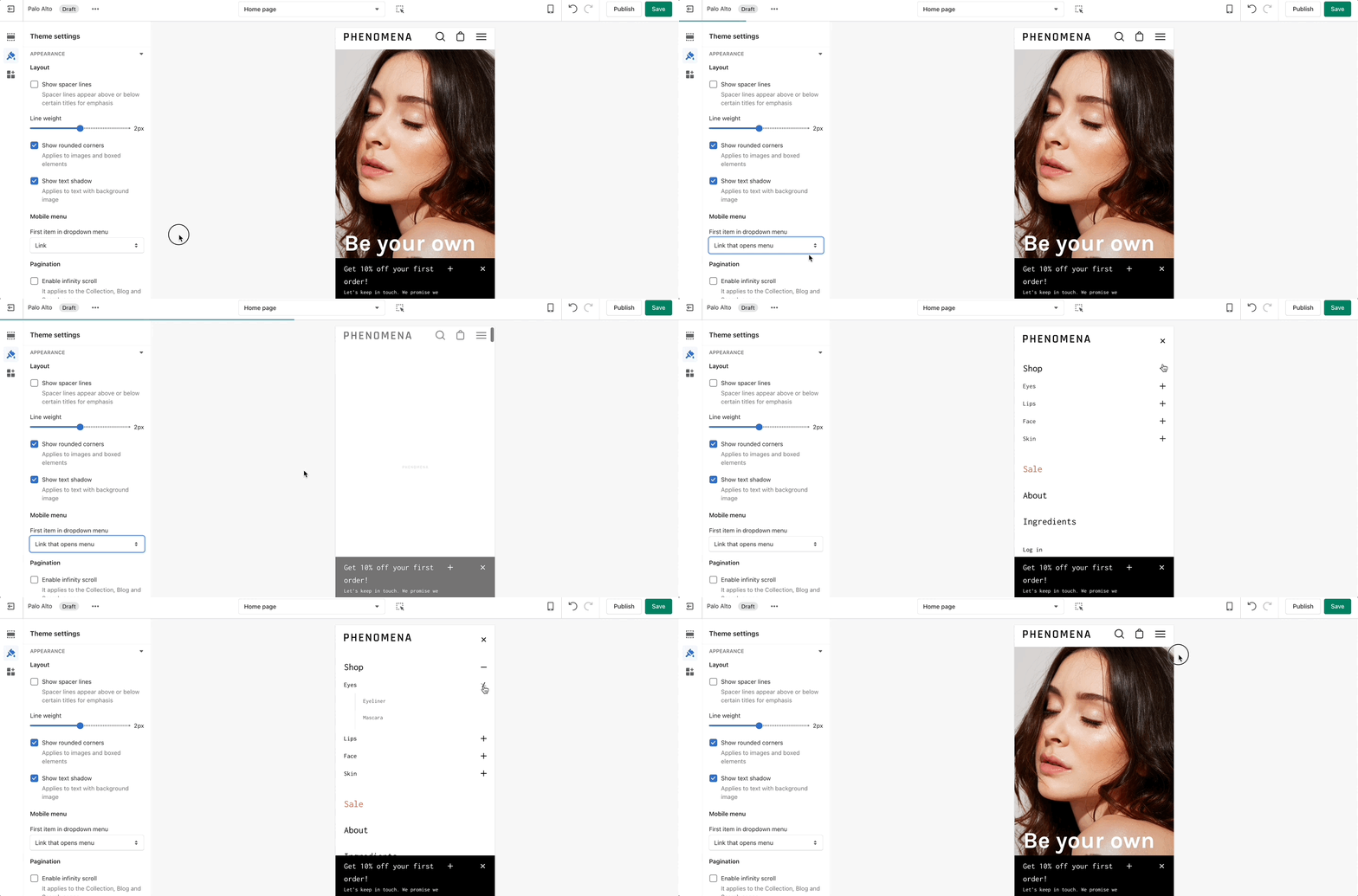
In the **Mobile menu,** you can select to have drop-down items open the menu or to be their own link.
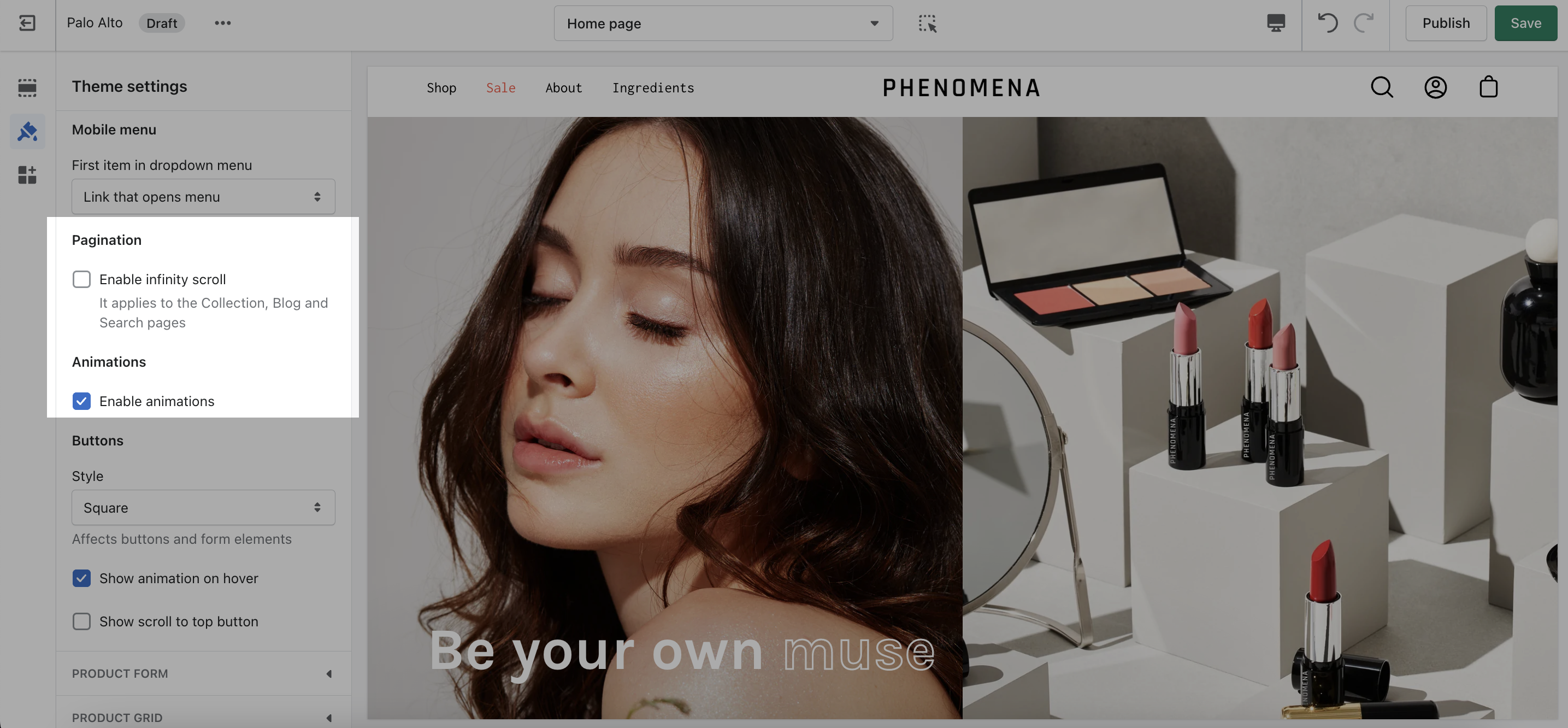
You can toggle **Pagination** and **Animations**.
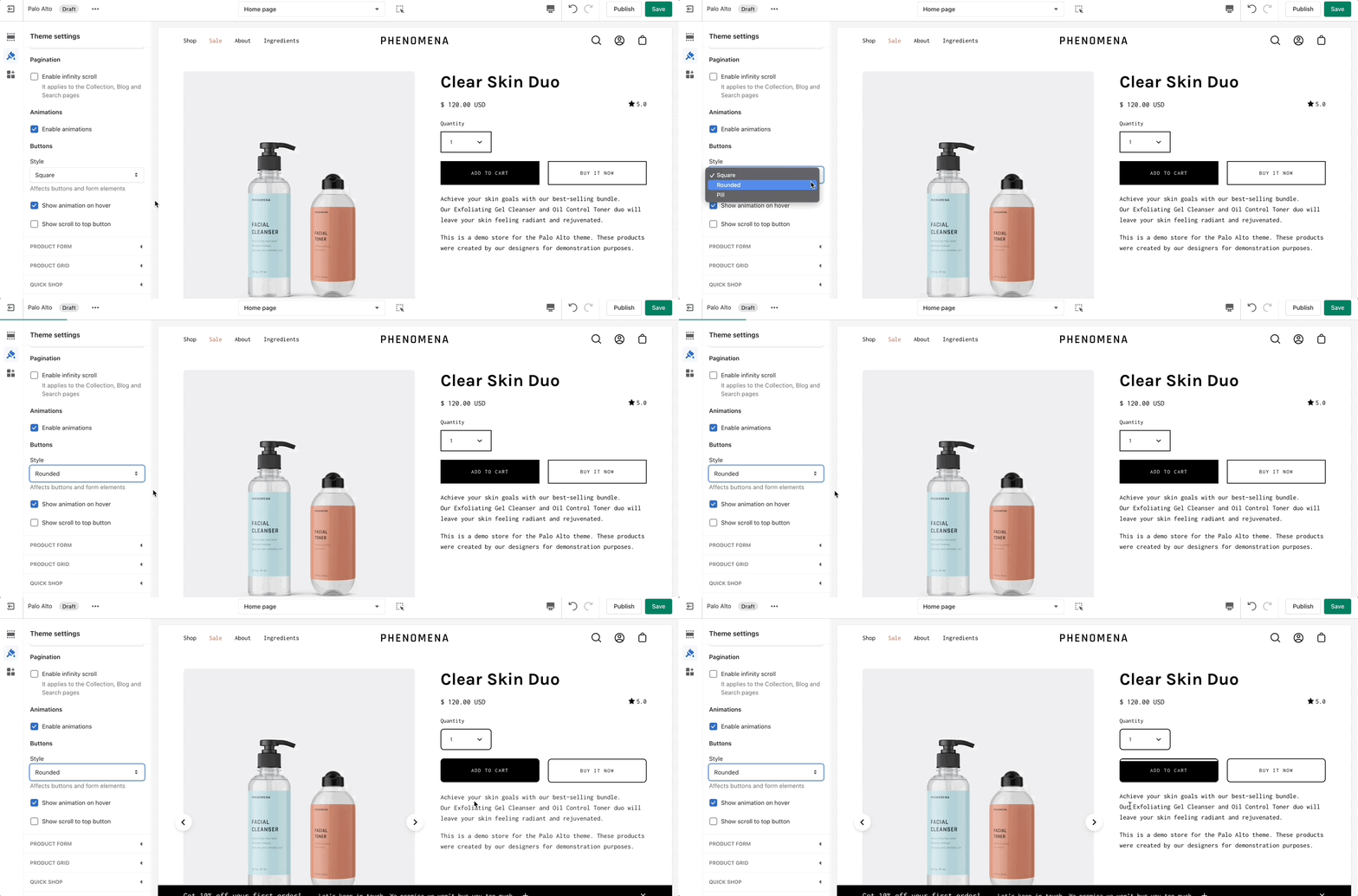
Under **Buttons**, you can change the style, toggle on-hover animations, and toggle the 'Scroll to top' button.