> For the complete documentation index, see [llms.txt](https://palo-alto.presidiocreative.com/llms.txt). Markdown versions of documentation pages are available by appending `.md` to page URLs; this page is available as [Markdown](https://palo-alto.presidiocreative.com/palo-alto-4.3/collections/palo-alto-collection-pages.md).
# Using the new Palo Alto Collection Pages
Collection and Product grid settings and configuration options
The new Collection page template introduces infinite customization options that you never knew you needed!
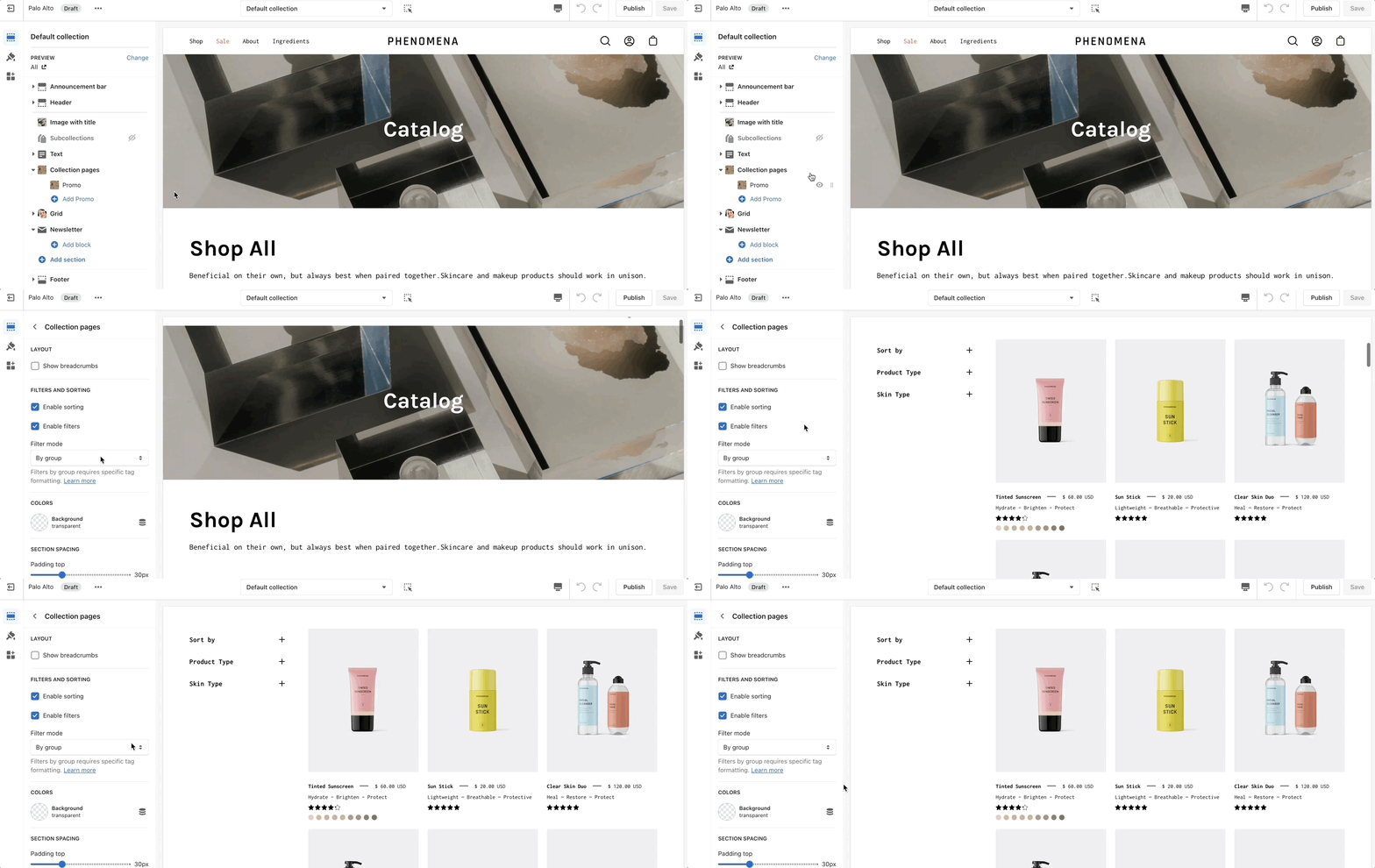
Click on **Collection products** to view settings for Collection pages:
### Theme Settings
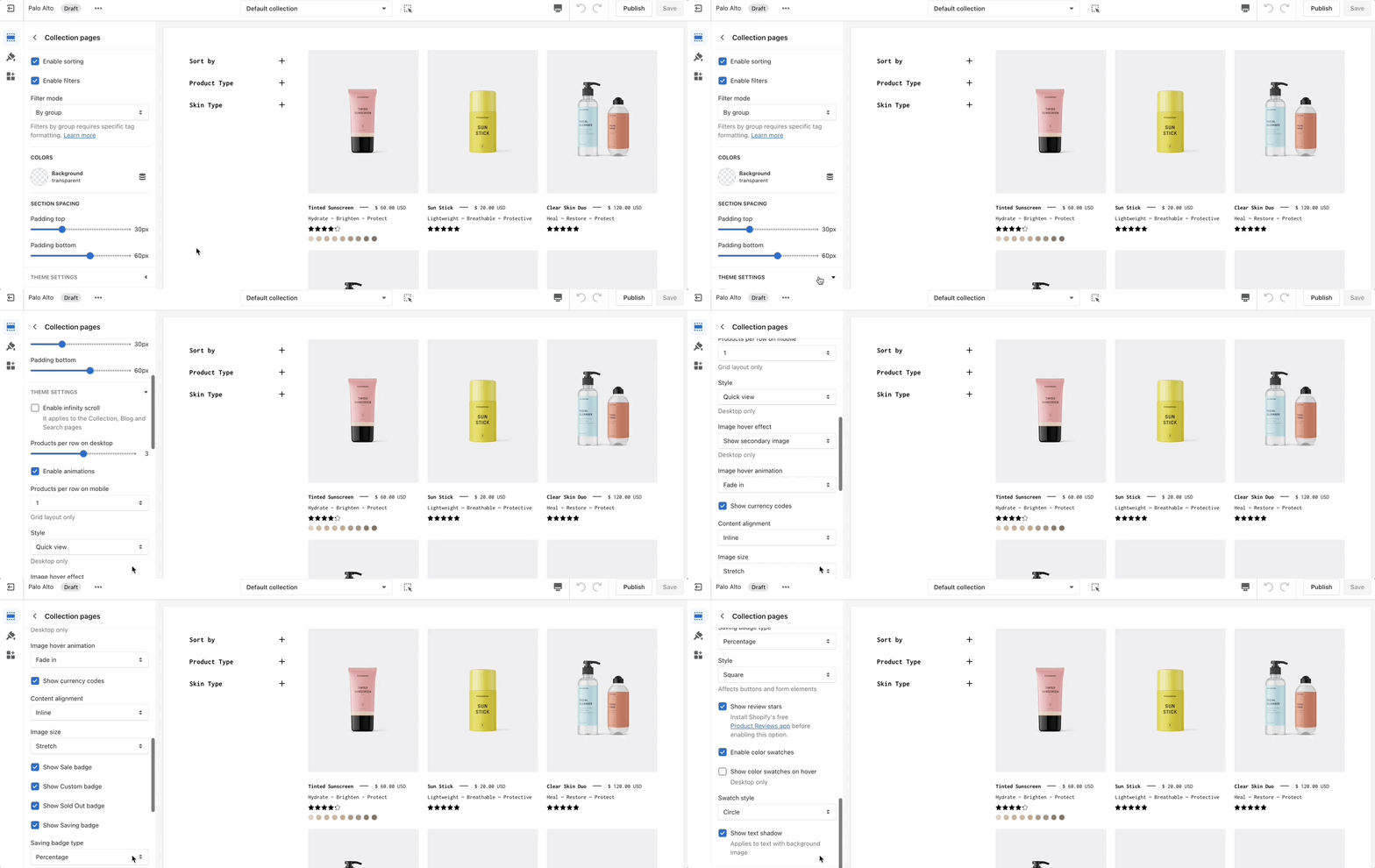
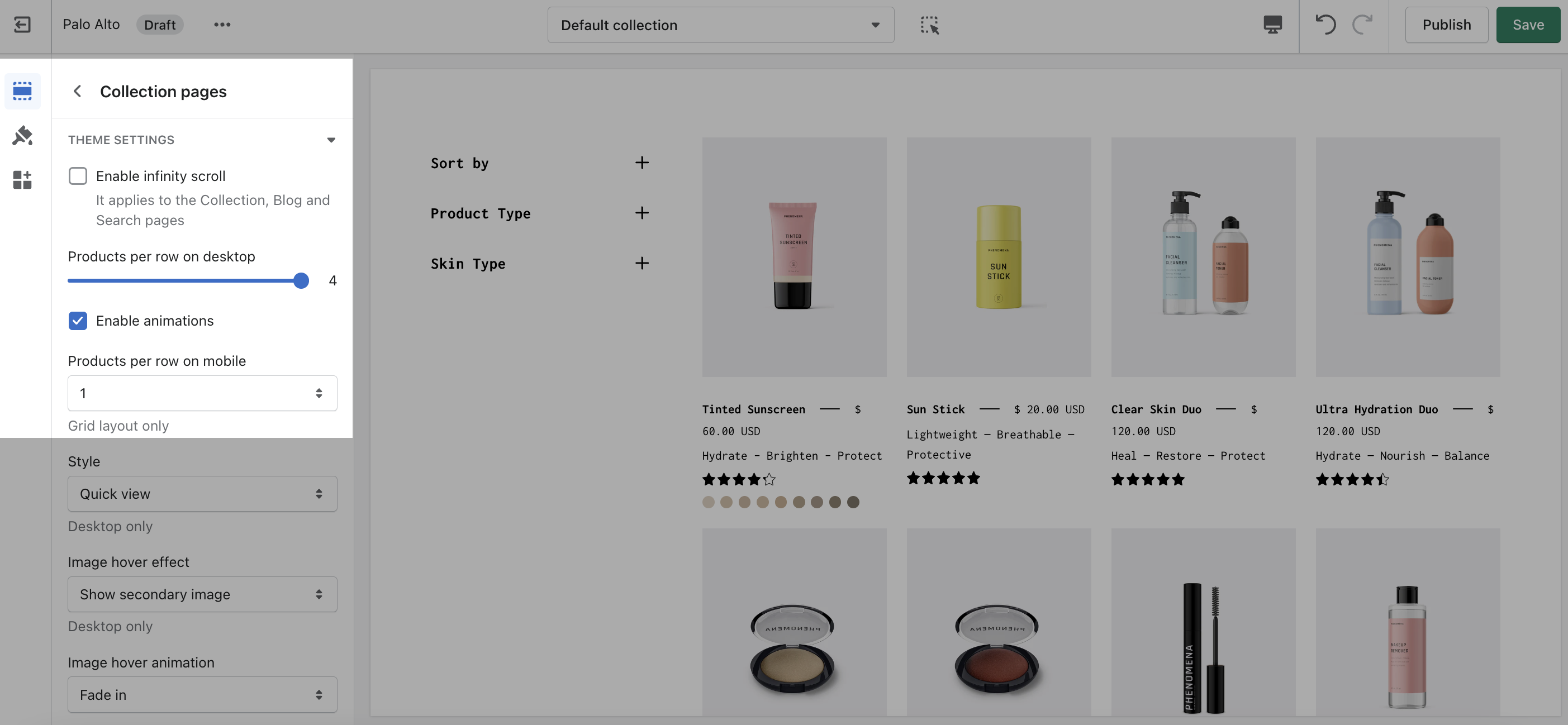
Expand the Theme Settings panel to view additional settings related to the product grid:
### Product Grid
Use the Product Grid options to customize how many products per row are displayed on desktop and mobile.