> For the complete documentation index, see [llms.txt](https://palo-alto.presidiocreative.com/llms.txt). Markdown versions of documentation pages are available by appending `.md` to page URLs; this page is available as [Markdown](https://palo-alto.presidiocreative.com/palo-alto-4.6/sections/palo-alto-sections/split-images.md).
# Split images
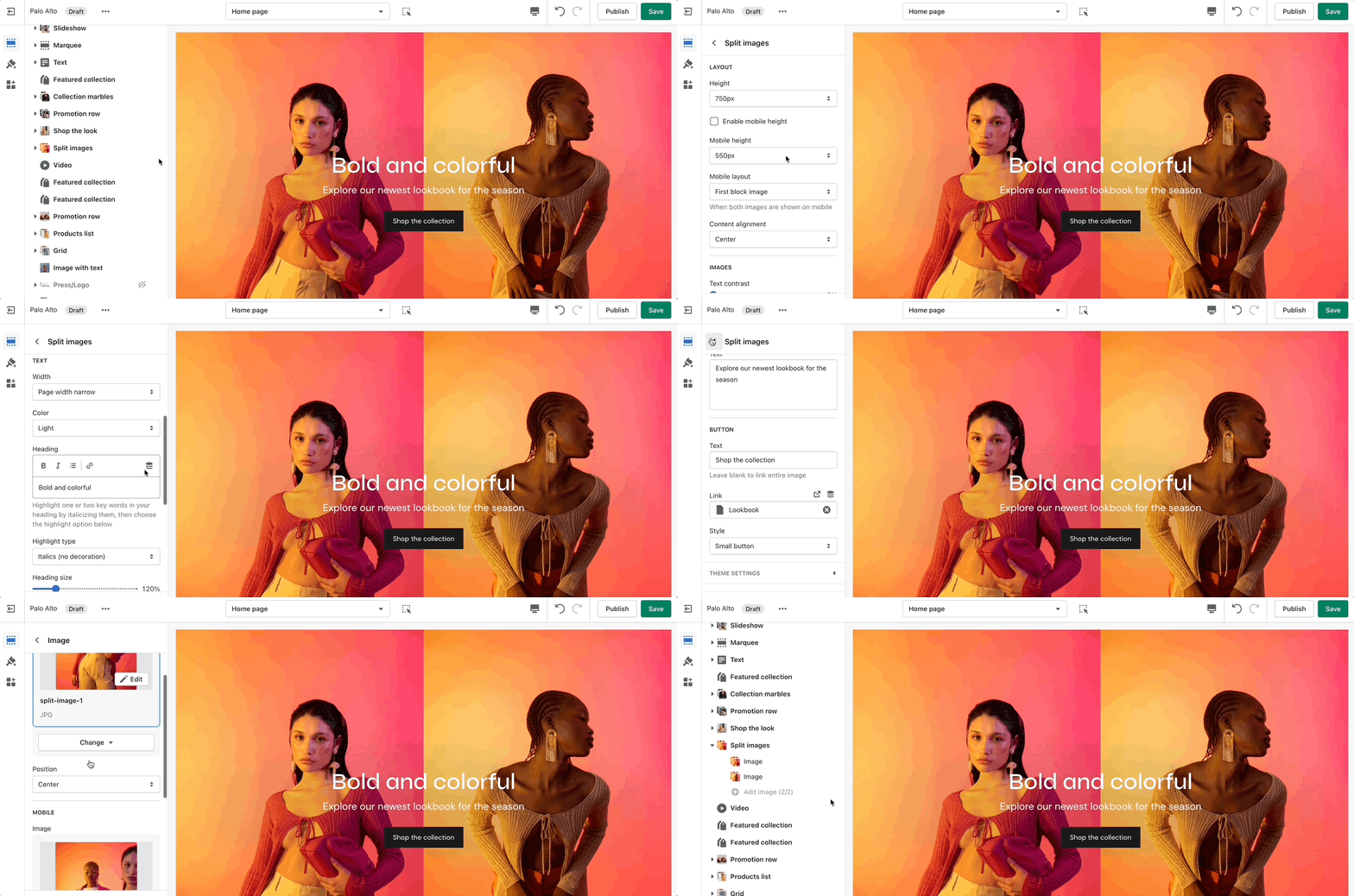
Create a split view to showcase your products or product images.
### Settings
Set the section height, alignment, and text settings. Set the individual images.
### Mobile image height
For Palo Alto 4.5 (and newer), you have the option to set a height for your mobile layout.
{% hint style="success" %}
Add blocks by clicking on the small arrow next to the section then clicking 'Add block'.
{% endhint %}
#### Check out the new 'Focal point' feature in Shopify:
{% embed url="" %}