> For the complete documentation index, see [llms.txt](https://palo-alto.presidiocreative.com/llms.txt). Markdown versions of documentation pages are available by appending `.md` to page URLs; this page is available as [Markdown](https://palo-alto.presidiocreative.com/palo-alto-4.5/header/announcement-bar.md).
# Announcement bar
Announcement Bar settings and layout
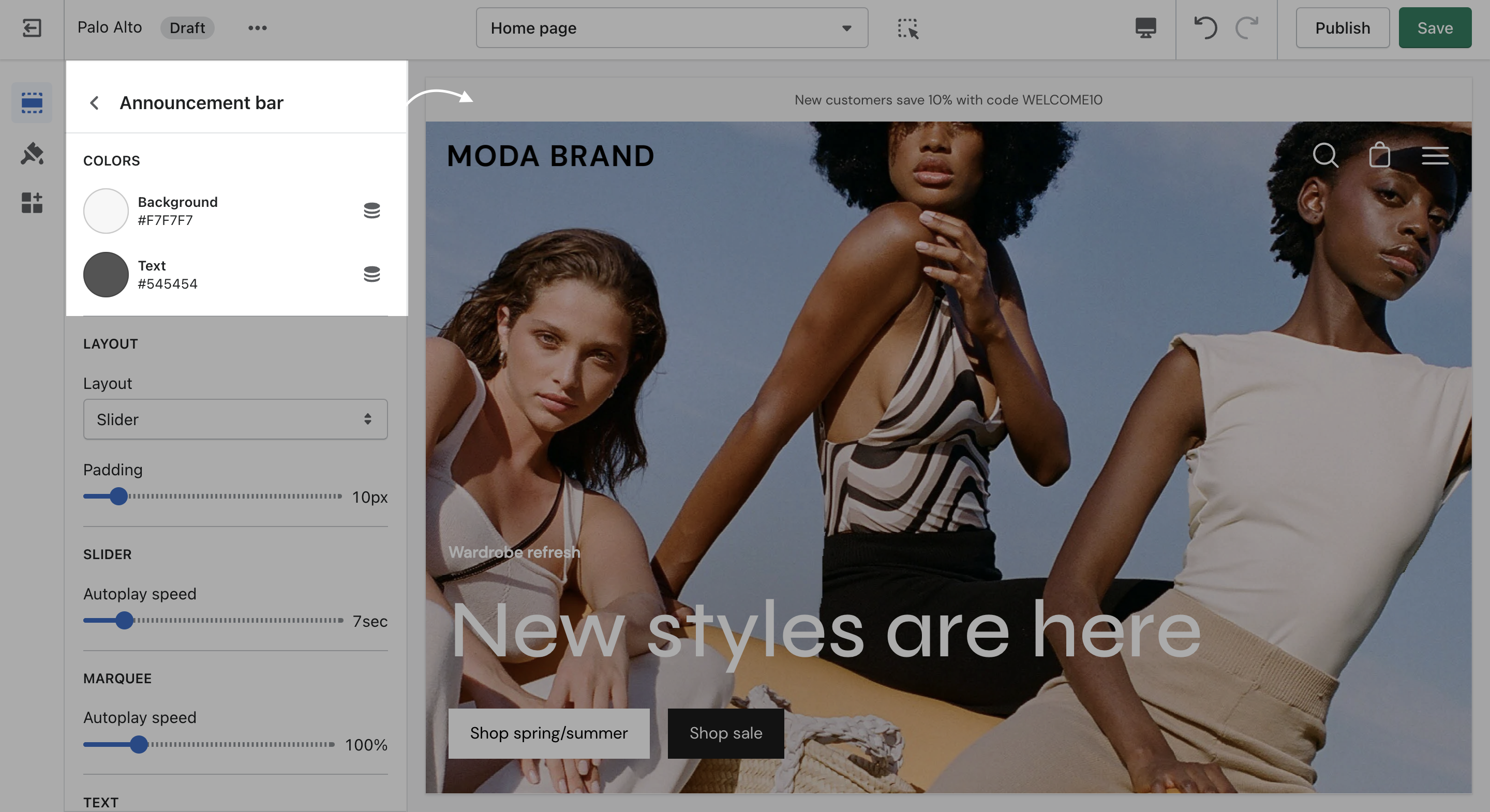
Click on the ***Announcement bar*** section to reveal the section settings.
These settings will allow you to change the background and text colors of your Announcement bar section, layout style, and autoplay speed.
## Block types
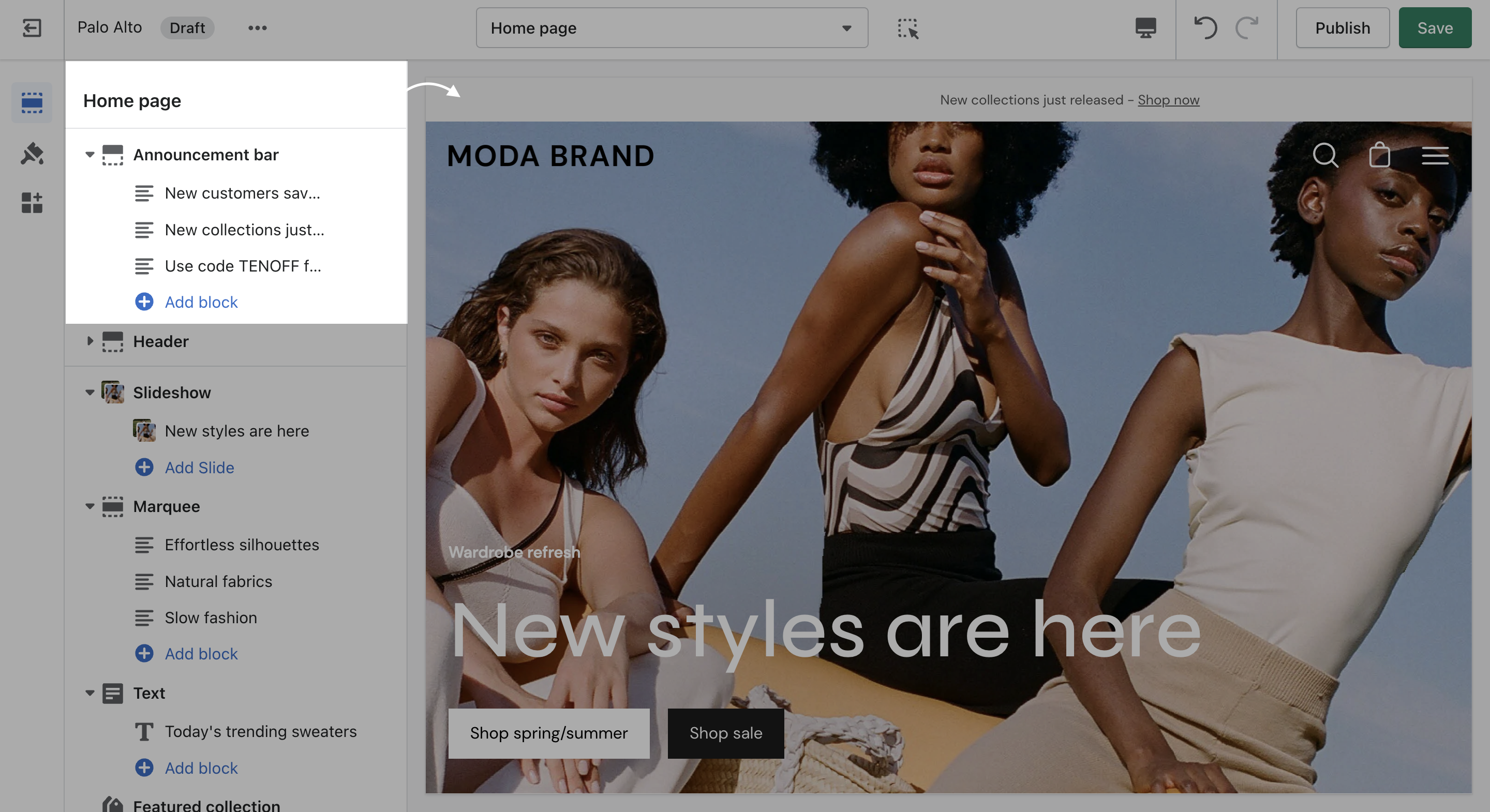
You can also click on the small arrow next to this section to expand it and show its blocks. This will allow you to access each block to change its text and link.
You can also add new blocks by clicking the 'Add block' button.
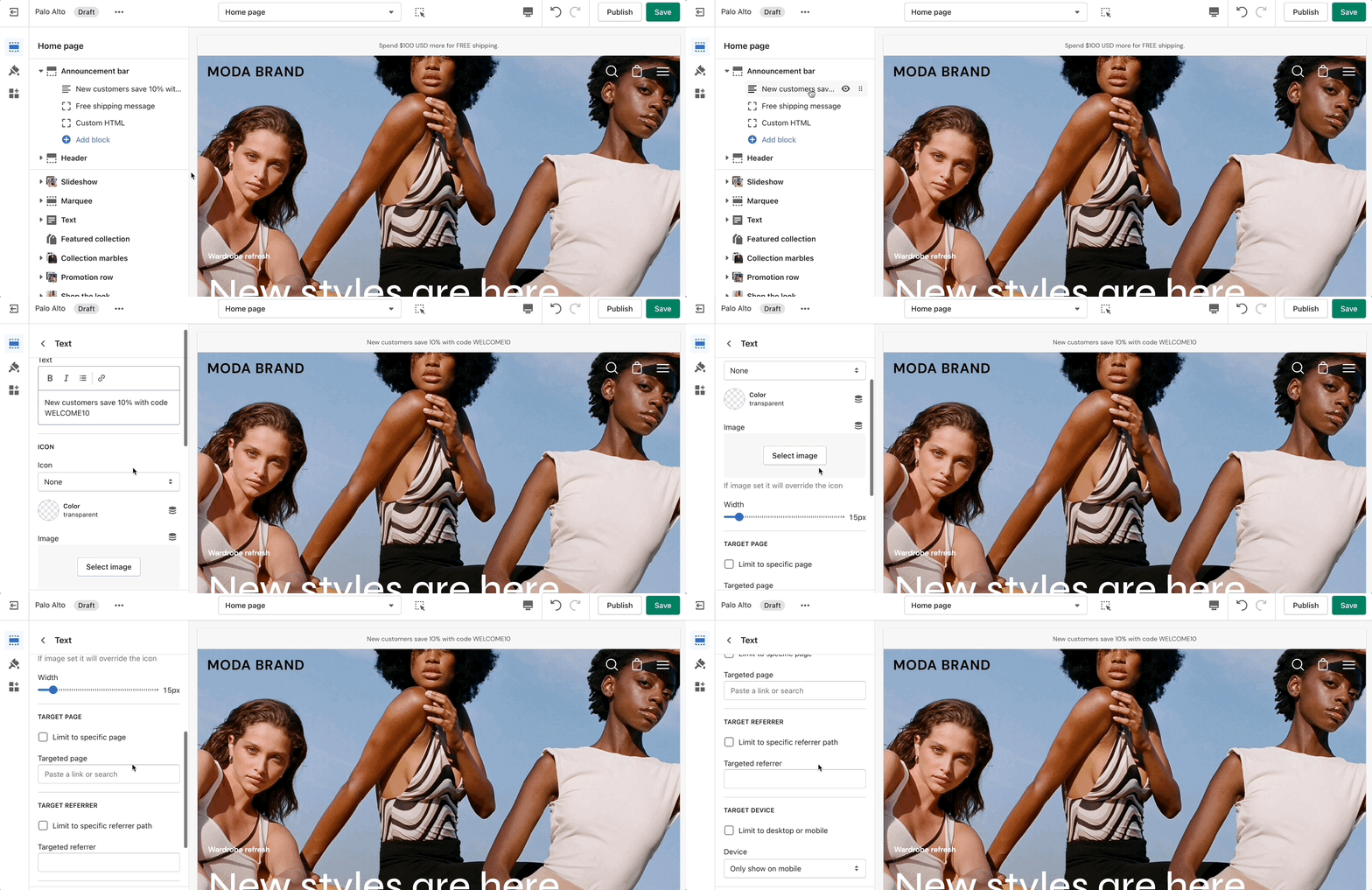
## Text
Add single or multiple text announcement bars with links to promote your offers:
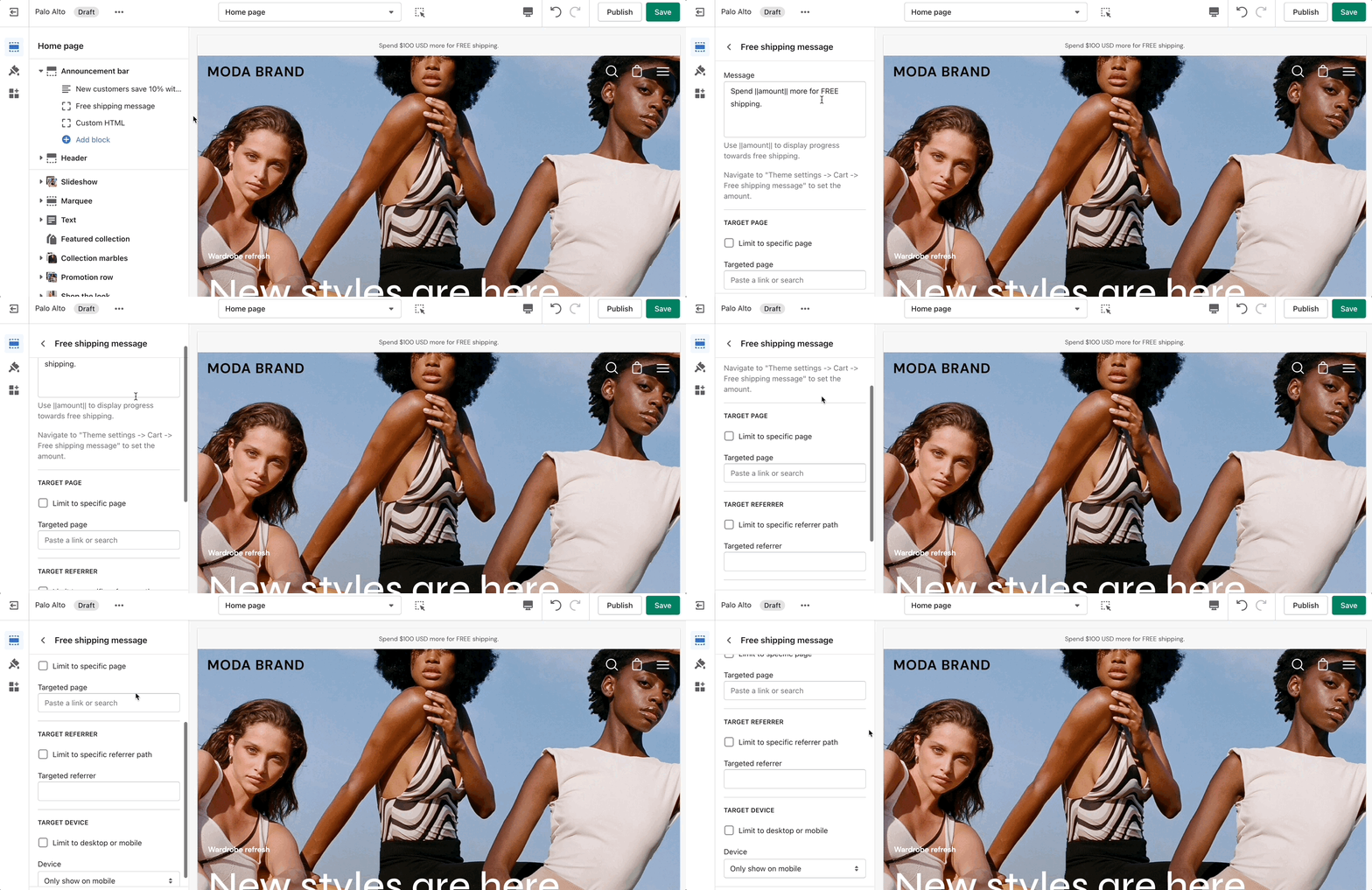
## Free shipping message
Use this block to encourage add-on sales and increased quantities.
Modify the message text as needed. Keep the `|| amount ||` custom short code to reference your set value from the Cart settings.
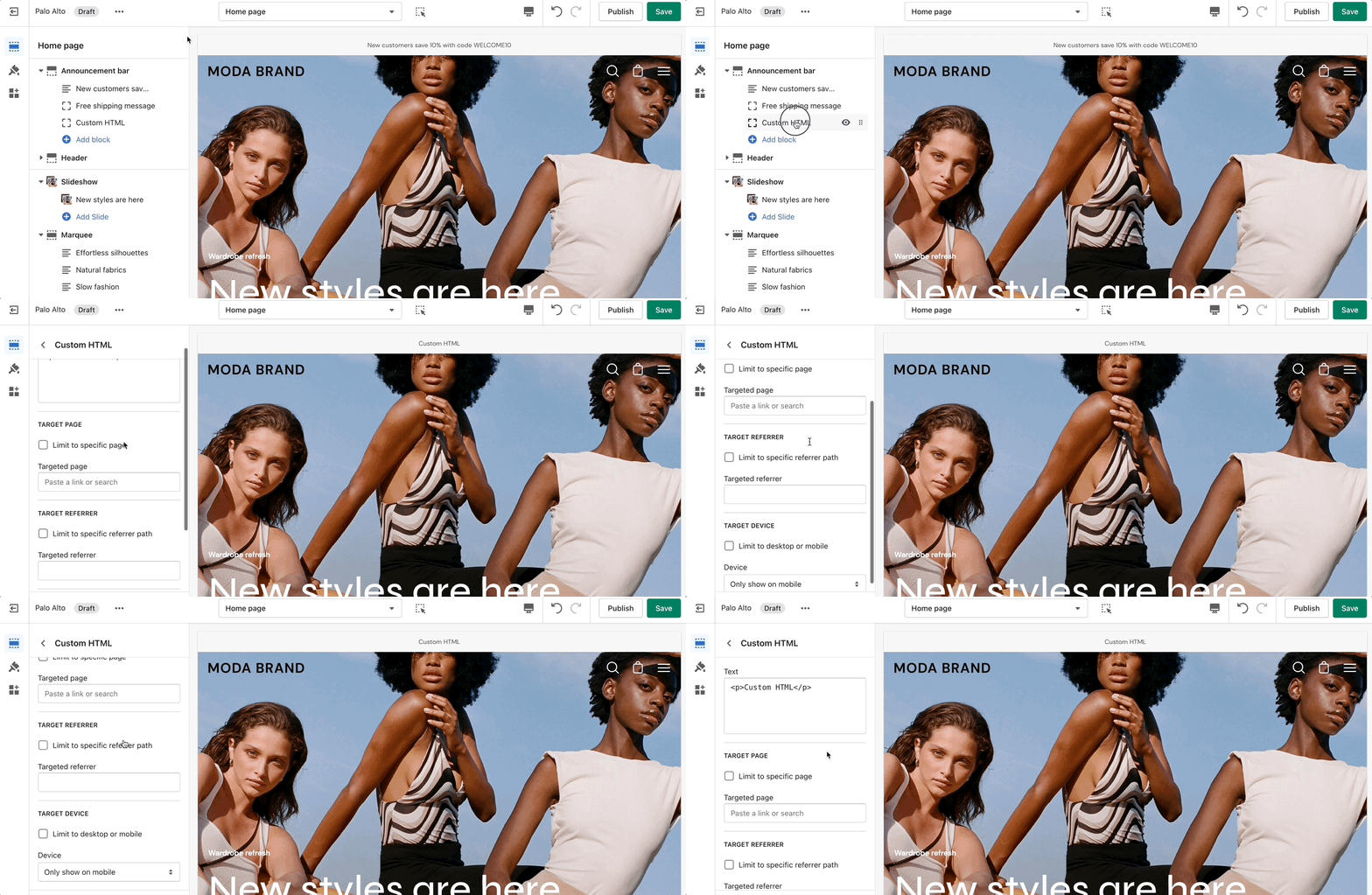
## Custom HTML
Build custom announcement messages and use targeting options to provide complete customization for your promotions.
{% content-ref url="/pages/0NO6h8n5W4ExhknY9X2c" %}
[Target Settings](/palo-alto-4.5/sections/target-settings.md)
{% endcontent-ref %}