> For the complete documentation index, see [llms.txt](https://palo-alto.presidiocreative.com/llms.txt). Markdown versions of documentation pages are available by appending `.md` to page URLs; this page is available as [Markdown](https://palo-alto.presidiocreative.com/palo-alto-4.4/popups/popup-behavior.md).
# Popup Behavior
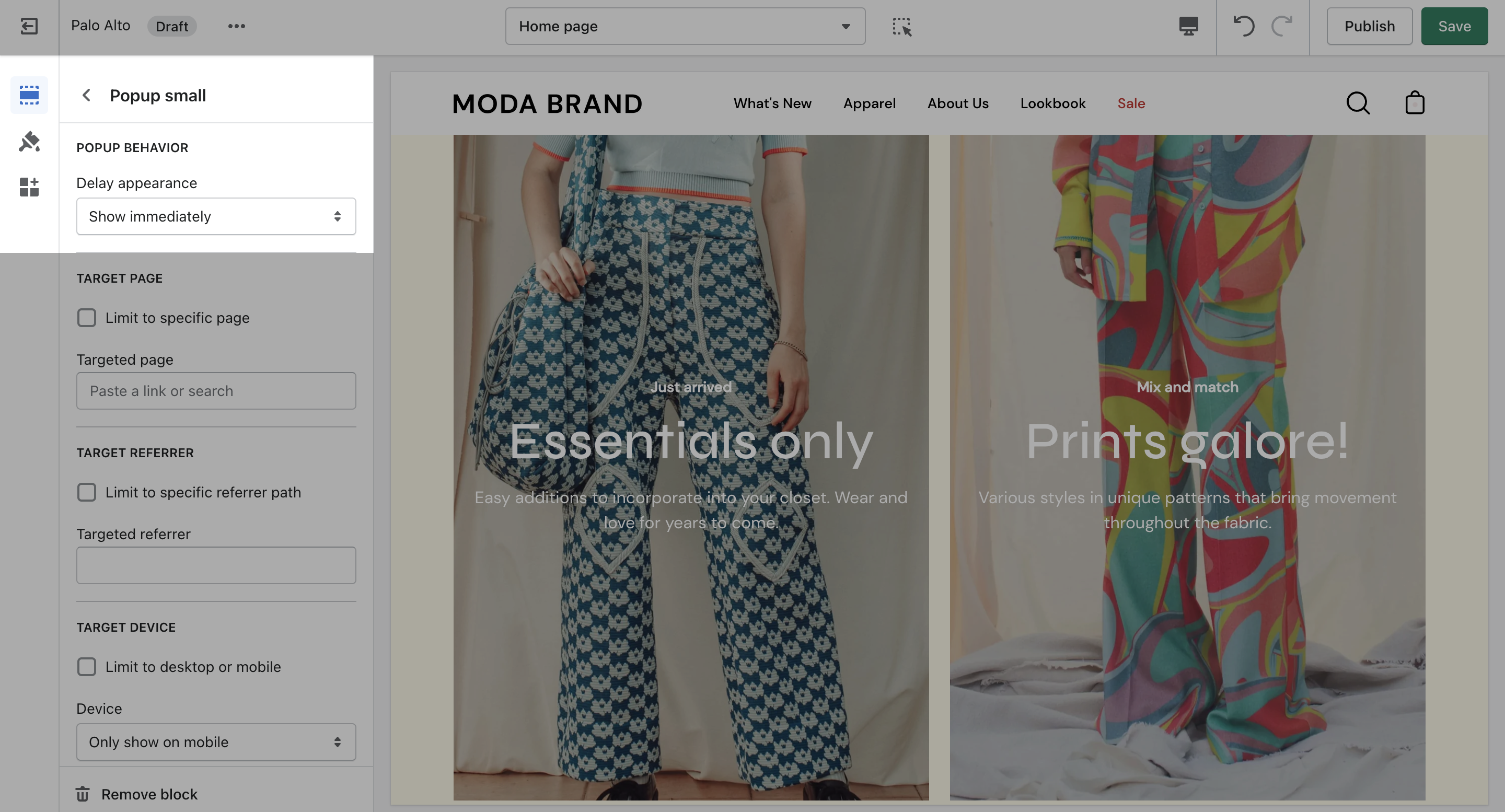
Use 'Delay appearance' to delay the popup from showing on the page. There are four different delay options:
{% tabs %}
{% tab title="Show immediately" %}
Displays the popup as soon as the page is loaded.
{% endtab %}
{% tab title="Show 10 seconds after page load" %}
Displays the popup ten seconds after the page is loaded.
{% endtab %}
{% tab title="Show after user scrolls to page bottom" %}
Displays the popup after the user scrolls to the bottom of the page.
{% endtab %}
{% tab title=" Show after user has been idle for 1 minute " %}
Displays the popup after the user has been idle for one minute.
{% endtab %}
{% endtabs %}
{% hint style="info" %}
There are four behavior options that you can control from the block settings.
{% endhint %}
### Target Page
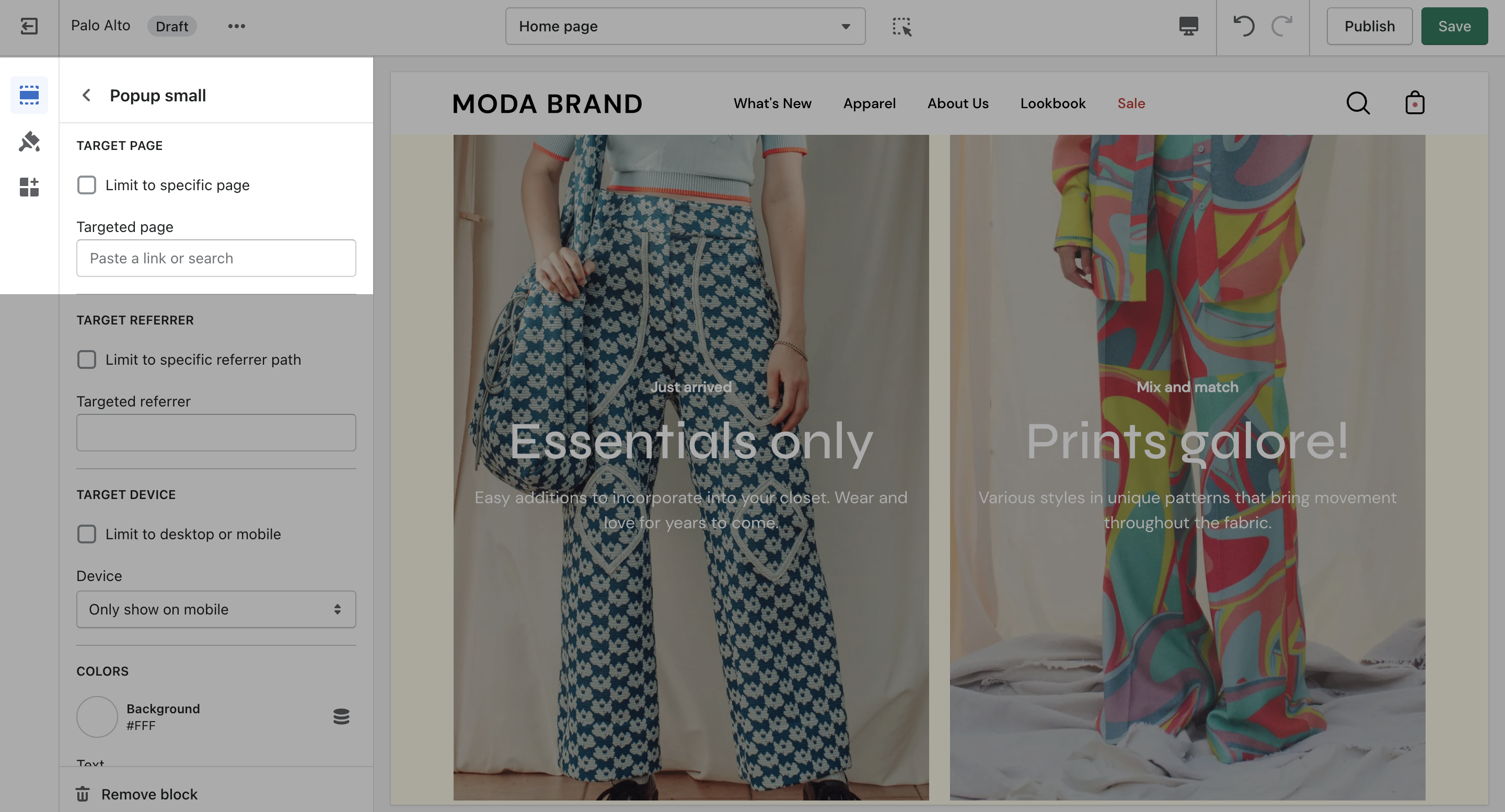
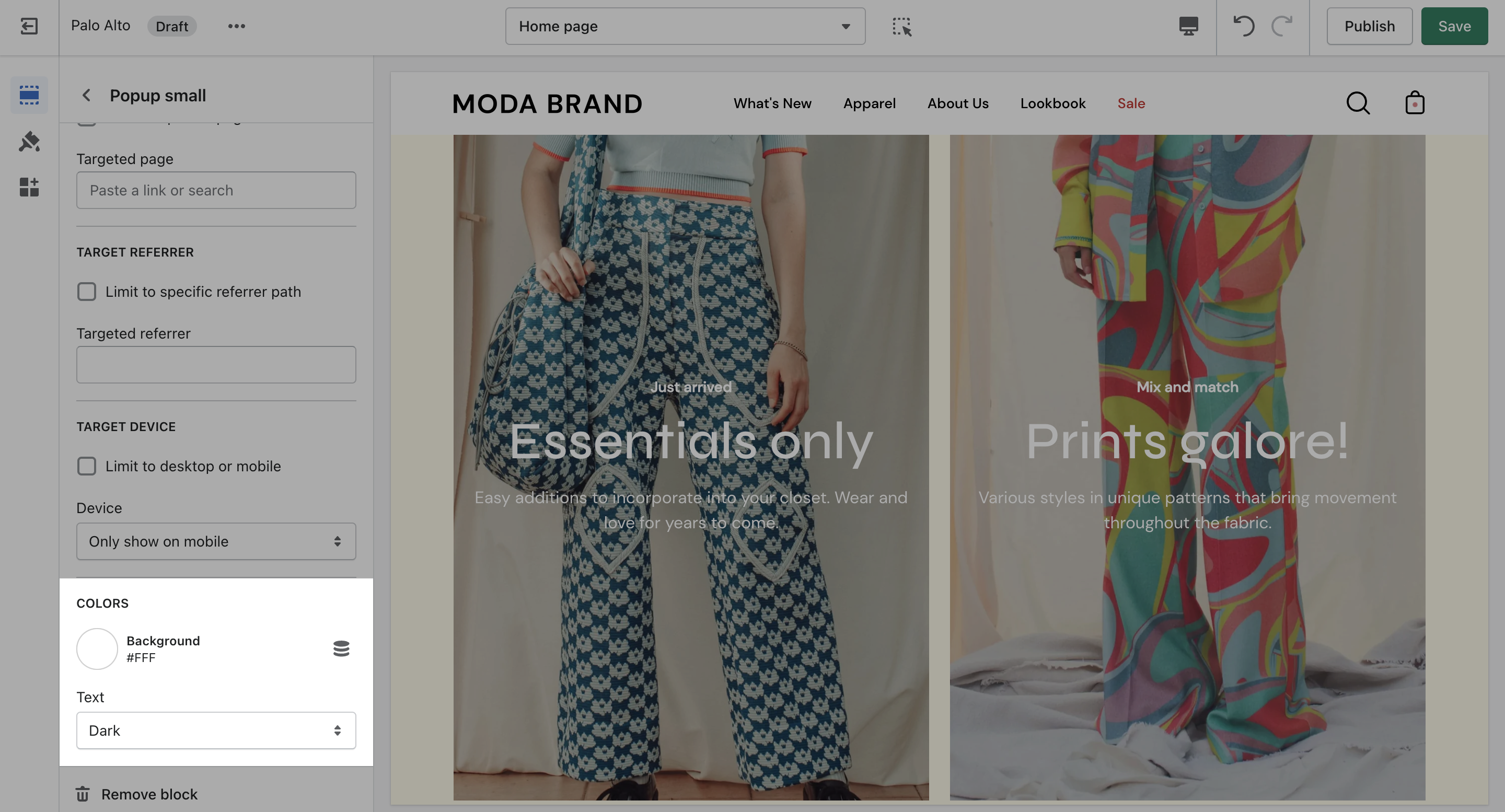
Display a custom popup to your customers only when the customer is browsing a certain page, product, collection, or blog post on your site. Target your message based on where customers are browsing on your site:
{% hint style="success" %}
Create different popups and messages for various pages of your site.
{% endhint %}
### Target Referrer
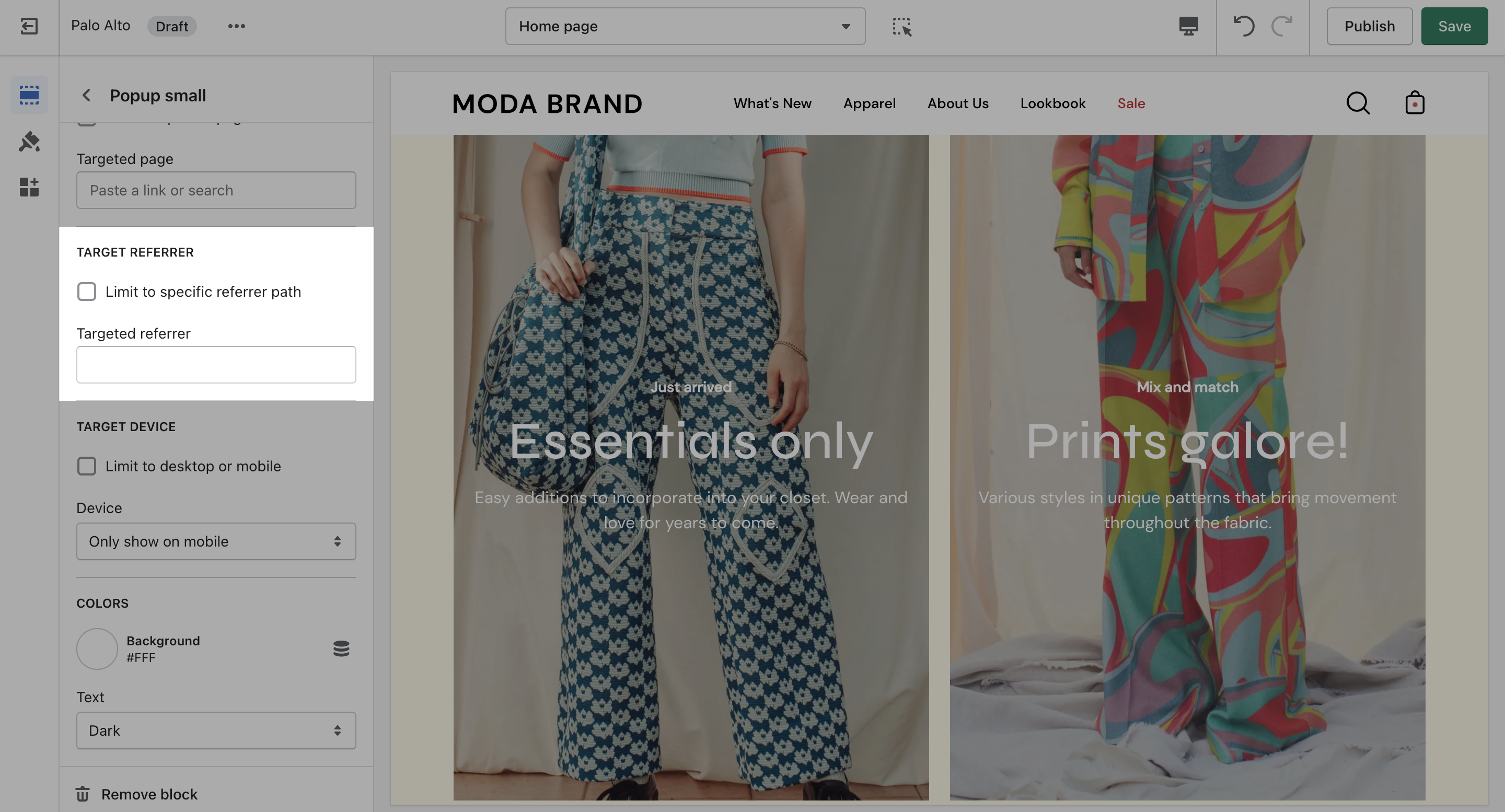
Target a specific audience by using Target Referrer. Your popup will only appear when the customer arrives at your site from a certain path or location.
{% hint style="success" %}
Enable when running a promotion on another site. Customize message based on the source.
{% endhint %}
{% hint style="success" %}
Use to provide a custom discount code to your customers when they arrive from a social media or other paid promotion.
{% endhint %}
### Target Device
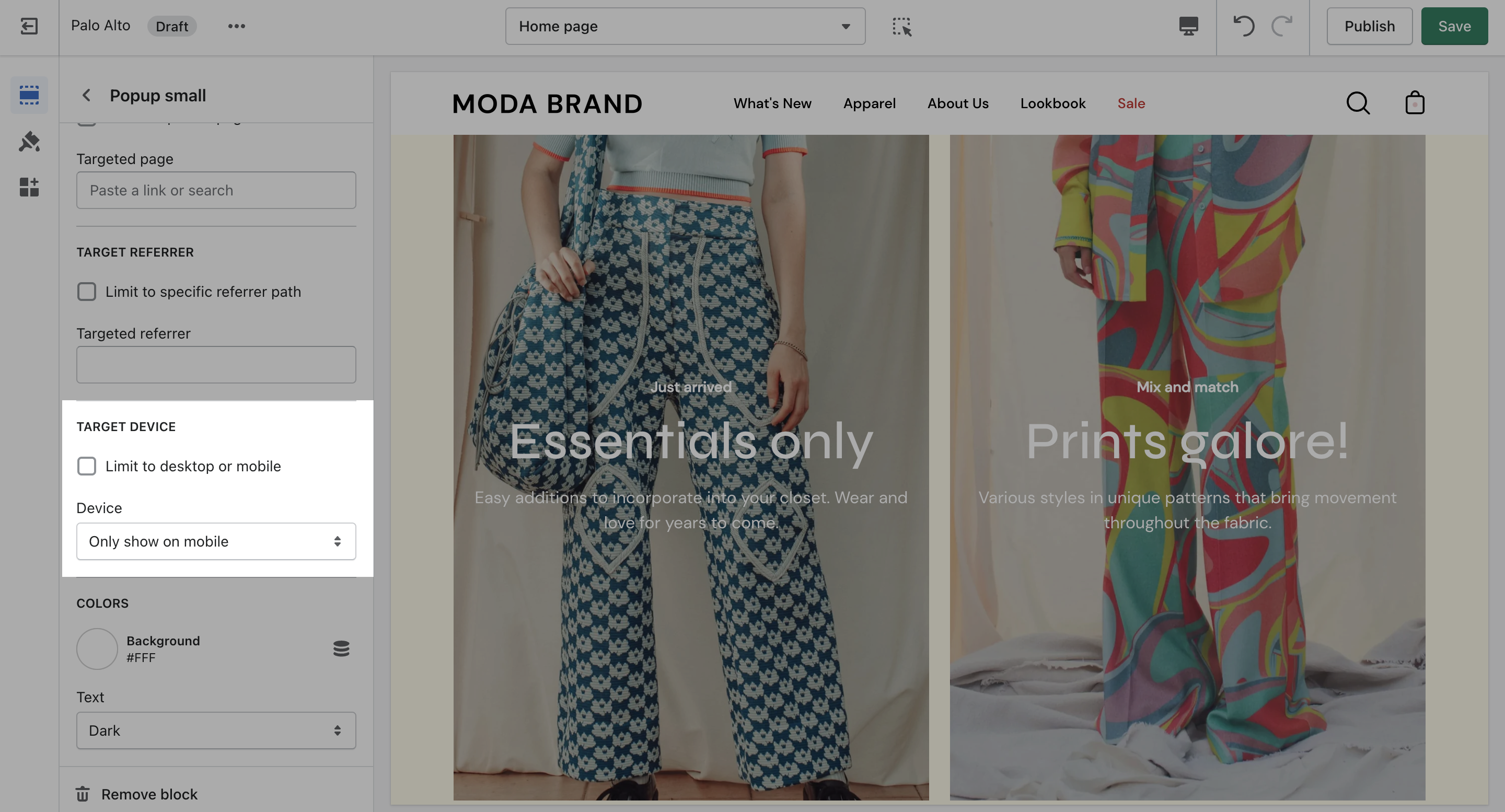
Create a custom popup for mobile devices and another popup for desktop browsers with Target Device. Each popup can be customized with different assets and messaging.
{% hint style="success" %}
Enable custom popups for mobile and desktop.
{% endhint %}
### Colors