> For the complete documentation index, see [llms.txt](https://palo-alto.presidiocreative.com/llms.txt). Markdown versions of documentation pages are available by appending `.md` to page URLs; this page is available as [Markdown](https://palo-alto.presidiocreative.com/palo-alto-4.3/custom/css-customizations.md).
# How to make CSS customizations
Adding your own custom styles and CSS overrides to the theme
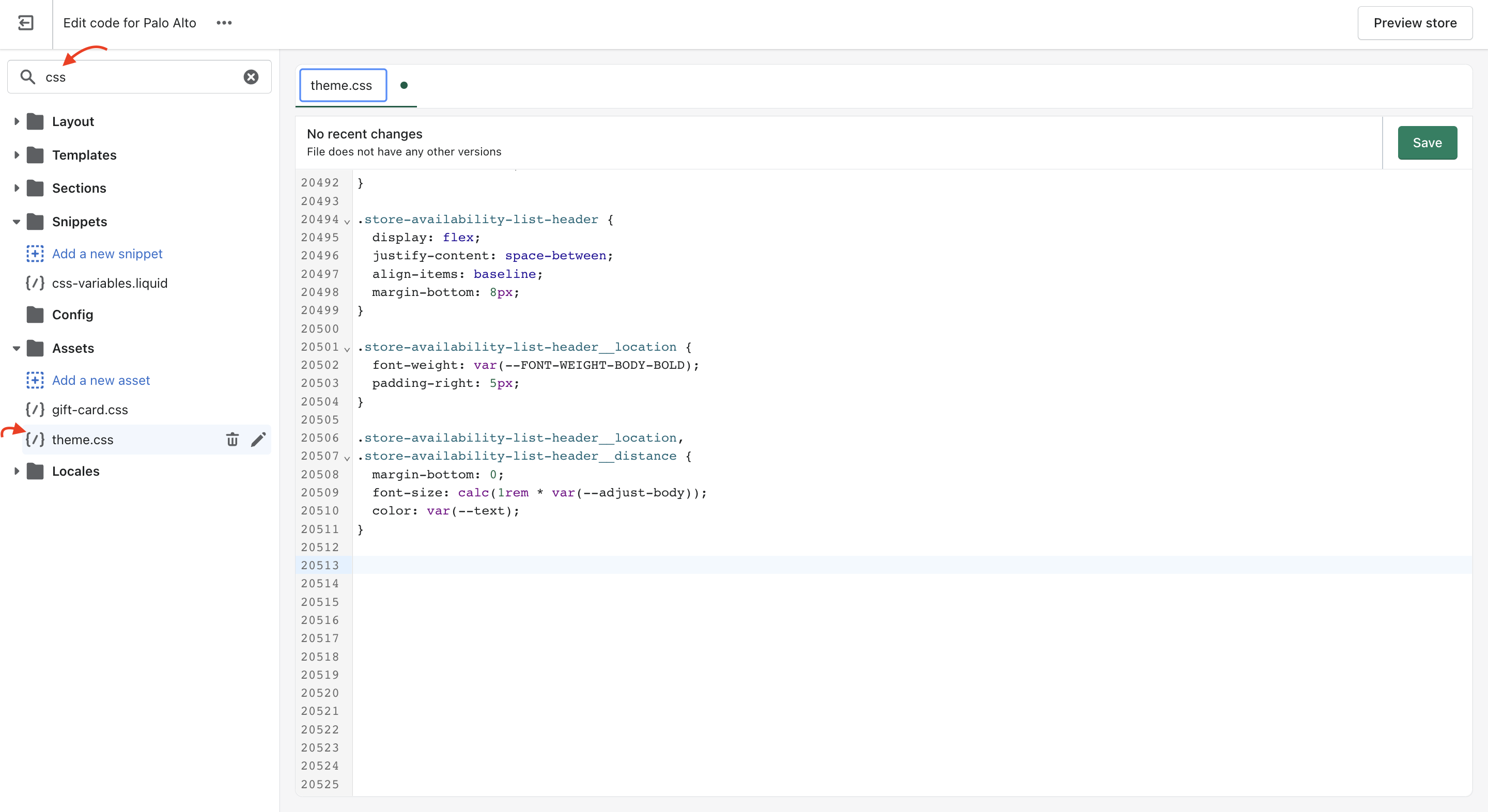
For developers and to make minor CSS style modifications, use the Code Editor and add your custom CSS at the bottom of `theme.css` located in the **Assets** folder.
### How to open the code editor
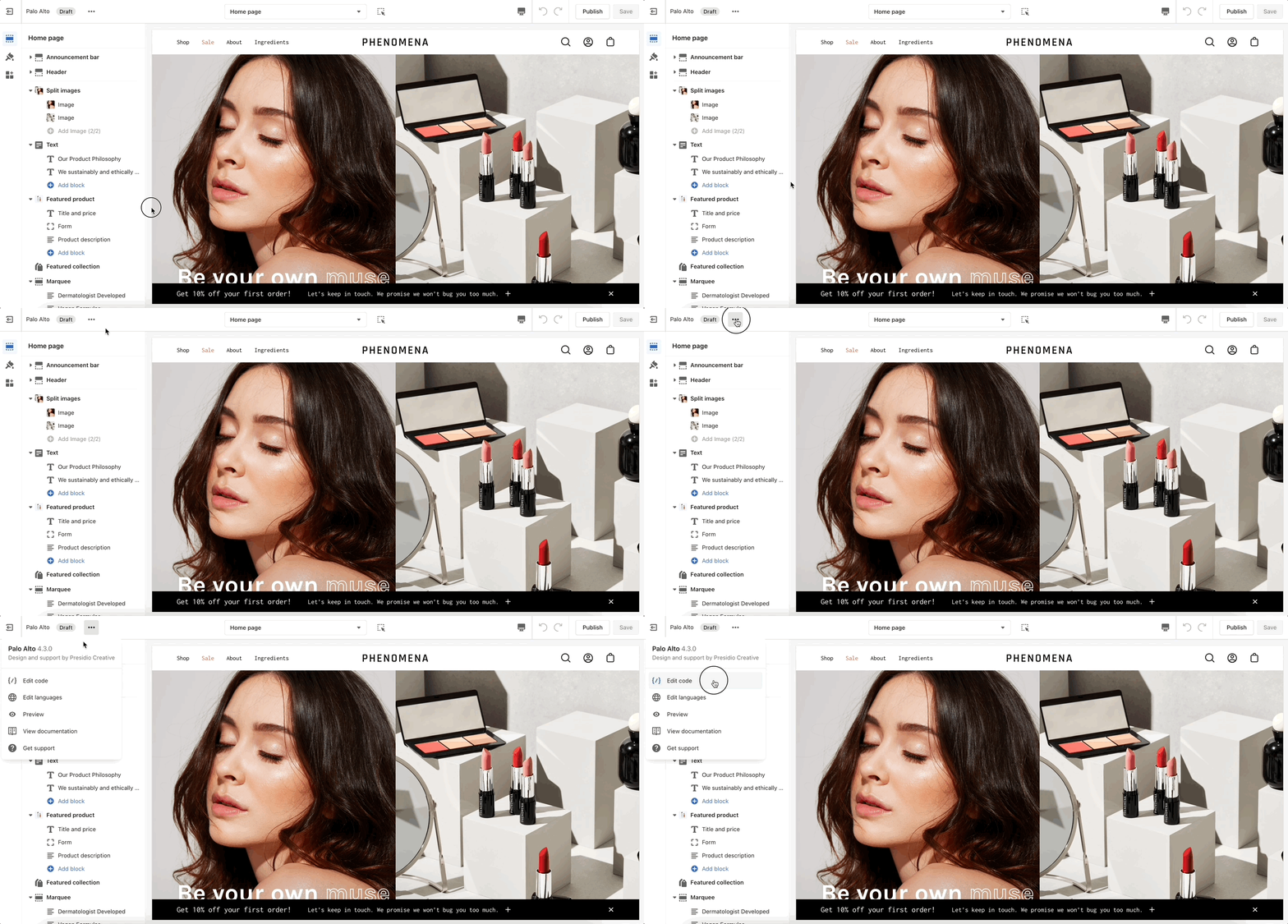
Click on the ellipses (three dots) icon at the top of the Theme Editor to view theme actions, then click on Edit code.