# Theme Settings Intro

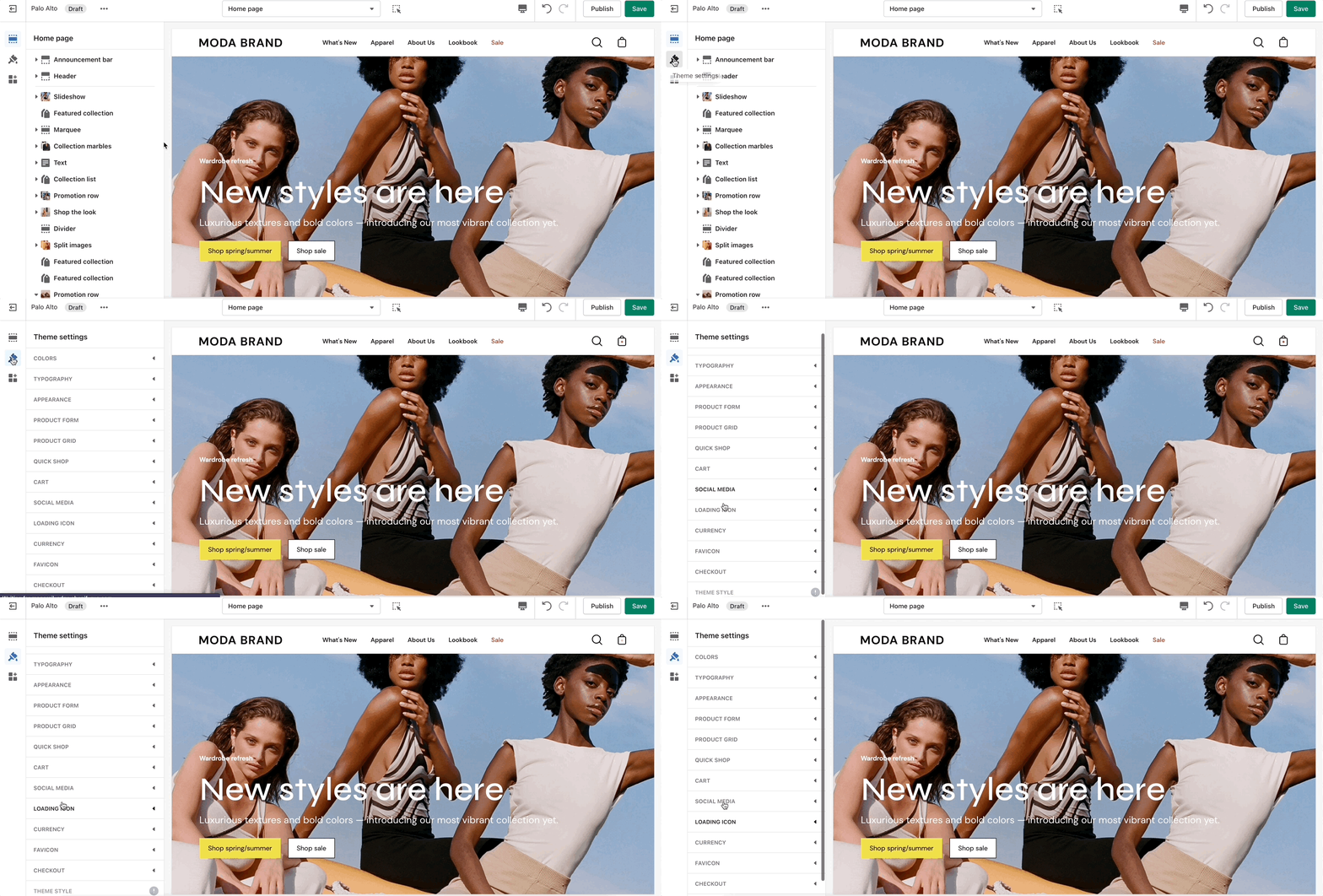
The 'Theme Settings' tab is set off to the left side in the Theme Editor. This tab contains a bundle of all global settings in Palo Alto.

<figure><img src="https://content.gitbook.com/content/euPOcbLh1oxKLt05WyGH/blobs/tPyBstAPS21ckU4JXhj2/all-theme-settings.gif" alt=""><figcaption></figcaption></figure>

{% hint style="info" %}
Please note that global settings can affect multiple sections and multiple pages.
{% endhint %}

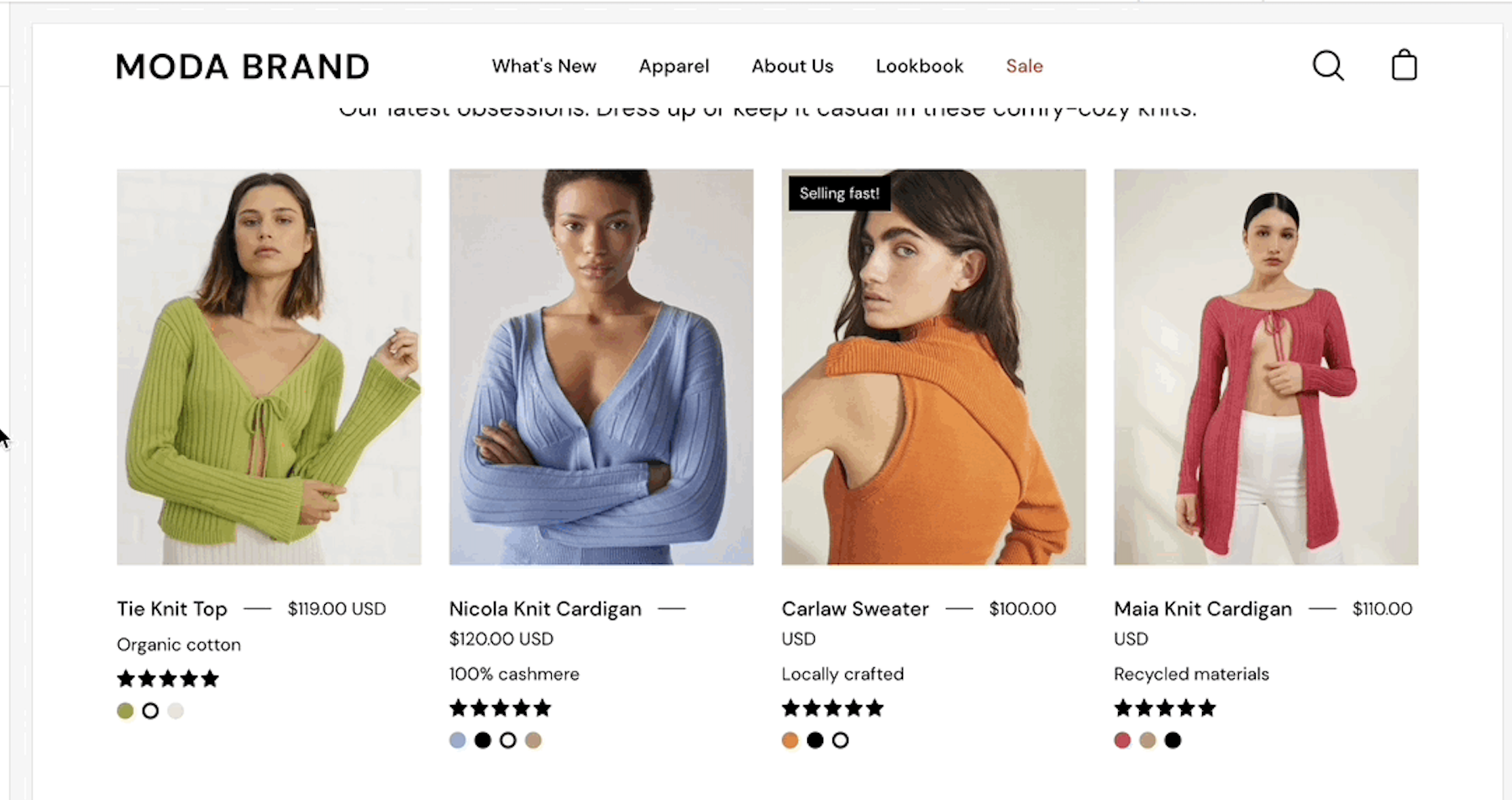
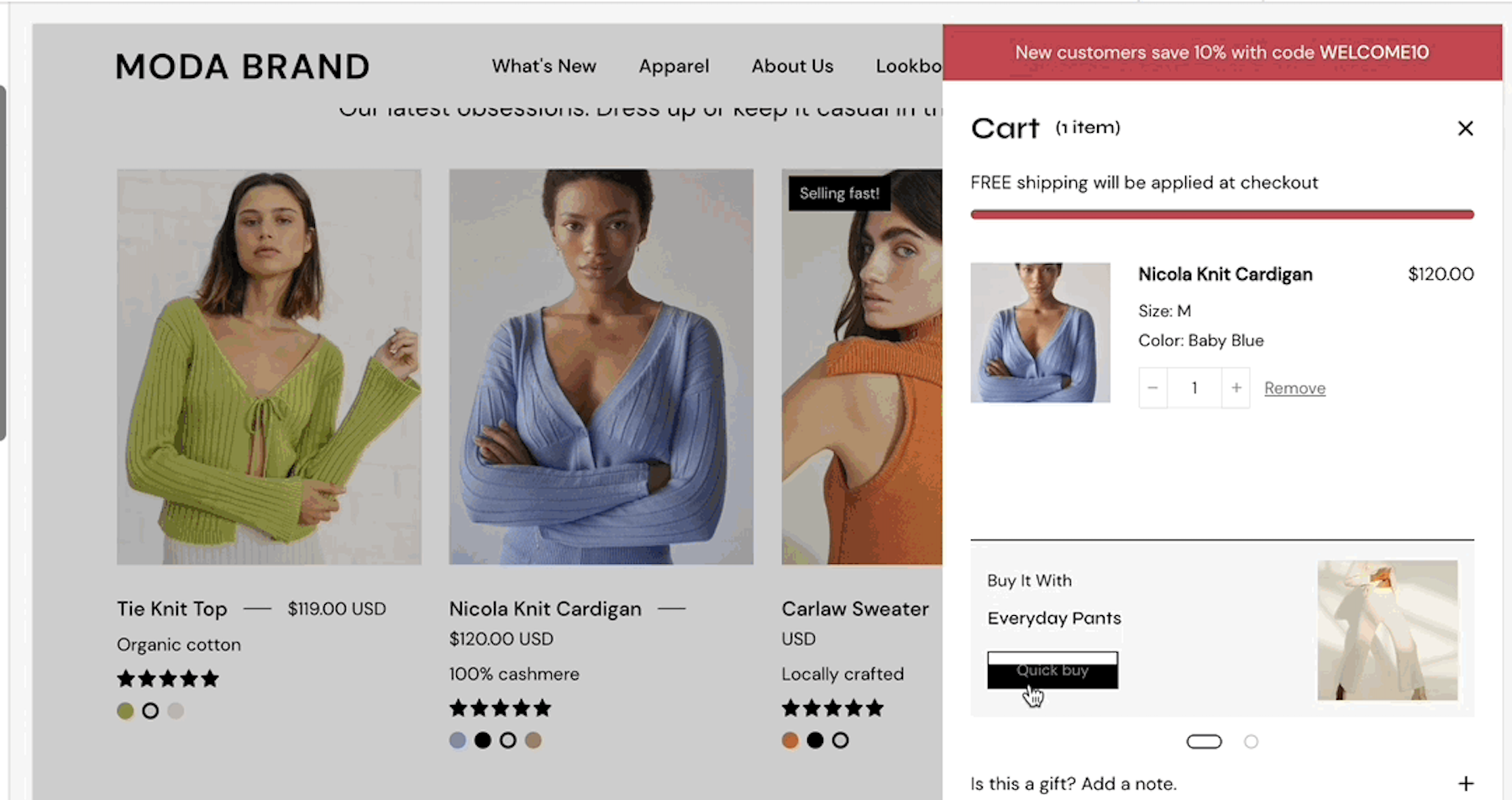
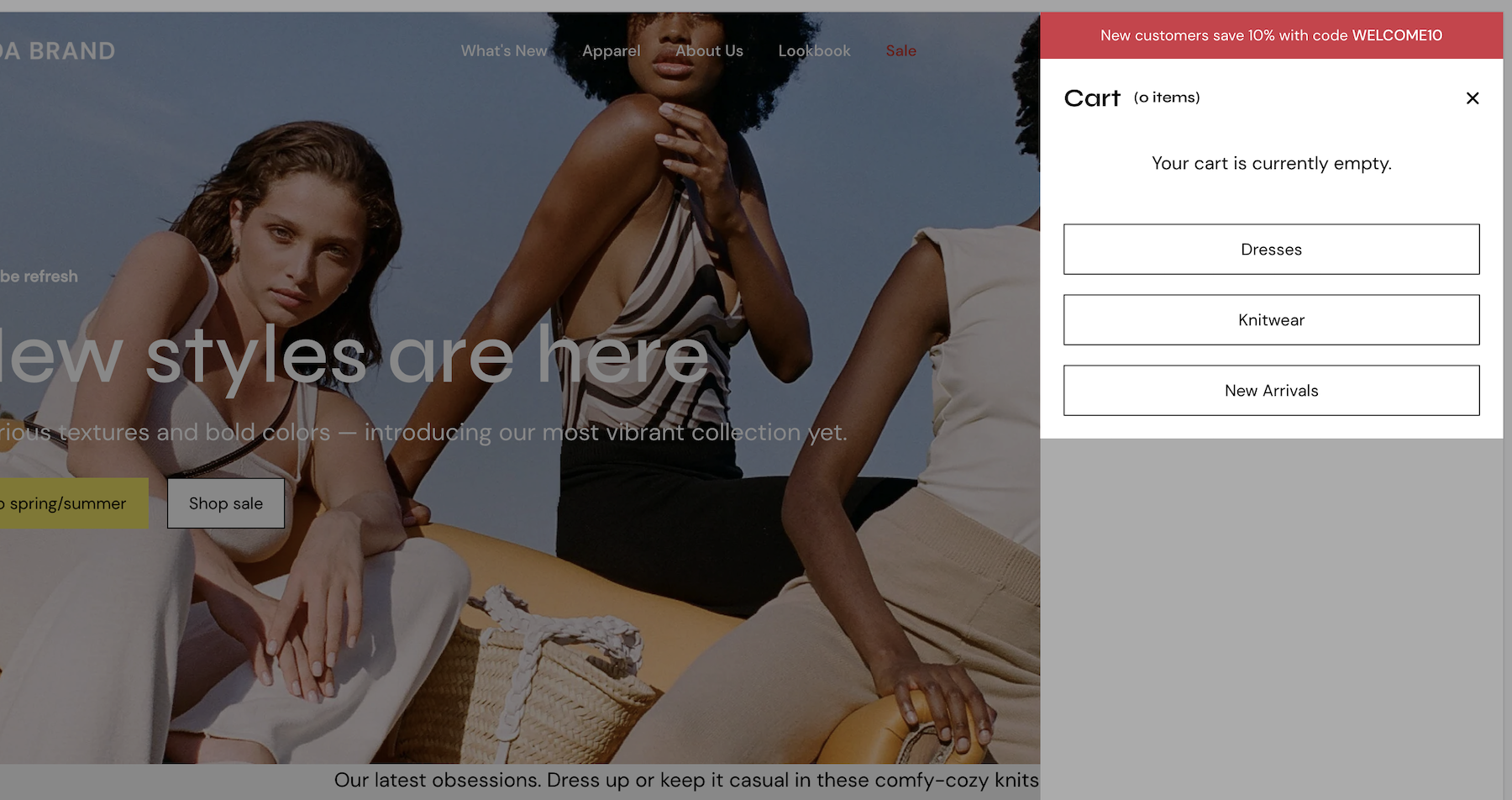
<table data-view="cards"><thead><tr><th></th><th></th><th data-hidden data-card-target data-type="content-ref"></th><th data-hidden data-card-cover data-type="files"></th></tr></thead><tbody><tr><td><strong>Colors</strong></td><td>Set three or four main colors that will represent your brand.</td><td><a href="introduction/colors">colors</a></td><td><a href="https://content.gitbook.com/content/euPOcbLh1oxKLt05WyGH/blobs/2mArxqzqF5WRslHspdB3/colors.png">colors.png</a></td></tr><tr><td><strong>Typography</strong></td><td>Set two main fonts.</td><td><a href="introduction/typography">typography</a></td><td><a href="https://content.gitbook.com/content/euPOcbLh1oxKLt05WyGH/blobs/PdLZJNoYSpie63yOcI7Q/typography.png">typography.png</a></td></tr><tr><td><strong>Appearance</strong></td><td>Miscellaneous settings that can affect small details in your store.</td><td><a href="introduction/appearance">appearance</a></td><td><a href="https://content.gitbook.com/content/euPOcbLh1oxKLt05WyGH/blobs/Ey2dkfn32JtgYjpxufcJ/appearance.png">appearance.png</a></td></tr><tr><td><strong>Product Grid</strong></td><td>Make the best fit for your images.</td><td><a href="introduction/product-grid">product-grid</a></td><td><a href="https://content.gitbook.com/content/euPOcbLh1oxKLt05WyGH/blobs/H2zB4rCJe0dNVxR3morQ/product-grid.png">product-grid.png</a></td></tr><tr><td><strong>Quick shop</strong></td><td>Add products to the cart without leaving the current page.</td><td><a href="introduction/quick-shop">quick-shop</a></td><td><a href="https://content.gitbook.com/content/euPOcbLh1oxKLt05WyGH/blobs/kAB7kVp2UmfLV5emrKWT/quick-shop.png">quick-shop.png</a></td></tr><tr><td><strong>Cart</strong></td><td>Show up to three upsell buttons when the cart is empty.</td><td><a href="introduction/cart">cart</a></td><td><a href="https://content.gitbook.com/content/euPOcbLh1oxKLt05WyGH/blobs/xt9792VgwFvpM3N2lKFC/cart.png">cart.png</a></td></tr><tr><td><strong>Loading icon</strong></td><td>Keep brand consistency and display an animation as a loading indicator for your visitors.</td><td><a href="introduction/loading-icon">loading-icon</a></td><td><a href="https://content.gitbook.com/content/euPOcbLh1oxKLt05WyGH/blobs/Q0NJgm0JXzxAwKzECVbN/icon.png">icon.png</a></td></tr><tr><td><strong>Checkout</strong></td><td>Generated by Shopify.</td><td><a href="introduction/checkout">checkout</a></td><td><a href="https://content.gitbook.com/content/euPOcbLh1oxKLt05WyGH/blobs/JzG48ZwM4KnmMTUYslZQ/checkout.png">checkout.png</a></td></tr><tr><td><strong>Theme style</strong></td><td>Small sets of different settings.</td><td><a href="introduction/theme-style">theme-style</a></td><td><a href="https://content.gitbook.com/content/euPOcbLh1oxKLt05WyGH/blobs/yMioUKc2zsBPZj4Cqcfz/theme-style.png">theme-style.png</a></td></tr></tbody></table>

### Additional Theme Settings included with Palo Alto

* Product Form
* Social media
* Currency
* Favicon