# Theme Settings Intro

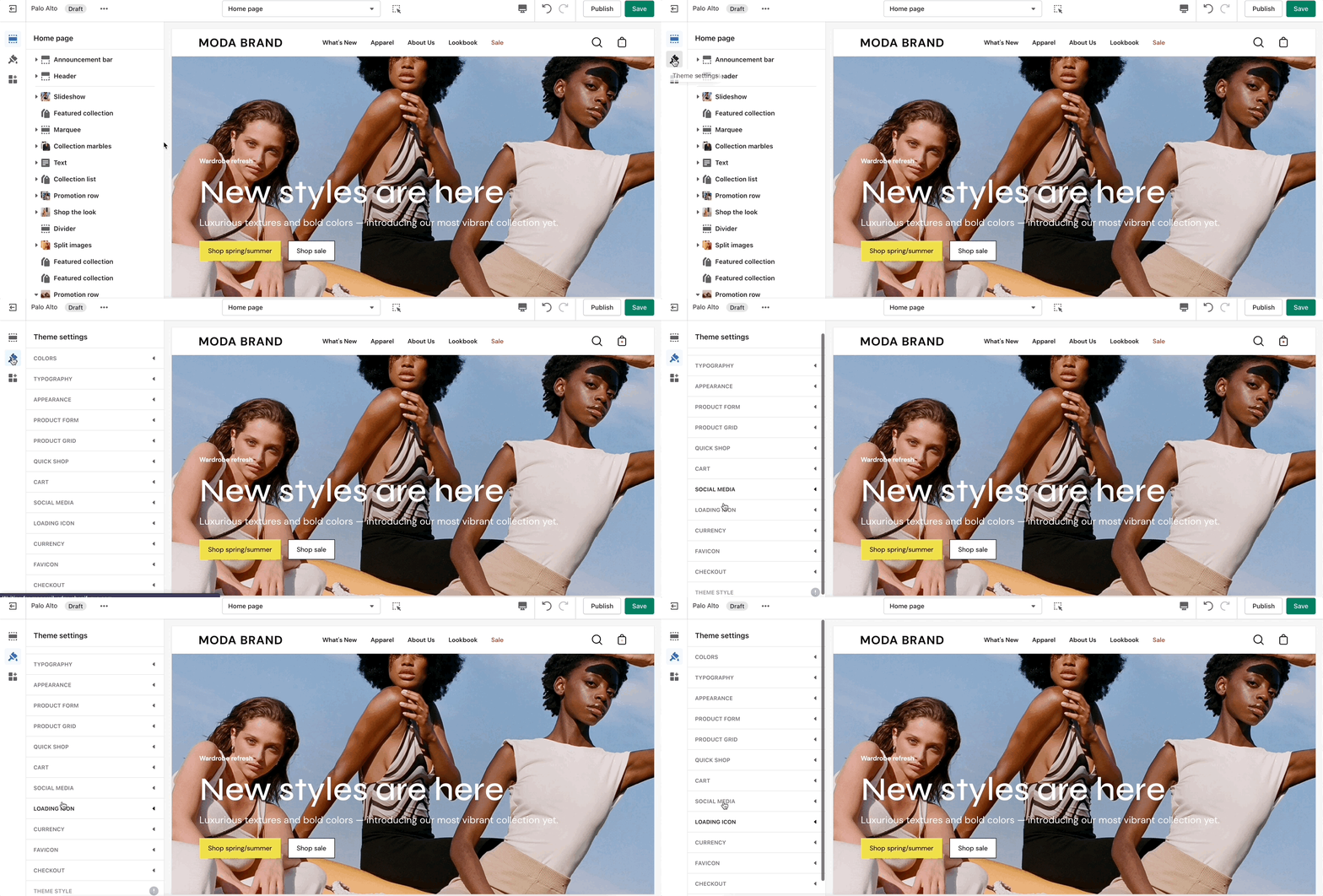
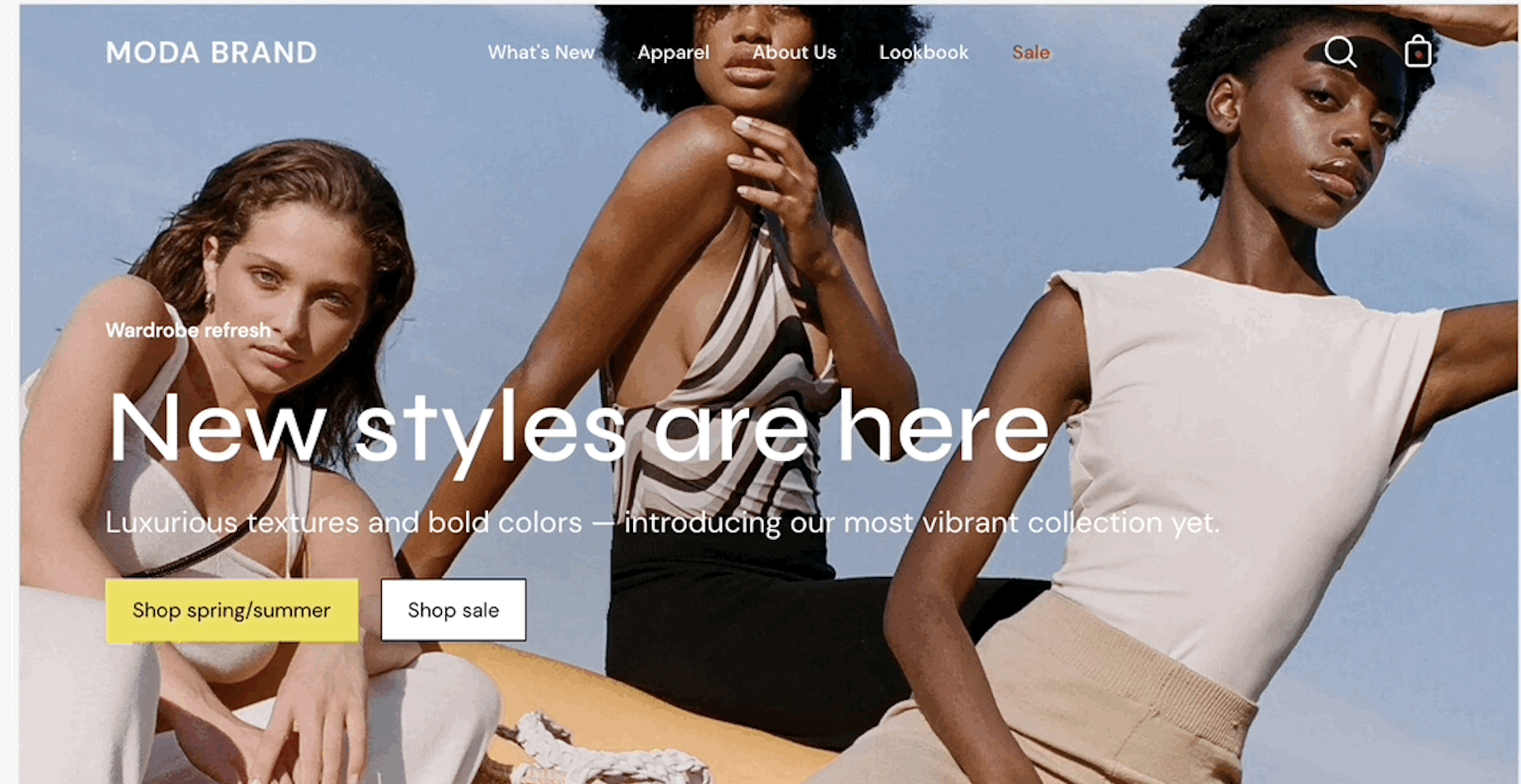
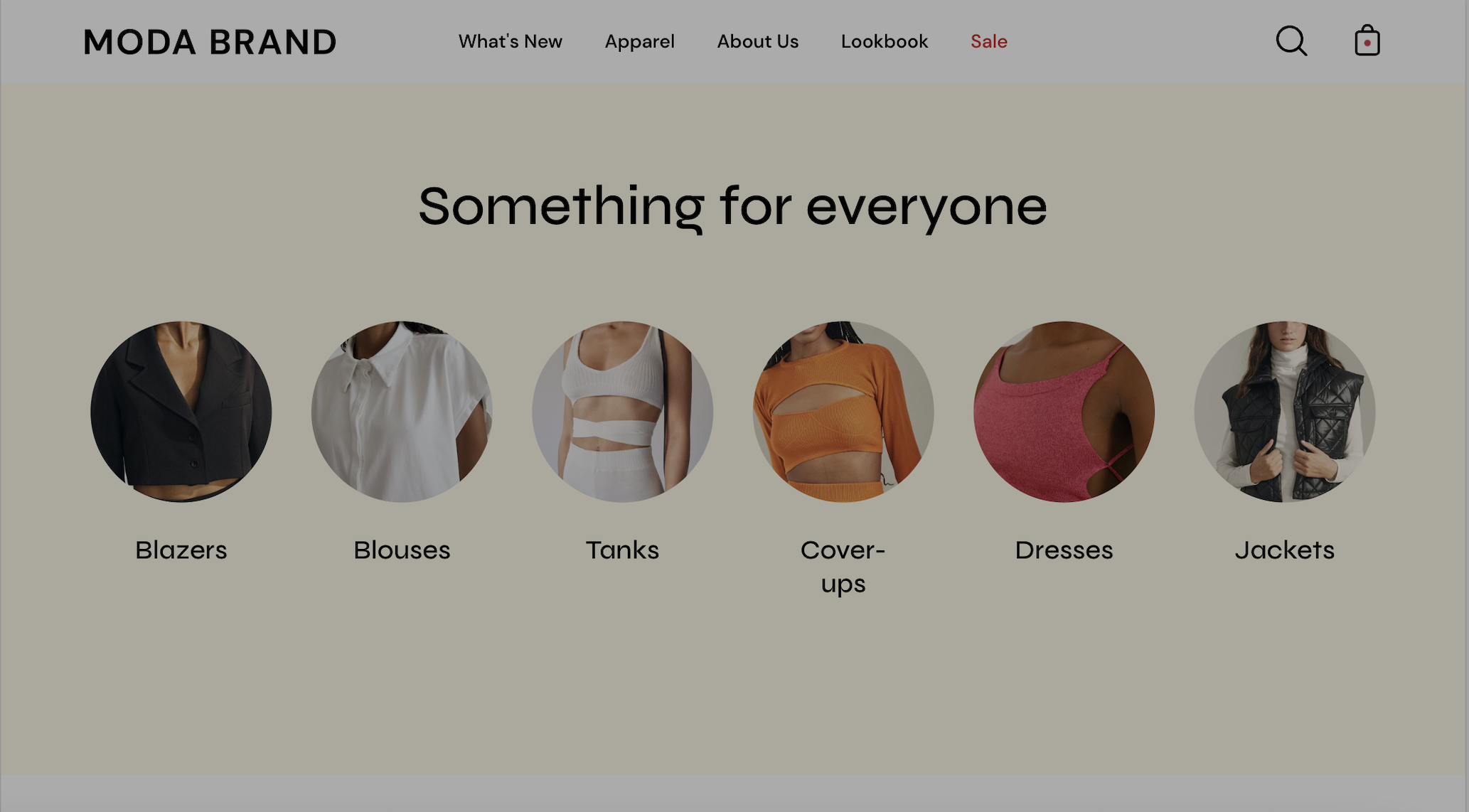
The 'Theme Settings' tab is set off to the left side in the Theme Editor. This tab contains a bundle of all global settings in Palo Alto.

<figure><img src="/files/TNw0McwRChaTgHCIcVrF" alt=""><figcaption></figcaption></figure>

{% hint style="info" %}
Please note that global settings can affect multiple sections and multiple pages.
{% endhint %}

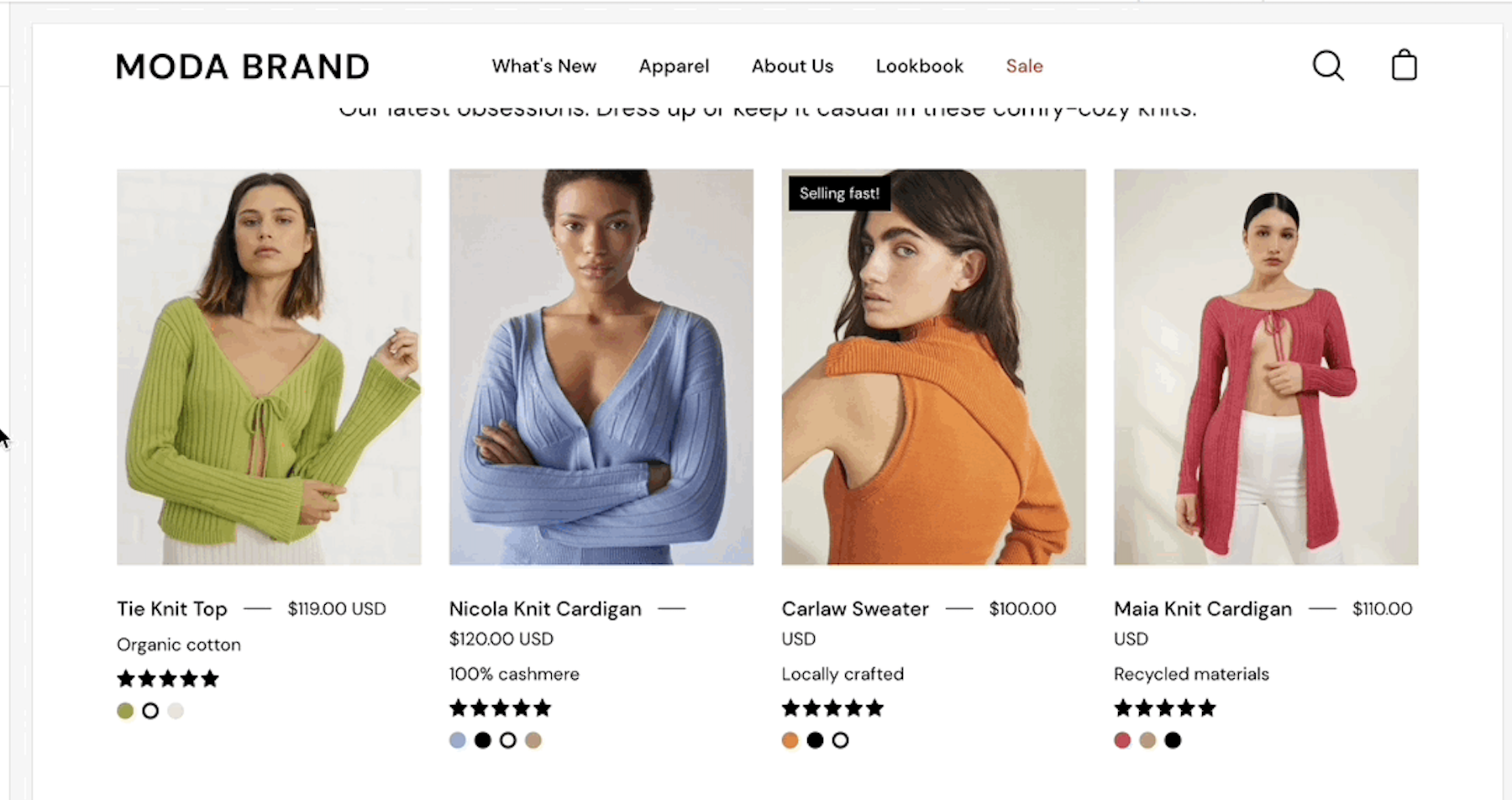
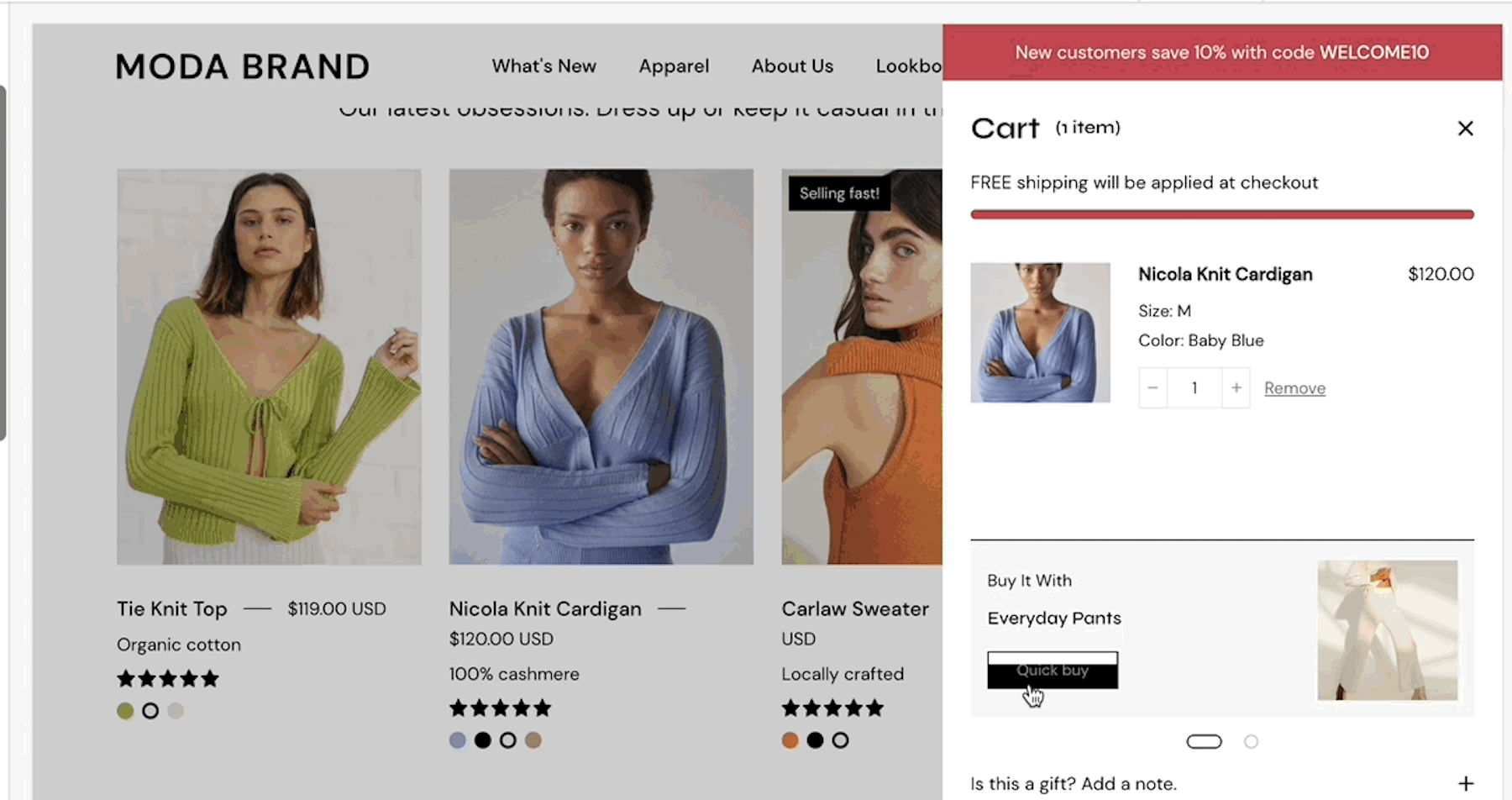
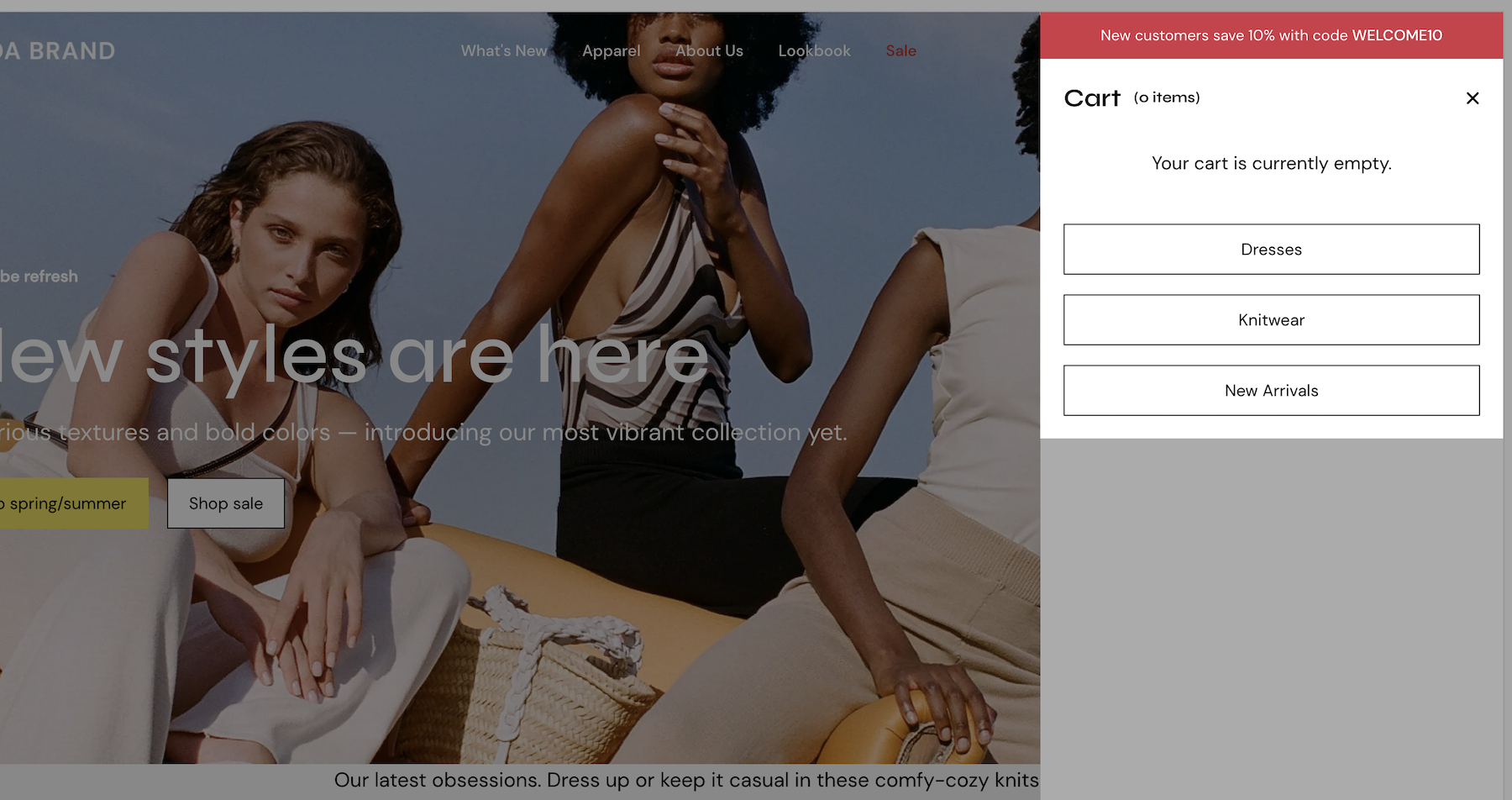
<table data-view="cards"><thead><tr><th></th><th></th><th data-hidden data-card-target data-type="content-ref"></th><th data-hidden data-card-cover data-type="files"></th></tr></thead><tbody><tr><td><strong>Colors</strong></td><td>Set three or four main colors that will represent your brand.</td><td><a href="/pages/KR6V8e4B4yiXJI1JYKrx">/pages/KR6V8e4B4yiXJI1JYKrx</a></td><td><a href="/files/cBPEeHsJT16fbWwoVoFU">/files/cBPEeHsJT16fbWwoVoFU</a></td></tr><tr><td><strong>Typography</strong></td><td>Set two main fonts.</td><td><a href="/pages/tp61R9B188ZanffIG8YA">/pages/tp61R9B188ZanffIG8YA</a></td><td><a href="/files/WTkkMUqU1xBcj83Il3Tf">/files/WTkkMUqU1xBcj83Il3Tf</a></td></tr><tr><td><strong>Appearance</strong></td><td>Miscellaneous settings that can affect small details in your store.</td><td><a href="/pages/iRBPZjZbk2tShlEGEqJQ">/pages/iRBPZjZbk2tShlEGEqJQ</a></td><td><a href="/files/9PXmxJ9oW7NvnOCKxJ25">/files/9PXmxJ9oW7NvnOCKxJ25</a></td></tr><tr><td><strong>Product Grid</strong></td><td>Make the best fit for your images.</td><td><a href="/pages/OCQRop3bl3dfWy0BKn1W">/pages/OCQRop3bl3dfWy0BKn1W</a></td><td><a href="/files/mgO416tsspsAurxuVVY4">/files/mgO416tsspsAurxuVVY4</a></td></tr><tr><td><strong>Quick shop</strong></td><td>Add products to the cart without leaving the current page.</td><td><a href="/pages/8J2R64c3eDOsDIsRJwl9">/pages/8J2R64c3eDOsDIsRJwl9</a></td><td><a href="/files/GxXQtX5XVVnXFgRaxfgm">/files/GxXQtX5XVVnXFgRaxfgm</a></td></tr><tr><td><strong>Cart</strong></td><td>Show up to three upsell buttons when the cart is empty.</td><td><a href="/pages/6CdTZLTJer8eMpHBlD9F">/pages/6CdTZLTJer8eMpHBlD9F</a></td><td><a href="/files/C2fLvBA9XnBg4J76q4qK">/files/C2fLvBA9XnBg4J76q4qK</a></td></tr><tr><td><strong>Loading icon</strong></td><td>Keep brand consistency and display an animation as a loading indicator for your visitors.</td><td><a href="/pages/IgGfXUfs7tHPCYnFWBFz">/pages/IgGfXUfs7tHPCYnFWBFz</a></td><td><a href="/files/XrgfYuOHZ9cqjpSs7JIv">/files/XrgfYuOHZ9cqjpSs7JIv</a></td></tr><tr><td><strong>Checkout</strong></td><td>Generated by Shopify.</td><td><a href="/pages/joMT8l3tmy2Dt8N2WGAt">/pages/joMT8l3tmy2Dt8N2WGAt</a></td><td><a href="/files/3tpqgR1kqVtv01ZaZdBV">/files/3tpqgR1kqVtv01ZaZdBV</a></td></tr><tr><td><strong>Theme style</strong></td><td>Small sets of different settings.</td><td><a href="/pages/z2tuyD1AcOiTkTeM7OET">/pages/z2tuyD1AcOiTkTeM7OET</a></td><td><a href="/files/l2Q7e2EbXfl6q5YBdVgp">/files/l2Q7e2EbXfl6q5YBdVgp</a></td></tr></tbody></table>

### Additional Theme Settings included with Palo Alto

* Product Form
* Social media
* Currency
* Favicon


---

# Agent Instructions: Querying This Documentation

If you need additional information that is not directly available in this page, you can query the documentation dynamically by asking a question.

Perform an HTTP GET request on the current page URL with the `ask` query parameter:

```
GET https://palo-alto.presidiocreative.com/palo-alto-4.4/theme-settings/introduction.md?ask=<question>
```

The question should be specific, self-contained, and written in natural language.
The response will contain a direct answer to the question and relevant excerpts and sources from the documentation.

Use this mechanism when the answer is not explicitly present in the current page, you need clarification or additional context, or you want to retrieve related documentation sections.