> For the complete documentation index, see [llms.txt](https://palo-alto.presidiocreative.com/llms.txt). Markdown versions of documentation pages are available by appending `.md` to page URLs; this page is available as [Markdown](https://palo-alto.presidiocreative.com/palo-alto-4.4/products/product-ratings.md).
# Product ratings
Display options for Product Reviews app within Palo Alto
Palo Alto has built-in support for Shopify's Product Reviews app. Star ratings can be shown throughout the theme. Here are some examples:
**Product Detail page**
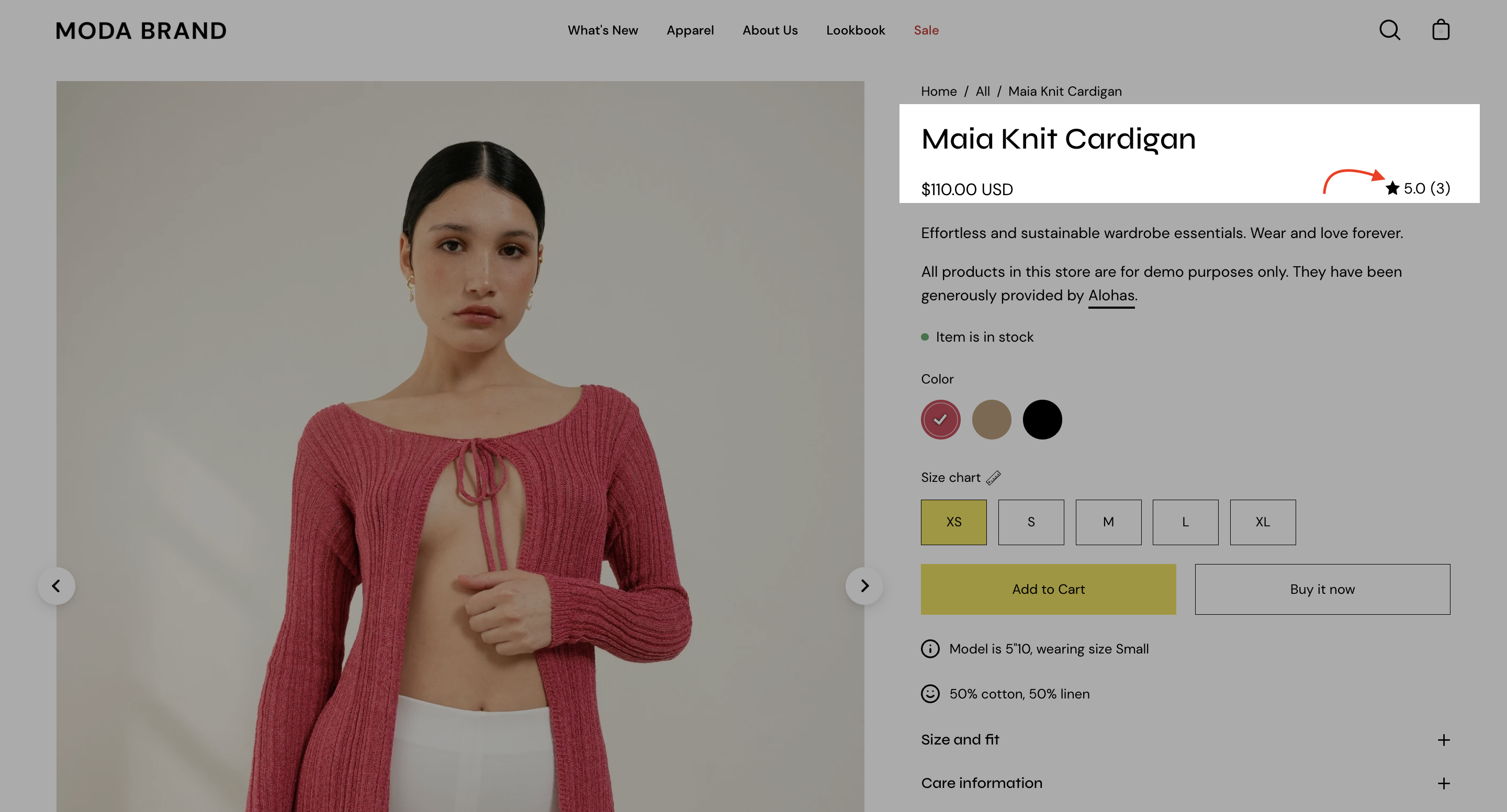
Star and average rating value next to product name:
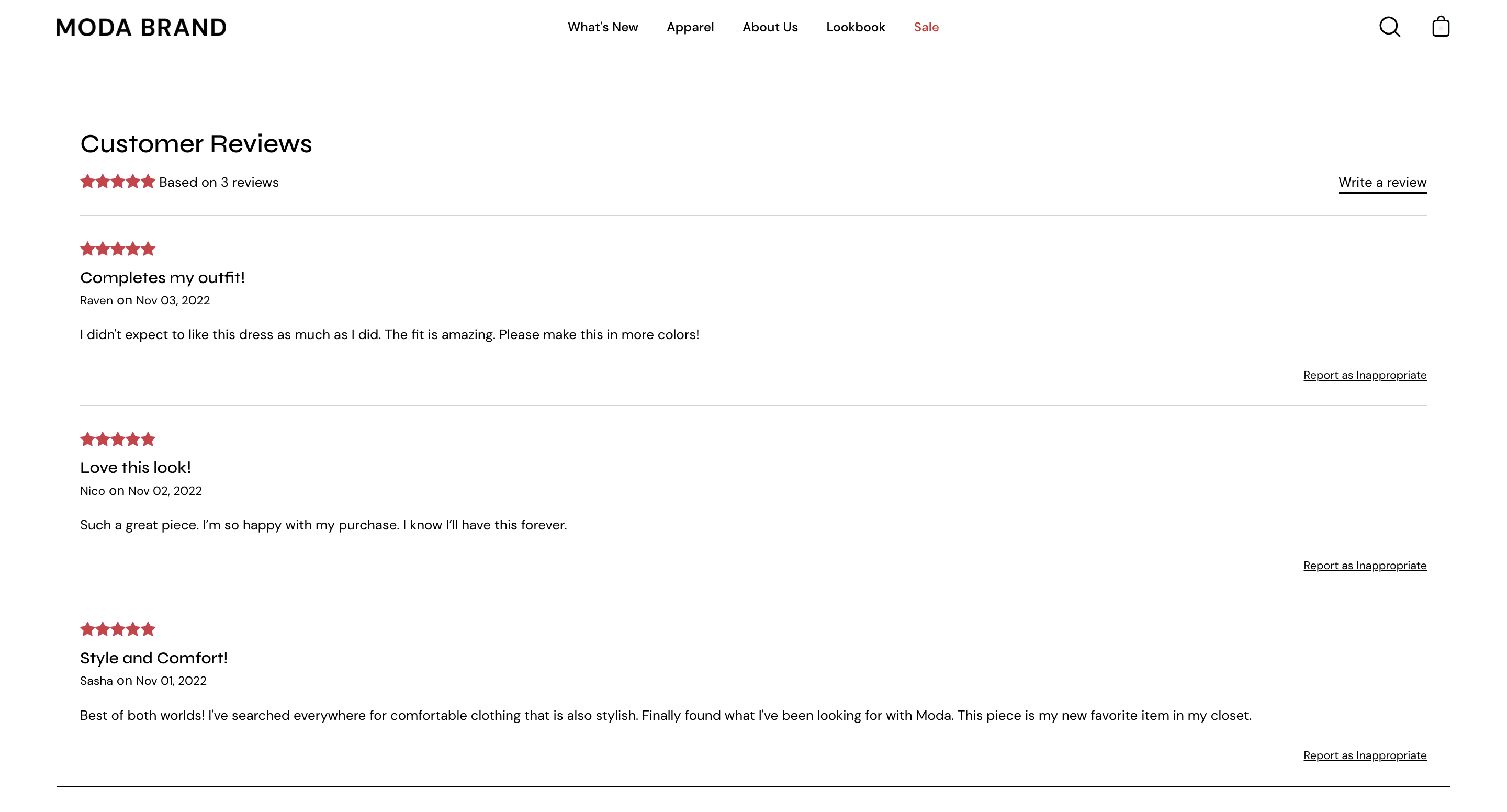
Individual reviews and forms to add a new review can be shown with Palo Alto's accordions or separate below the product description:
**Collection page and Product Grid sections**
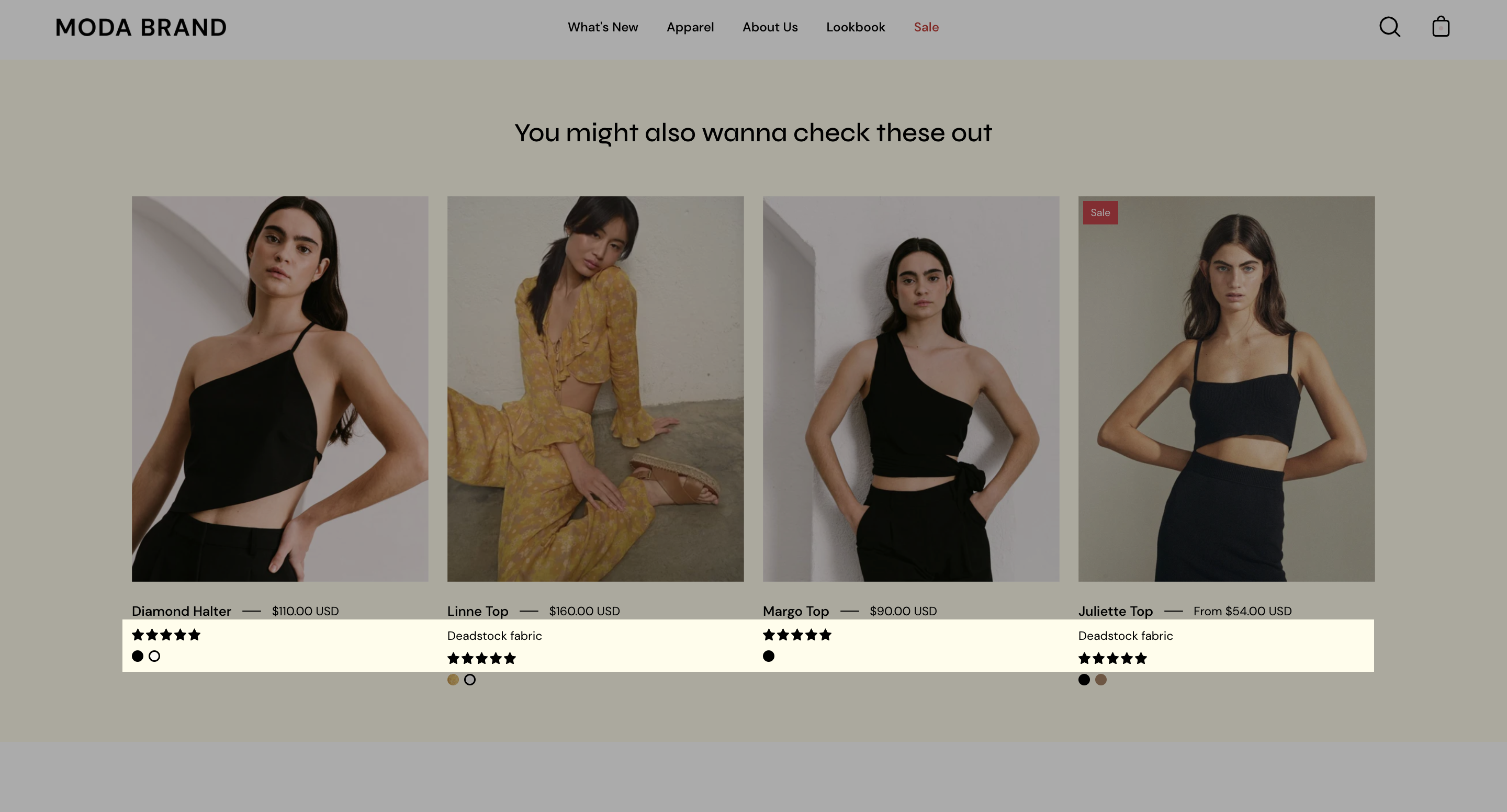
Stars can be shown below the product name and price:
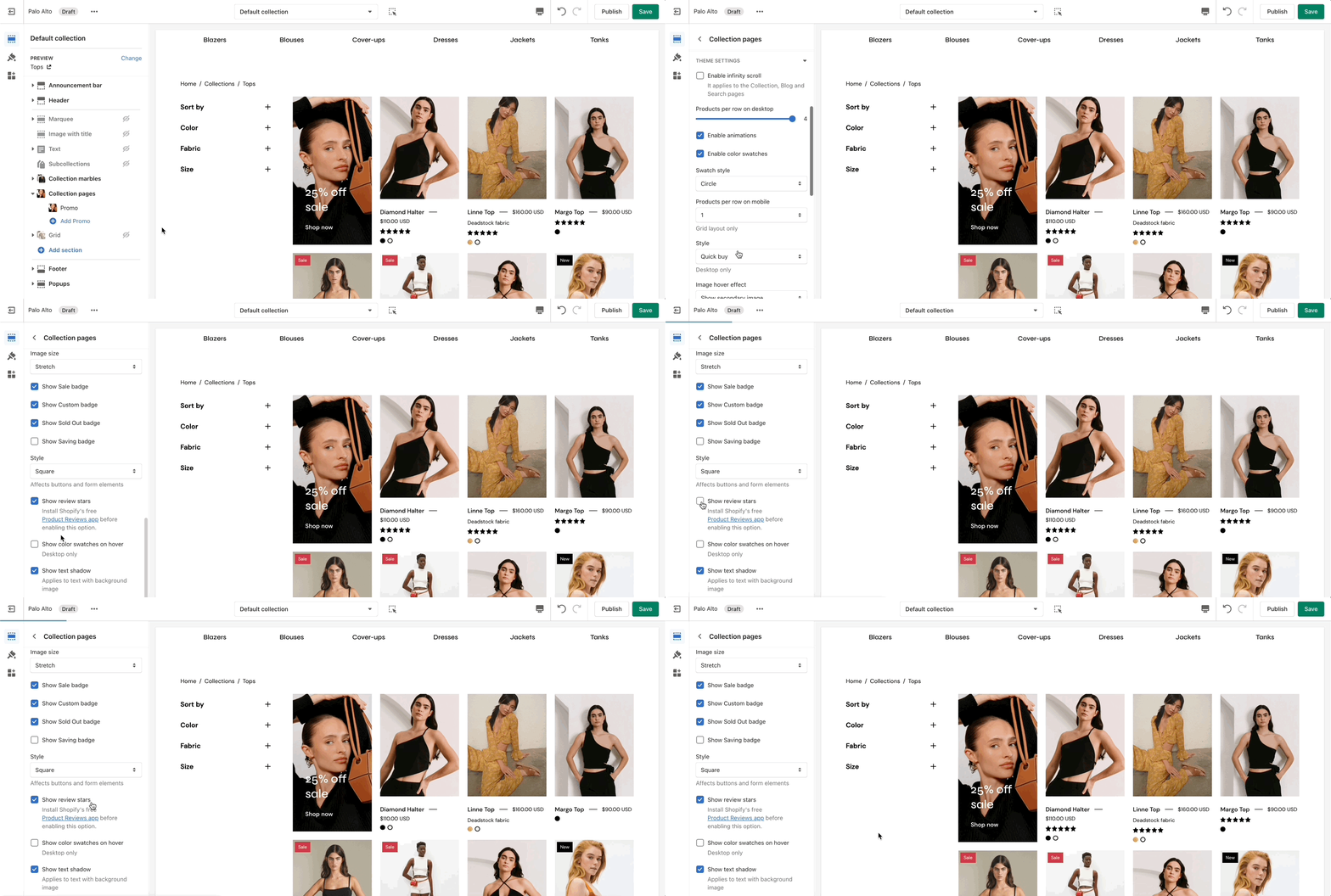
The option to enable this can be found in the Collection pages section under the Theme Settings Tab.
## How to setup
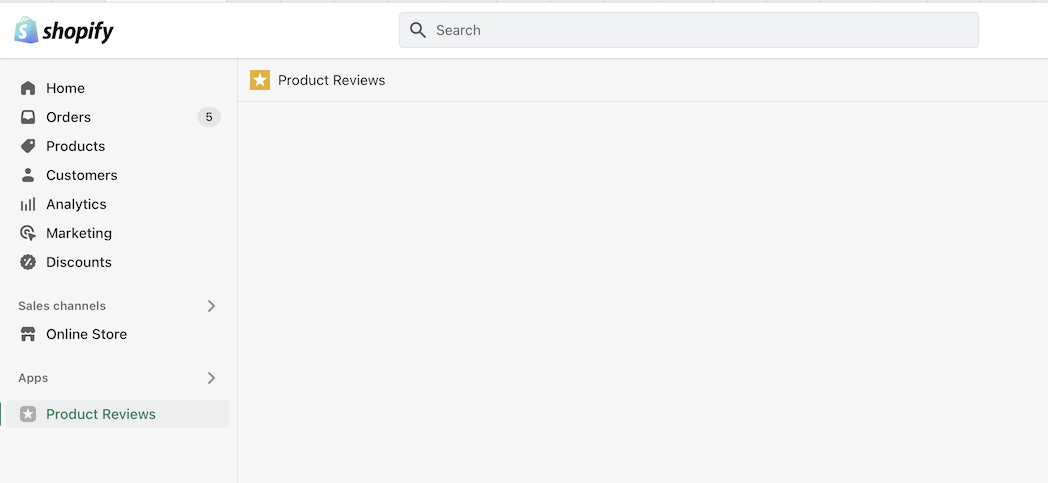
Palo Alto includes quick and easy settings in the Theme Editor to display ratings. The main requirement is that you have the Shopify Reviews app installed:
If you don't have the app installed, use this link to download it.
{% embed url="" %}
### Theme Editor Settings
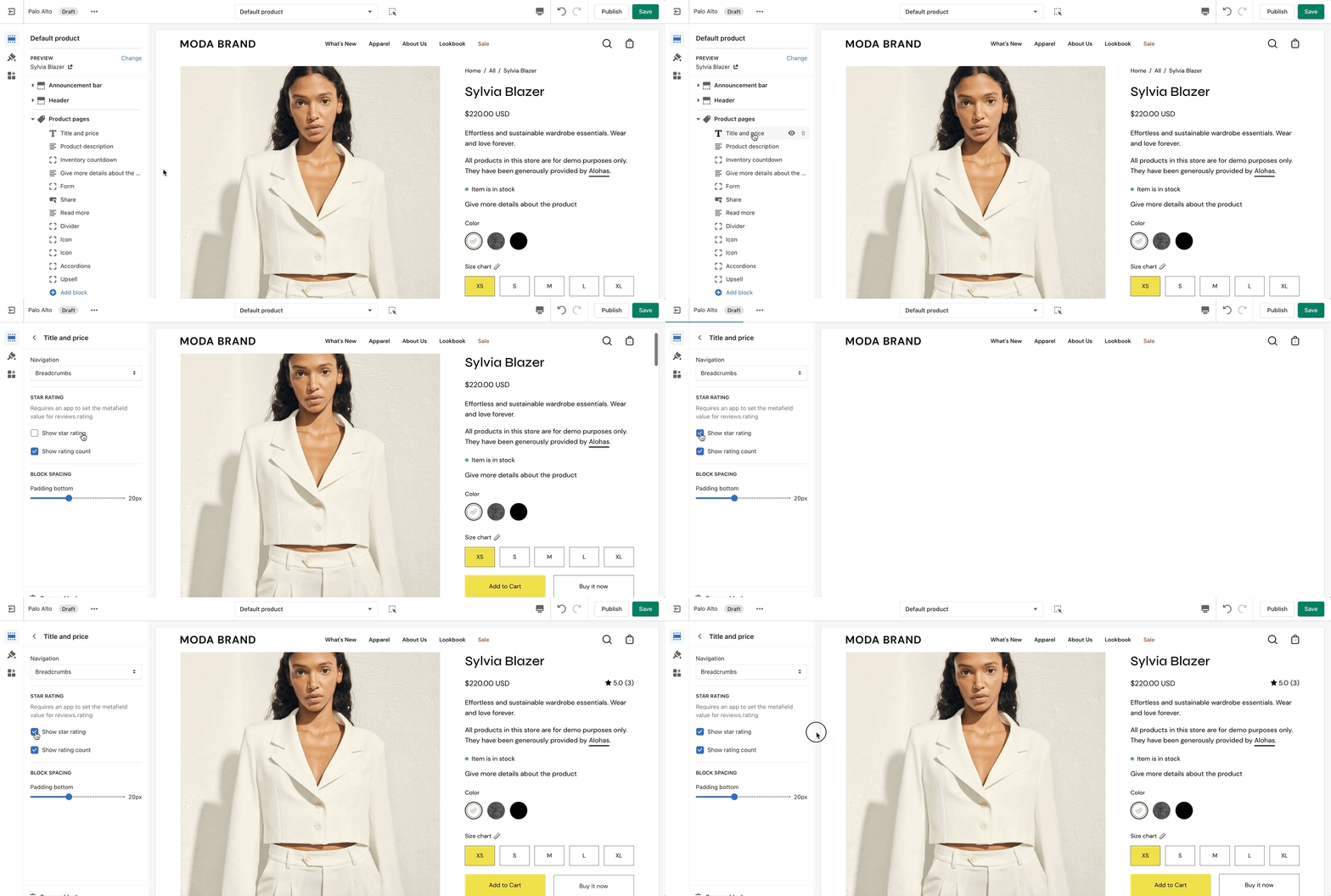
For the Product Detail page, you can easily add the rating value, star, and the number of ratings from the **Title and price** block under the Product pages section:
There are checkboxes for the following:
* **Show star rating** - Adds a star icon next to the rating number.
* **Show rating count** - Displays the number of reviews for the current product.