> For the complete documentation index, see [llms.txt](https://palo-alto.presidiocreative.com/llms.txt). Markdown versions of documentation pages are available by appending `.md` to page URLs; this page is available as [Markdown](https://palo-alto.presidiocreative.com/palo-alto-4.4/collections/palo-alto-collection-pages.md).
# Collection Pages
Collection and Product grid settings and configuration options
The Collection page template introduces infinite customization options that you never knew you needed!
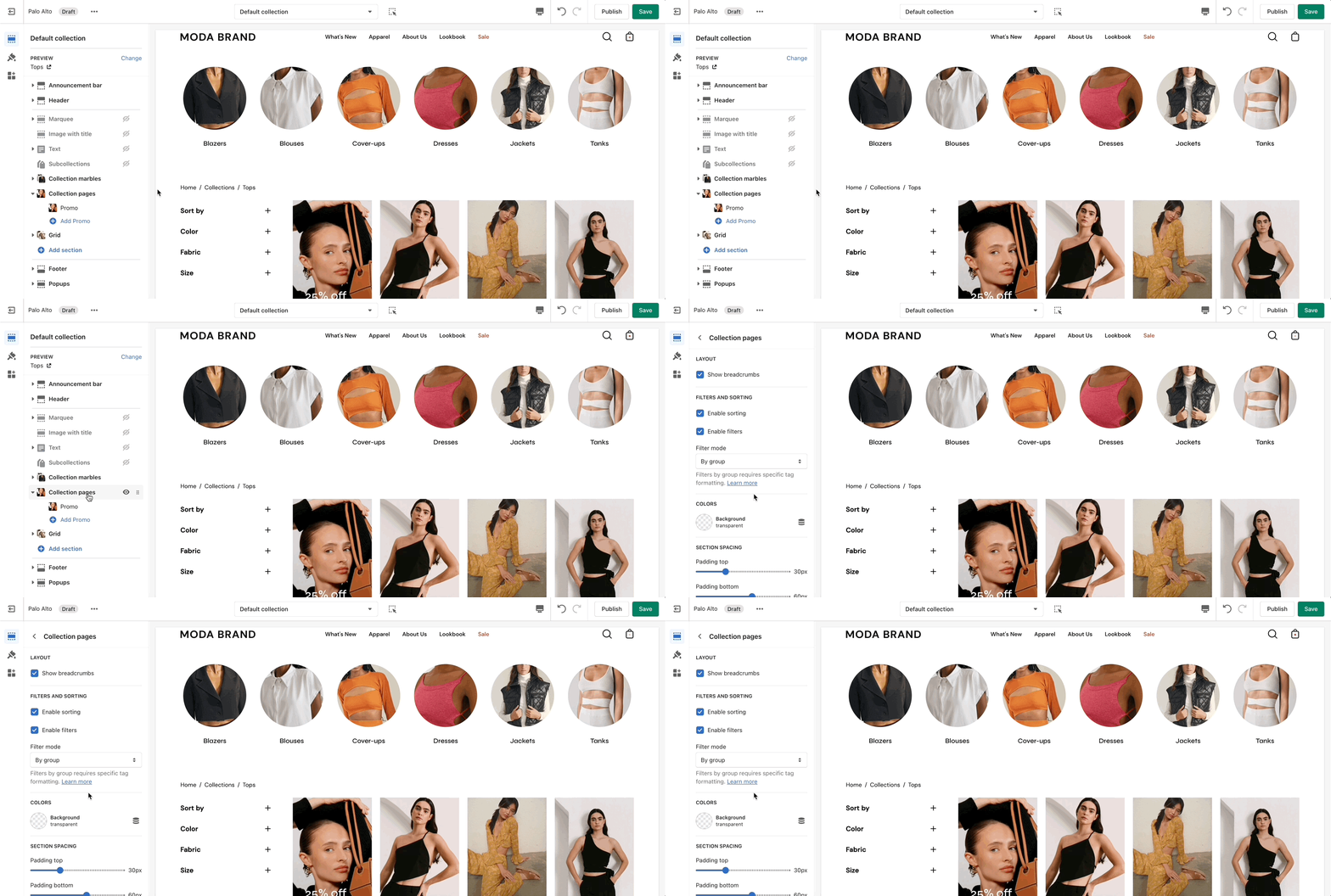
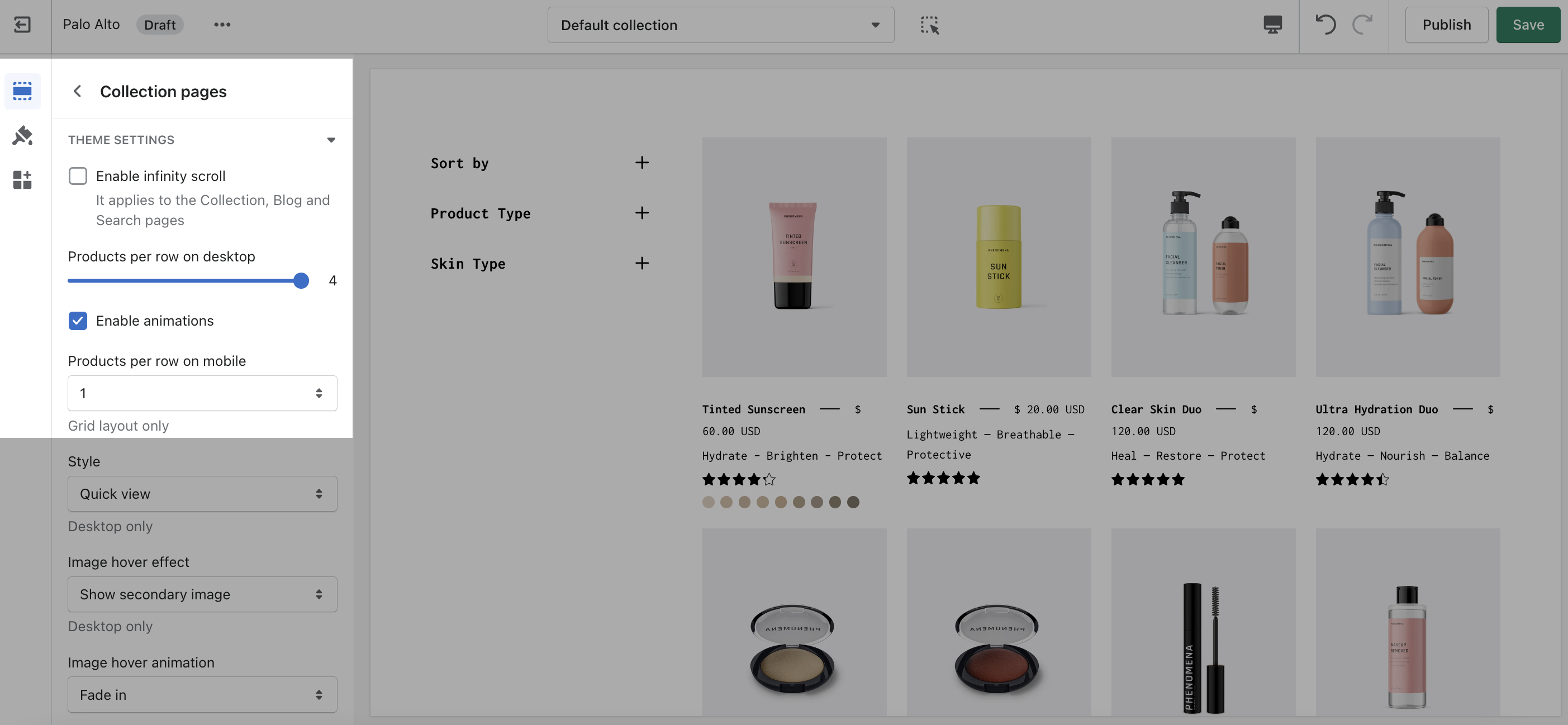
Click on **Collection products** to view settings for Collection pages:
### Product Grid
Use the Product Grid options to customize how many products per row are displayed on desktop and mobile.