> For the complete documentation index, see [llms.txt](https://palo-alto.presidiocreative.com/llms.txt). Markdown versions of documentation pages are available by appending `.md` to page URLs; this page is available as [Markdown](https://palo-alto.presidiocreative.com/palo-alto-4.4/blogs/palo-alto-blog-pages.md).
# Blog Pages
Blog pages are meant to be a simple assortment of articles but who's to say you shouldn't customize them?
### Layout and settings
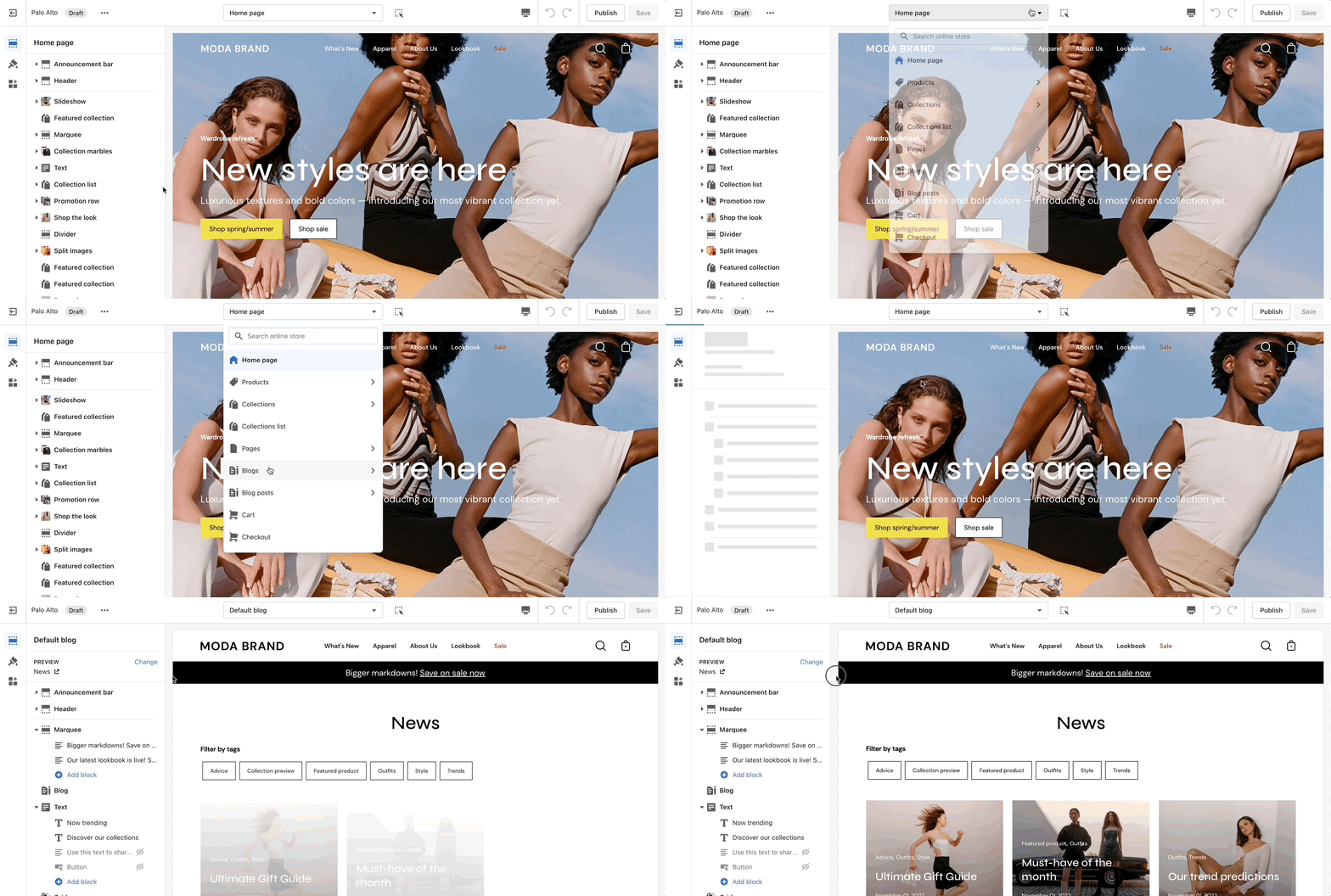
The blog pages section holds a handful of settings but they can be quite important. These settings can be accessed by first navigating to the blog page you're looking to edit.
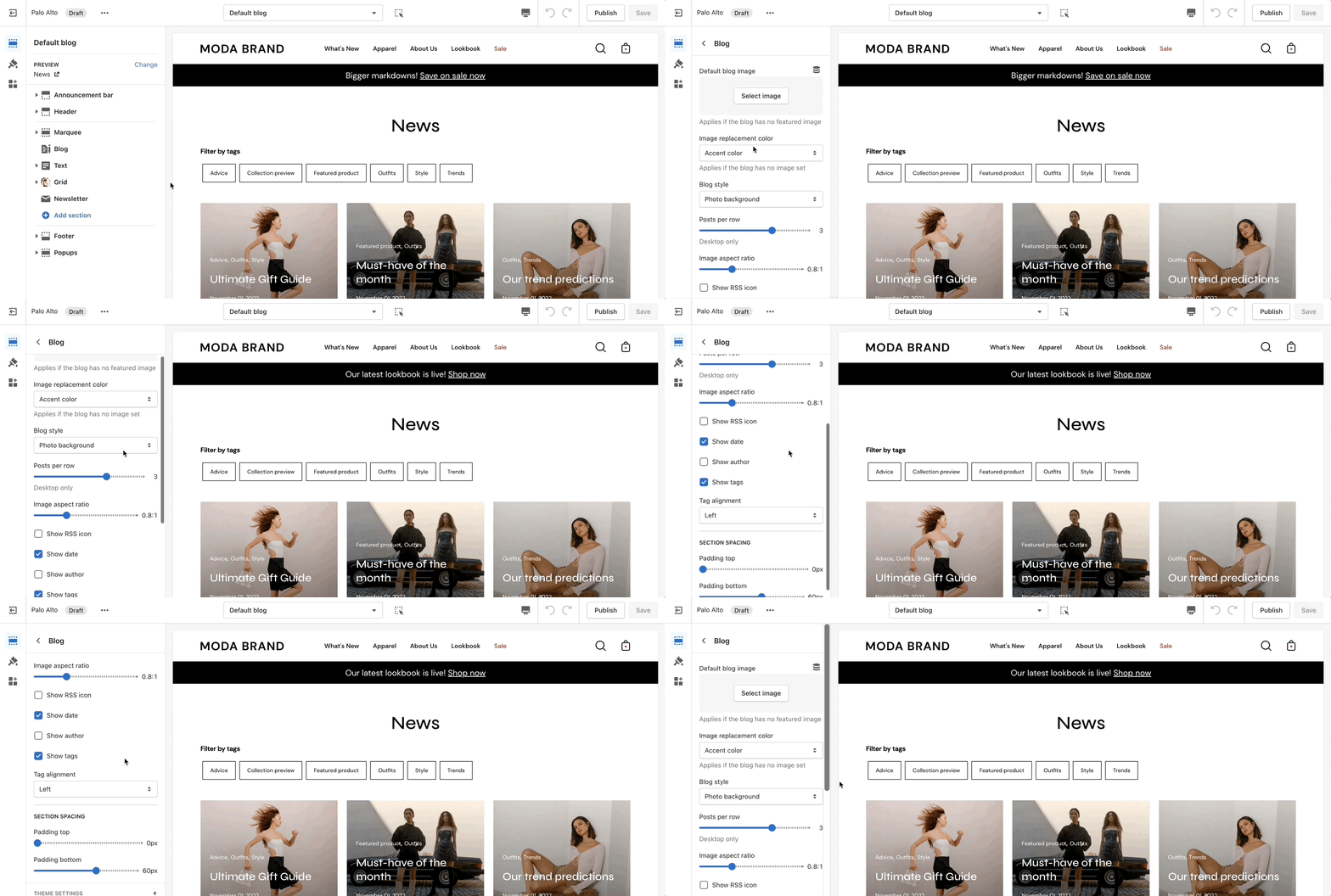
Palo Alto displays a rich grid of all your blog post articles. Click on **Blog pages** to configure the layout of your blog index page.
### Blog Layout
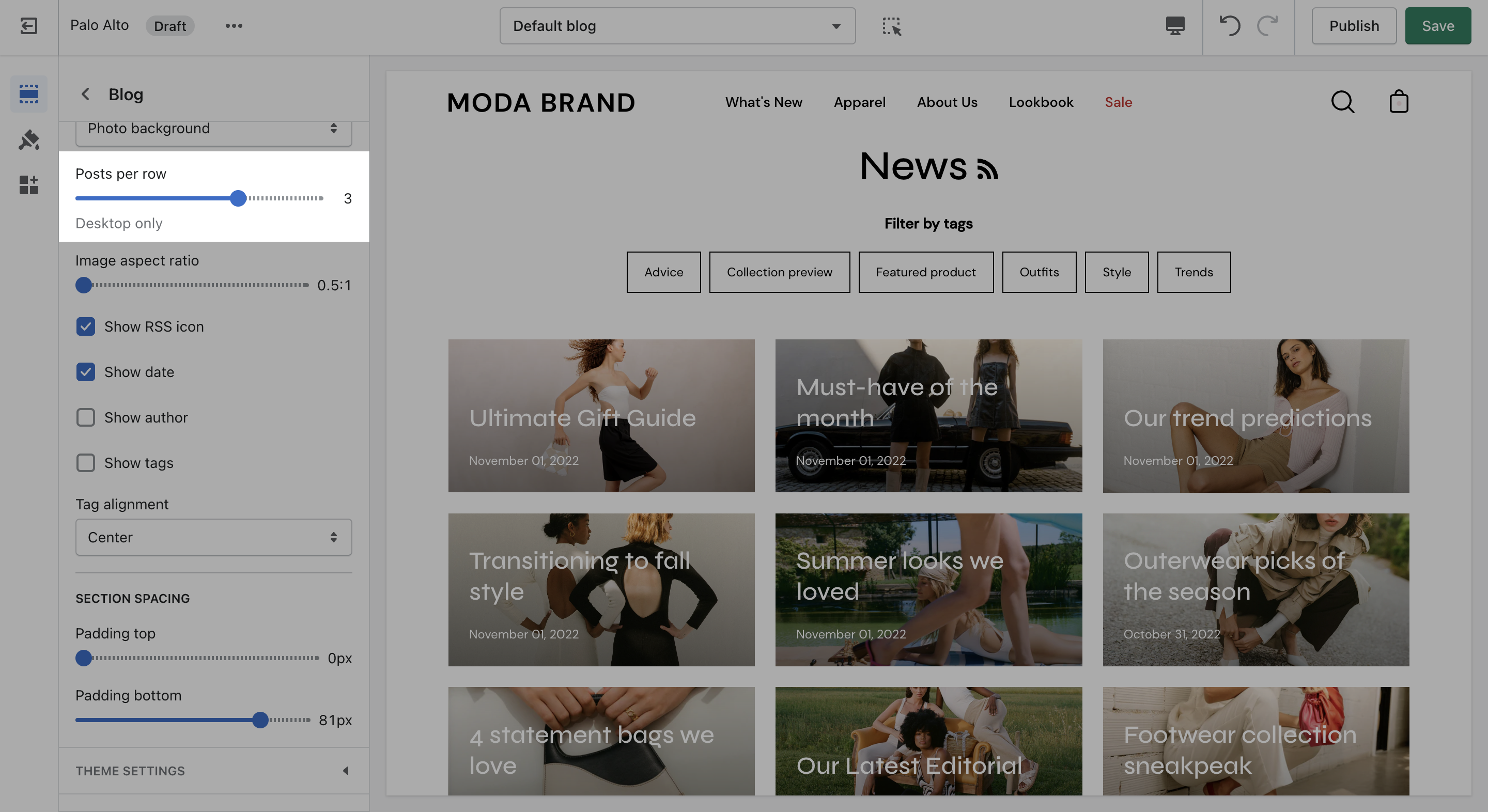
Controls to customize the layout of your blog index page:
> **TIP** - Use Show tags to display the navigation tabs which allows readers to filter though your articles
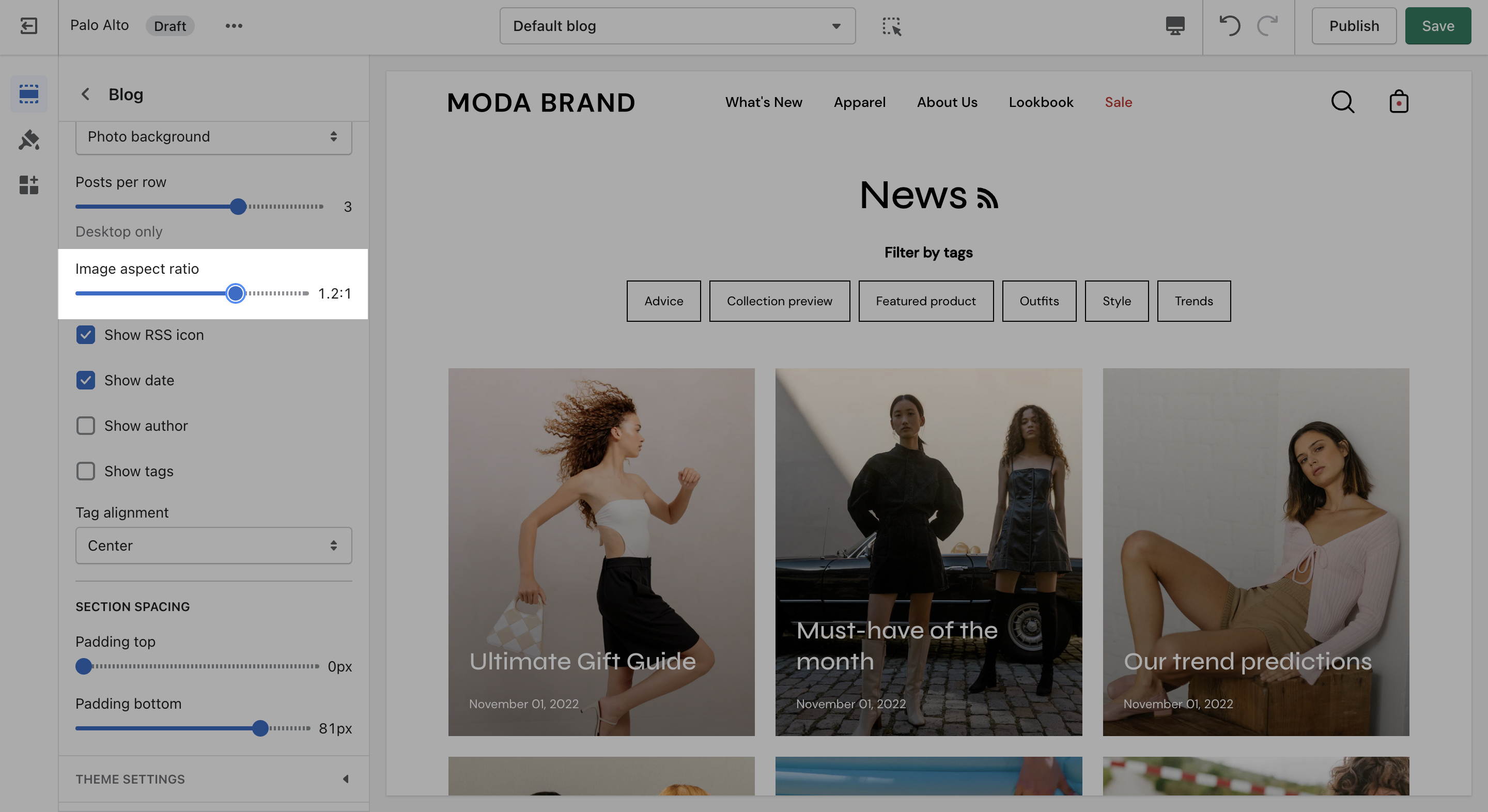
### Articles
You can adjust the image aspect ratio with the range slider.